

How Much Space Should I Allocate to a Scratch Disk in Illustrator CC 2017?
I create vector art in Illustrator, and then link it in Photoshop to add detailed shading, so I have them both running at the same time, which uses a lot of RAM.
I am running an early-2014 11" Macbook Air. It has 4GB of RAM, 256GB of SSD (with 100 allocated to a bootcamp partition), Intel HD Graphics 5000, and a 1.4 GHz Intel Core i5. About 20 GB is free on my laptop's internal hard drive at any given time. I have a 2TB external USB 3.0 hard drive with roughly 800GB free to be reallocated.
If I were to make a partition on my external hard drive for Illustrator to use as a scratch disk, what would be a reasonable size for it?
And would it be best to make one combined scratch disk for both Photoshop and Illustrator to use at the same time or one per program?
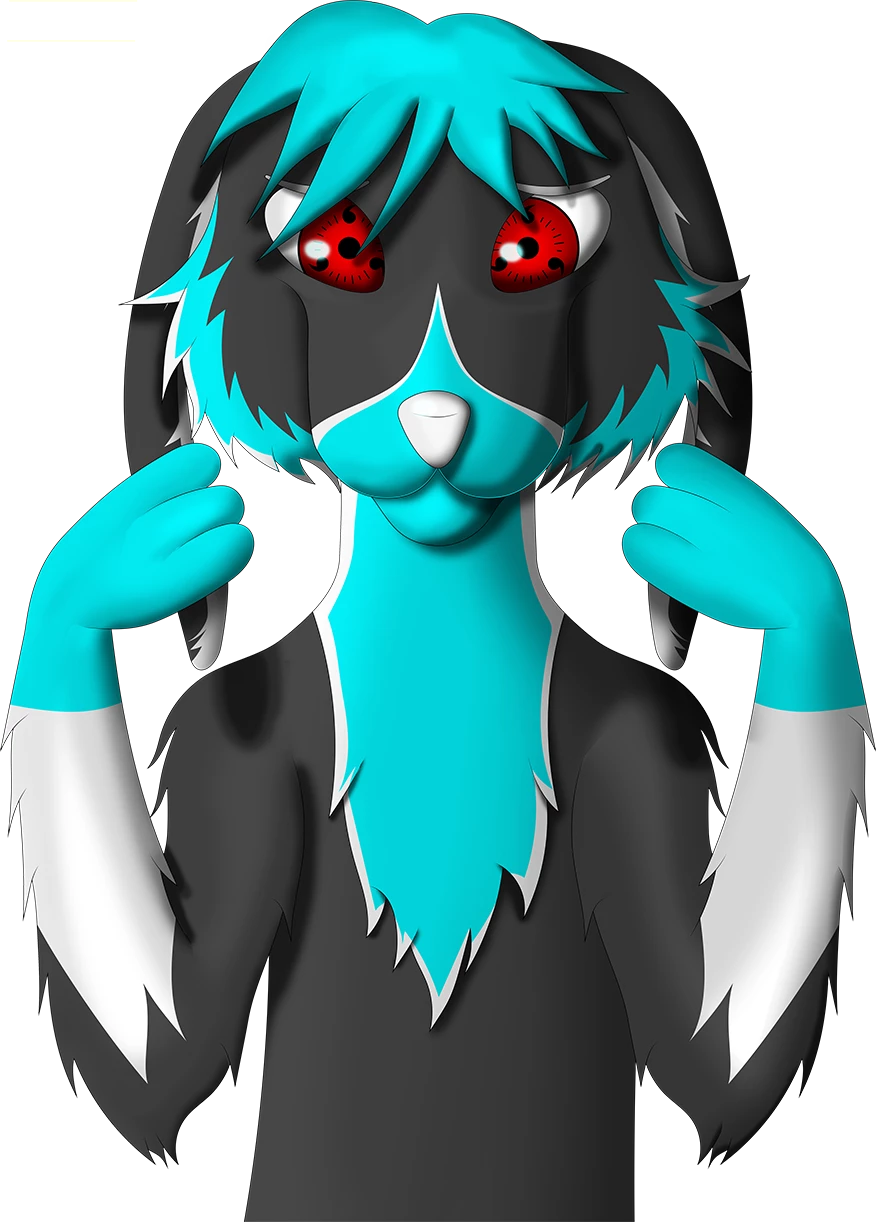
Here is an example of the last thing I made for reference. (This is after I shaded it in photoshop. All the basic coloring and line art was done in illustrator.) I might make larger scenes with more characters and objects in the future, though.
(PS I am a college student with not much money. So recommending something that is expensive but "worth it" like a new laptop or external SSD does not really help.)
 AdChoices