

Answered
How to Get Color Accuracy from ColorHexa into Illustrator?
Hello,
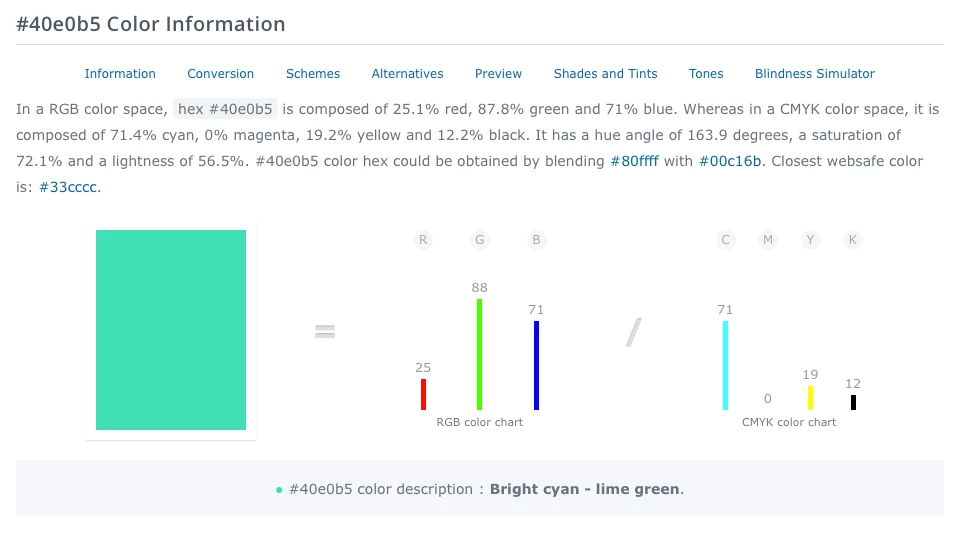
I have been making a Moo Business Cards with Adobe Illustrator and I am using ColorHexa to copy and paste my RGB Colors. My color space in Illustrator is CMYK and Gracol 2006 which is the correct export settings for Moo. Here is one color I want to bring into Illustrator but when I plug in the numbers the color changes in Illustrator and is inaccurate:
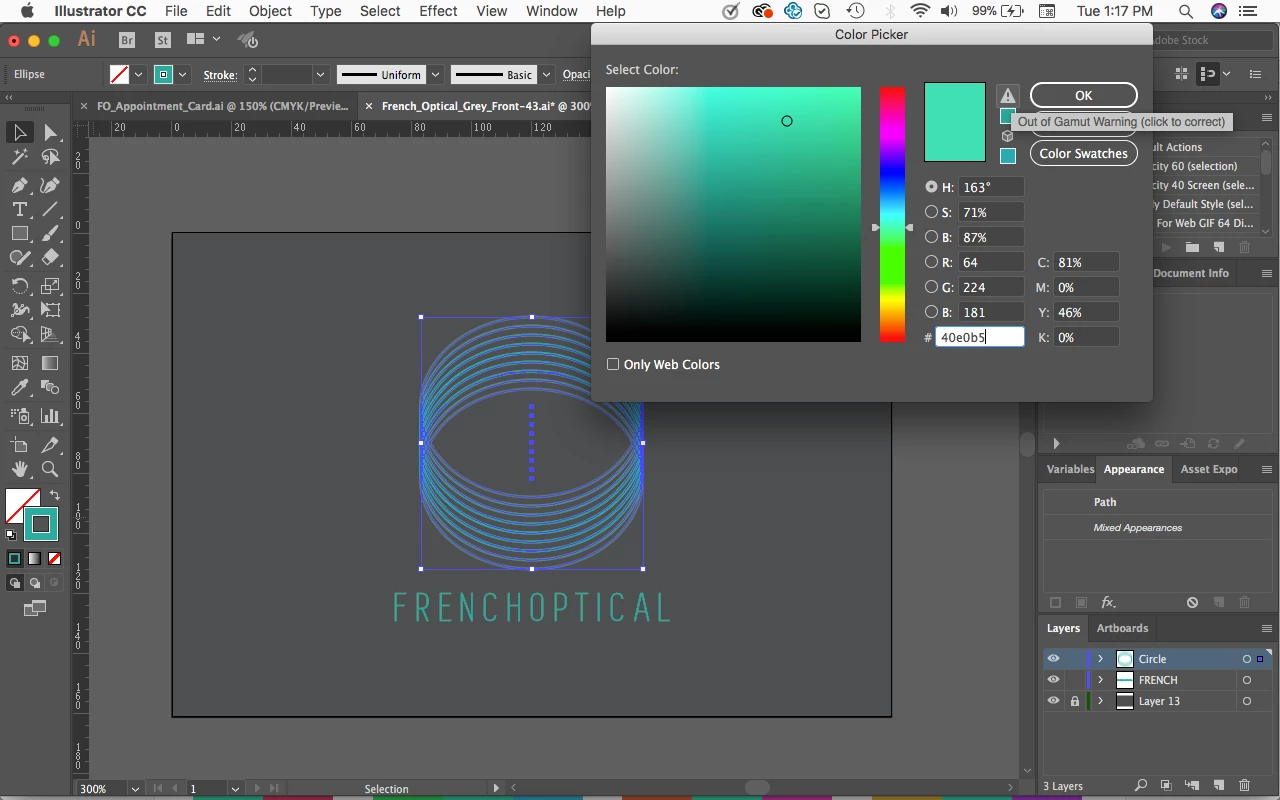
Here is what happens in Illustrator. It shows "Out of Gammut warning" and switches to a more blue color. How can I make the colors in ColorHexa accurate in Illustrator? Thank you.

 AdChoices