Known Participant
April 26, 2020
Answered

How to place trim marks in center of page?

  • April 26, 2020
  • 6 replies
  • 1928 views

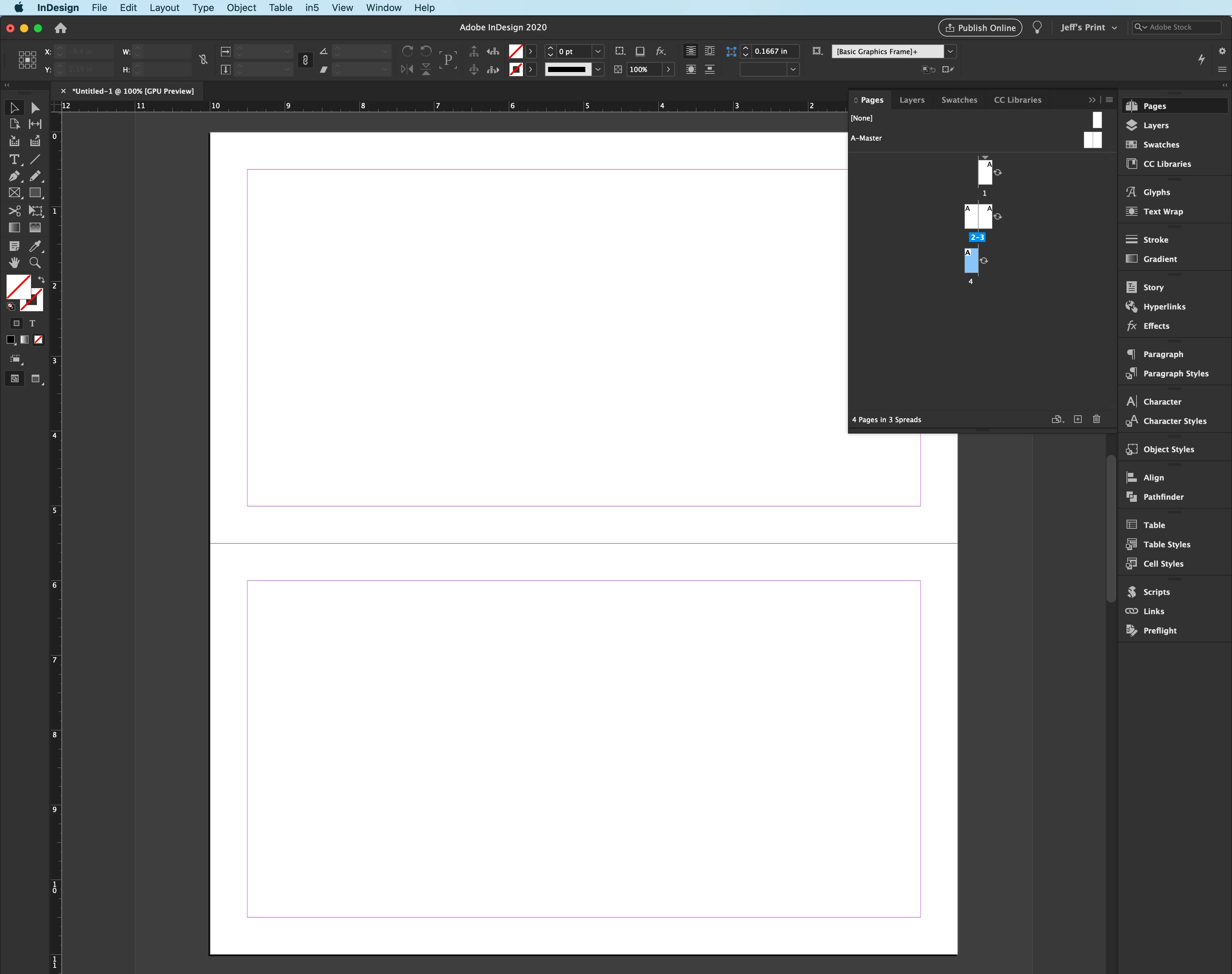
Creating a check registery with large print. The facing size is 10"w x 5.5", the page size 10"s x 11". Since the page size will be 10" x 11", is the print size and then cut in half and sprial bound, therefore I will need a trim mark on the edge of the center of the page and I am stumped. 


See attachments, any support is appreciated. 


Thank you
This topic has been closed for replies.
Correct answer Jeff Witchel, ACI

As simple as this layout is, it's a layout, and should be designed in InDesign using spreads (facing pages) as well as the Table feature. (Right now none of your type is aligning across the page. With InDesign Tables, this would be easier to control.)
Set up your document as Facing Pages (left and right pages) with the view rotated 90° clockwise under the options menu of the Pages panel (Options menu > Page Attributes > Rotate Spread View.)

In the Print dialog, crop marks will give you exactly what your looking for.  

6 replies

Known Participant
June 17, 2020

Appreciate the reply, thank you.

Jeff Witchel, ACI
Community Expert
Jeff Witchel, ACICommunity ExpertCorrect answer
Community Expert
May 30, 2020

As simple as this layout is, it's a layout, and should be designed in InDesign using spreads (facing pages) as well as the Table feature. (Right now none of your type is aligning across the page. With InDesign Tables, this would be easier to control.)
Set up your document as Facing Pages (left and right pages) with the view rotated 90° clockwise under the options menu of the Pages panel (Options menu > Page Attributes > Rotate Spread View.)

In the Print dialog, crop marks will give you exactly what your looking for.  

Luke Jennings3
Community Expert
Community Expert
May 30, 2020

Typically your job would be set up as two separate pages and imposed on a larger sheet.

Ton Frederiks
Community Expert
Community Expert
May 30, 2020

If you did not find a solution, manually add trim lines at the center in the bleed area (you may want to make tha a little  larger in the Document Setup) and use the document bleed settings when saving the file.

Ashutosh_Mishra
Inspiring
May 30, 2020

Hi there,


Thanks for reaching out. I hope your issue is resolved now.

We'd appreciate if you share your solution here as it will help other users with the similar situation.


If you still have issues, please try following suggestions on community discussion(https://community.adobe.com/t5/illustrator/custom-trim-marks/td-p/9597857?page=1). Hope it helps.


Regards,

Ashutosh

pixxxelschubser
Community Expert
Community Expert
April 26, 2020

Can you post the attachment as image, please?

(Attachments are messed up - not fixed till now)