
stephanieblebanon
Participating Frequently
November 1, 2017
Question

I can't create a new document in illustrator CC 2018.

  • November 1, 2017
  • 1 reply
  • 2620 views

I just updated my illustrator from CC 2017 to CC 2018.

When I try to create a new document, I go through an infinite loop.

Am I missing something or is there a bug?

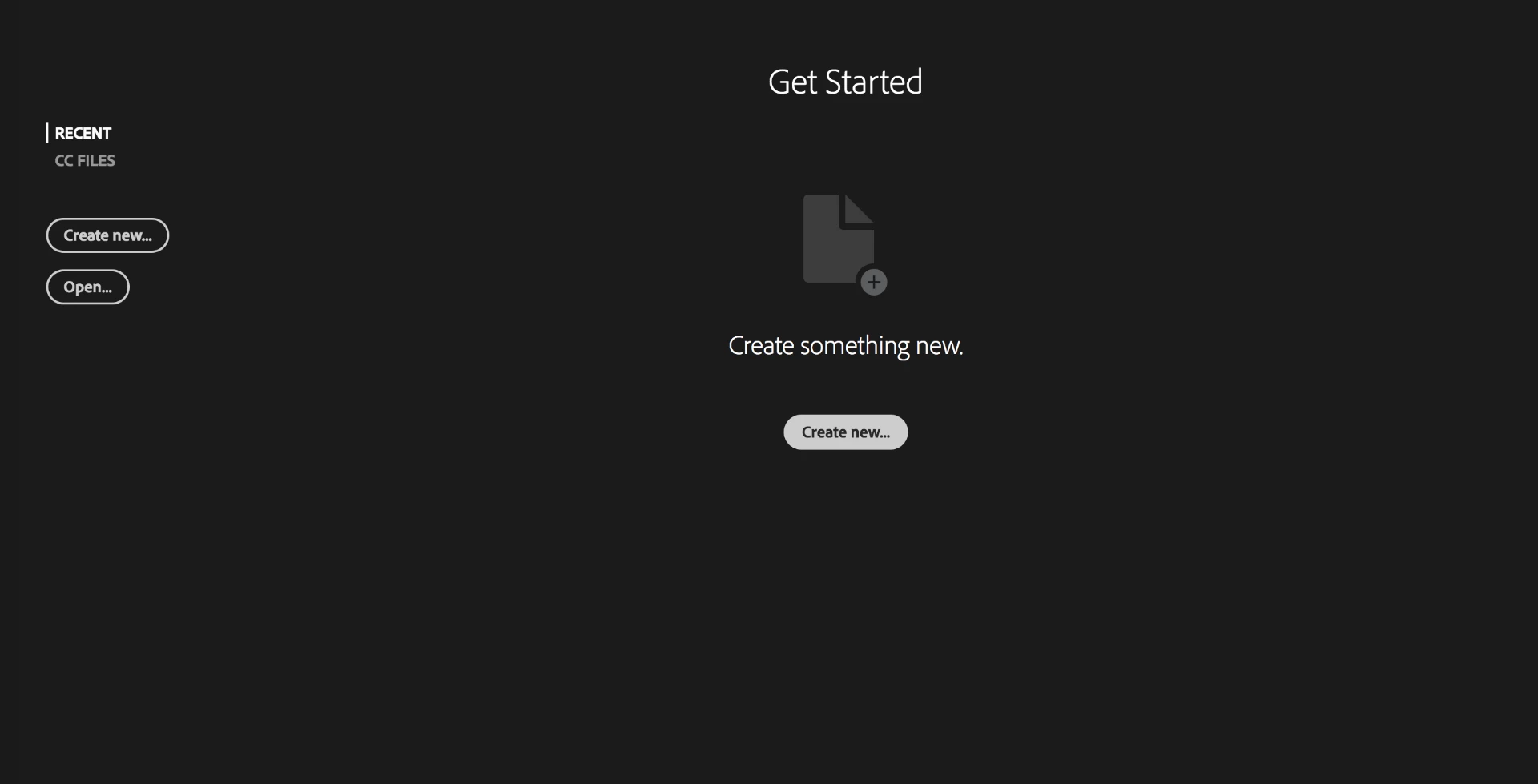
First Screen:

pressed on "Create new"
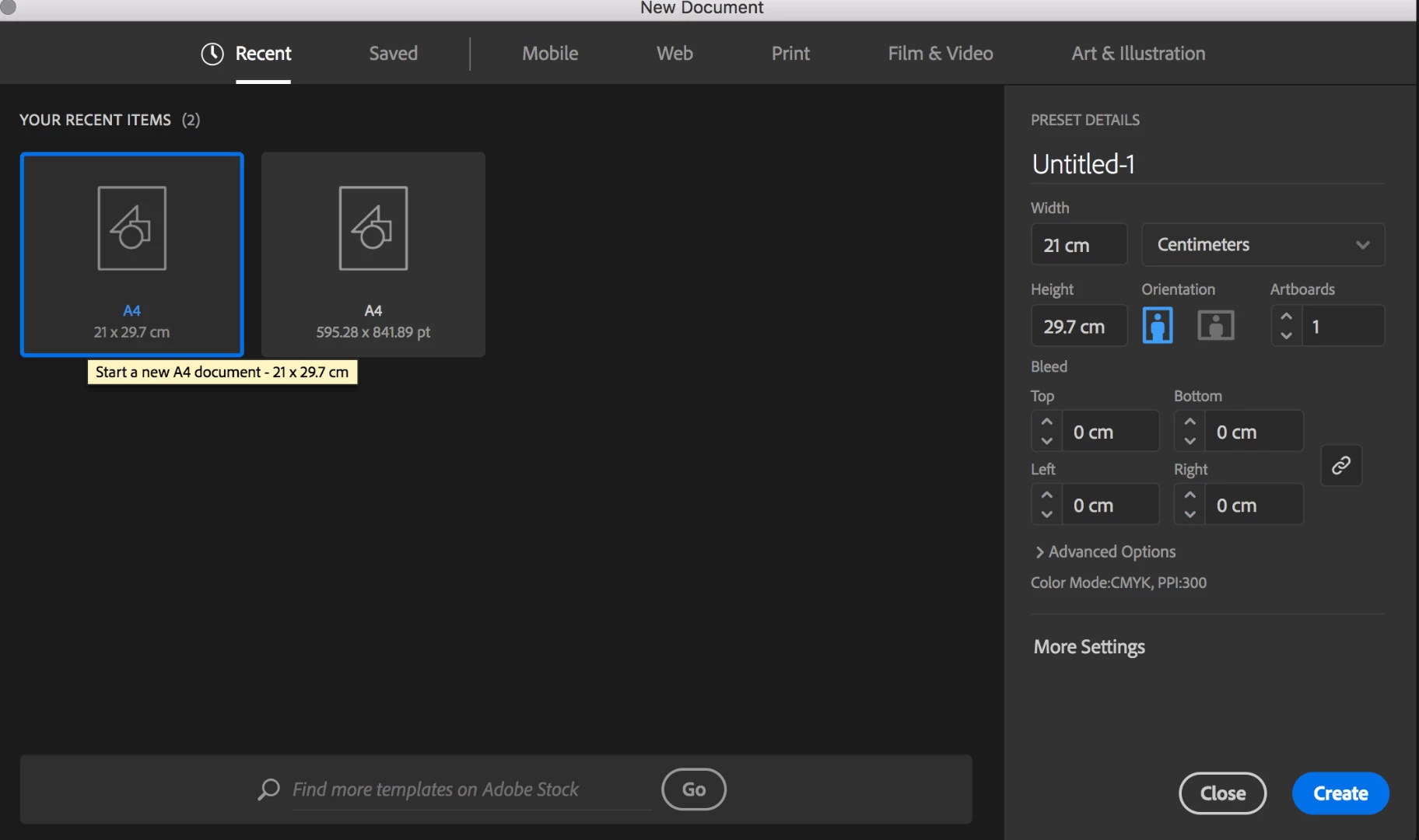
Second Screen:

Chose A4, then pressed on create
Third Screen:

back here:
[Moved from the non-technical Lounge Forum to the Program forum... Mod]

[Here is the list of all Adobe forums... https://forums.adobe.com/welcome]

This topic has been closed for replies.

1 reply

Srishti Bali
Community Manager
Community Manager
November 3, 2017

Hi stephanieblebanon,

Thanks for sharing screenshots, I would request you to please try resetting preferences for the application.

For MAC

  • Close all Adobe applications.
  • Go to Locations
  • ~/Library/Caches
  • ~/Library/Application Support/Adobe
  • ~/Library/Preferences
  • Delete or rename Adobe Illustrator, com.adobe.illustrator and Adobe Illustrator 22 Settings folders.
  • Launch Illustrator from the creative cloud.

For Windows

  • Close all Adobe applications.
  • Go to Location C:\Users\user\AppData\Roaming\Adobe and.
  • Delete or rename Adobe Illustrator and Adobe Illustrator 22 Settings folders.
  • Launch Illustrator from the creative cloud.

Regards

Srishti

stephanieblebanon
Participating Frequently
November 16, 2017

Thank you so much for your reply.

I don't have any illustrator folder in any of these.

The app is also quitting unexpectedly.

I tried uninstalling and re-installing and still have the same problem

Srishti Bali
Community Manager
Community Manager
November 16, 2017

Hi stephanieblebanon,

May I please know which operating system you are using?

Also, please share crash logs. (Please don't paste the crash log into the conversation, use Pastebin.com - #1 paste tool since 2002!  and share link)

Regards

Srishti