
Participant
June 28, 2020
Answered

Illustrator - can't resize images in V24.2

  • June 28, 2020
  • 1 reply
  • 618 views

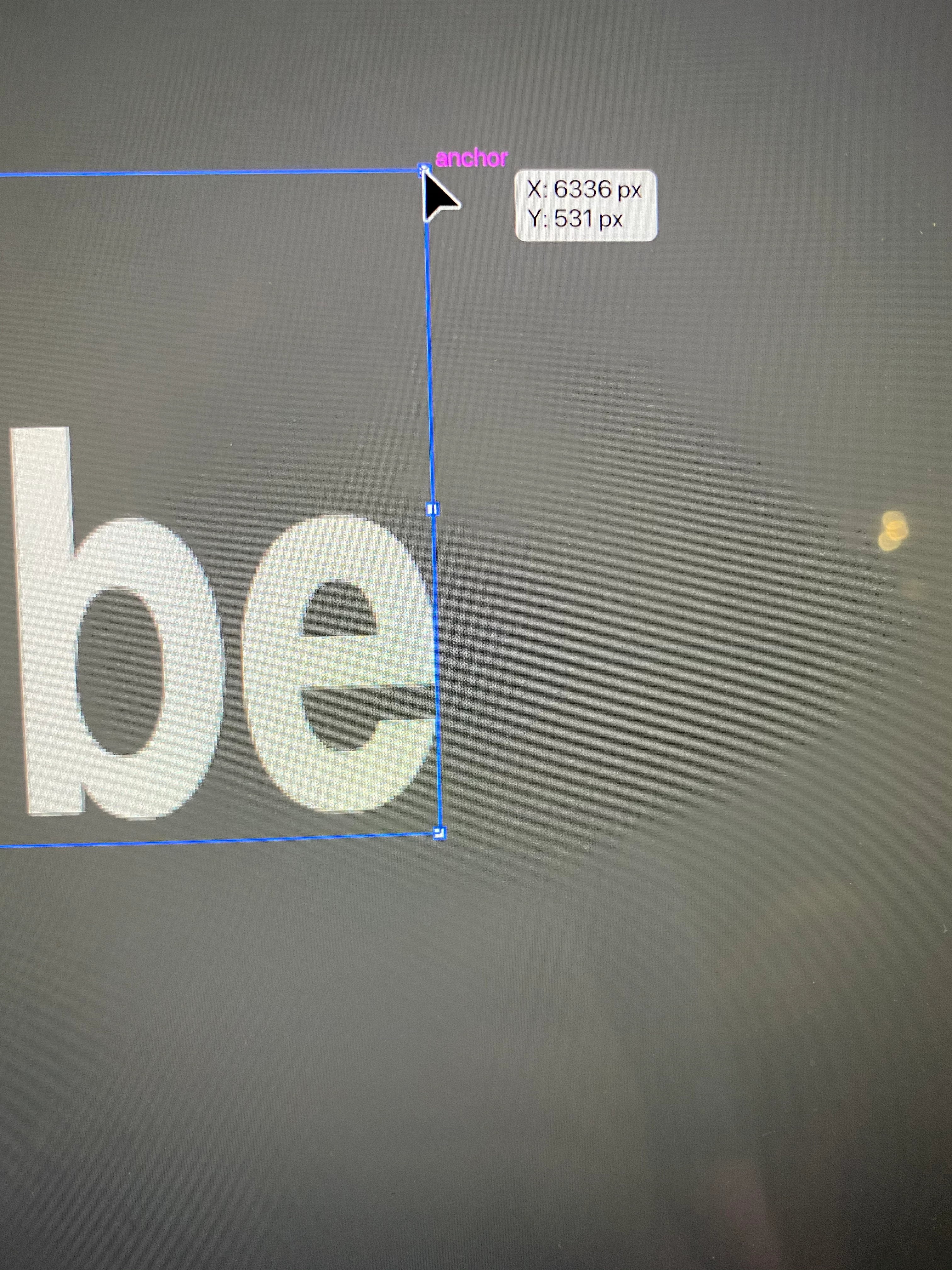
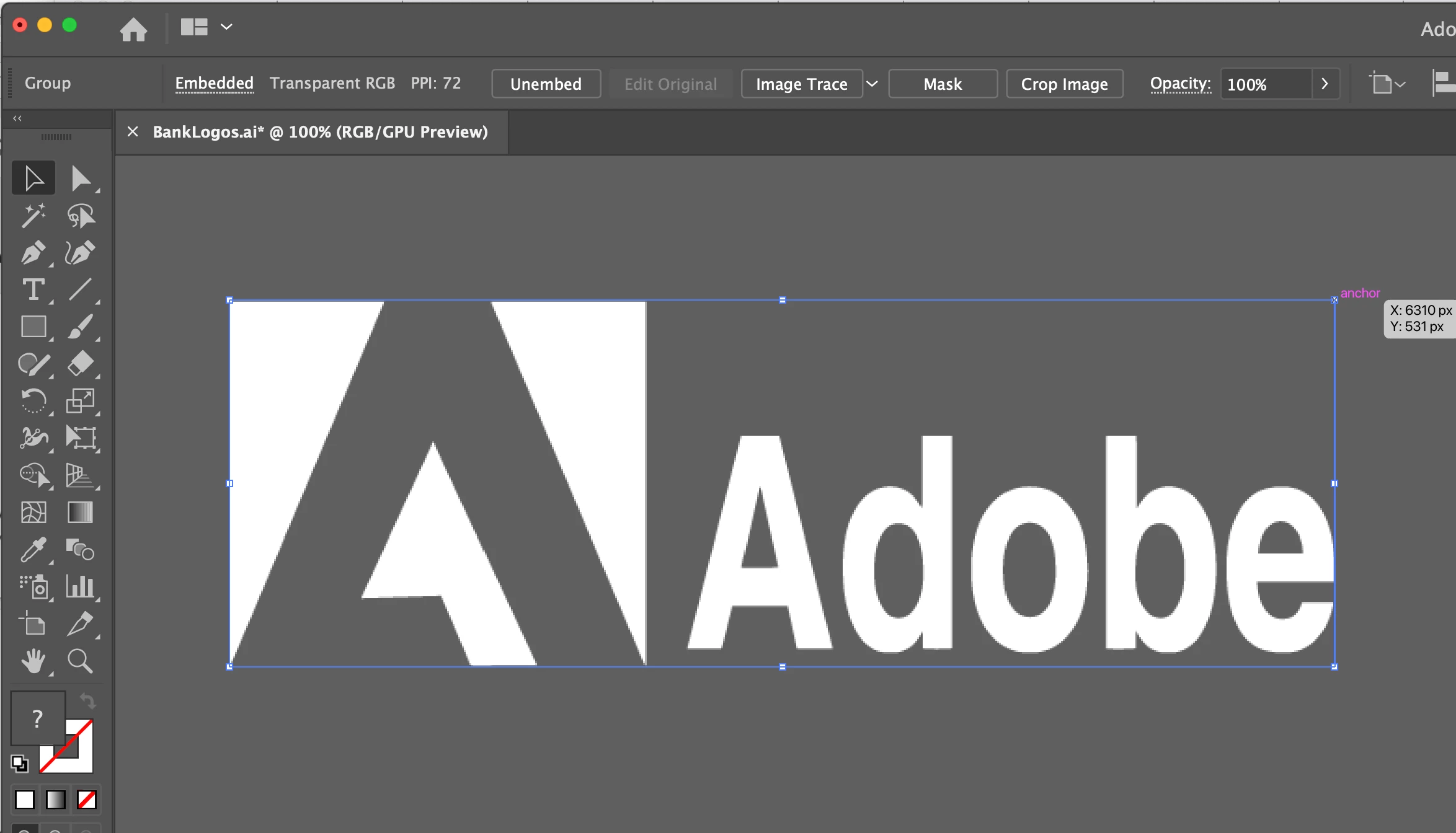
Adobe CC has just updated Illustrator. I'll only noticed because the icons have changed. I can no longer free resize images using the cursor. I can only rescale using Transform > Scale. Is this a bug or has the update changed a setting? I'm using Illustrator 24.2 CC on Mac. The screenshot shows the cursor, it remains an arrow rather than a resize double arrow. I can still free resize objects e.g. rectangles.
This topic has been closed for replies.
Correct answer Monika Gause

So View > Show Bounding Box is already checked?

Did you reset the preferences when updating? You might try and rename the folder since you can revert that in case it doesn't help  https://helpx.adobe.com/illustrator/using/setting-preferences.html

1 reply

Monika Gause
Community Expert
Monika GauseCommunity ExpertCorrect answer
Community Expert
June 28, 2020

So View > Show Bounding Box is already checked?

Did you reset the preferences when updating? You might try and rename the folder since you can revert that in case it doesn't help  https://helpx.adobe.com/illustrator/using/setting-preferences.html

Participant
June 29, 2020

Bounding Box is already checked. I didn't reset preferences when updating - it was an auto update. Which setting controls whether your cursor can resize an image? I can resize rectangles, circles etc using the cursor.

Monika Gause
Community Expert
Community Expert
June 29, 2020

Resetting preferences is described in the link I posted. If you want to try out whether it helps at all, rename the folder. In case it doesn't help, you can revert that.