


Participant
October 30, 2017
Answered

Illustrator CC 2018 crashes at load screen

  • October 30, 2017
  • 7 replies
  • 12813 views

Just installed CC 2018 (4 times) and every time it crashes at the load screen (at different points)  Anyone else experiencing this, have a solution (I've removed it, removed preferences, restarted, logged out and in again.

Screenshot:
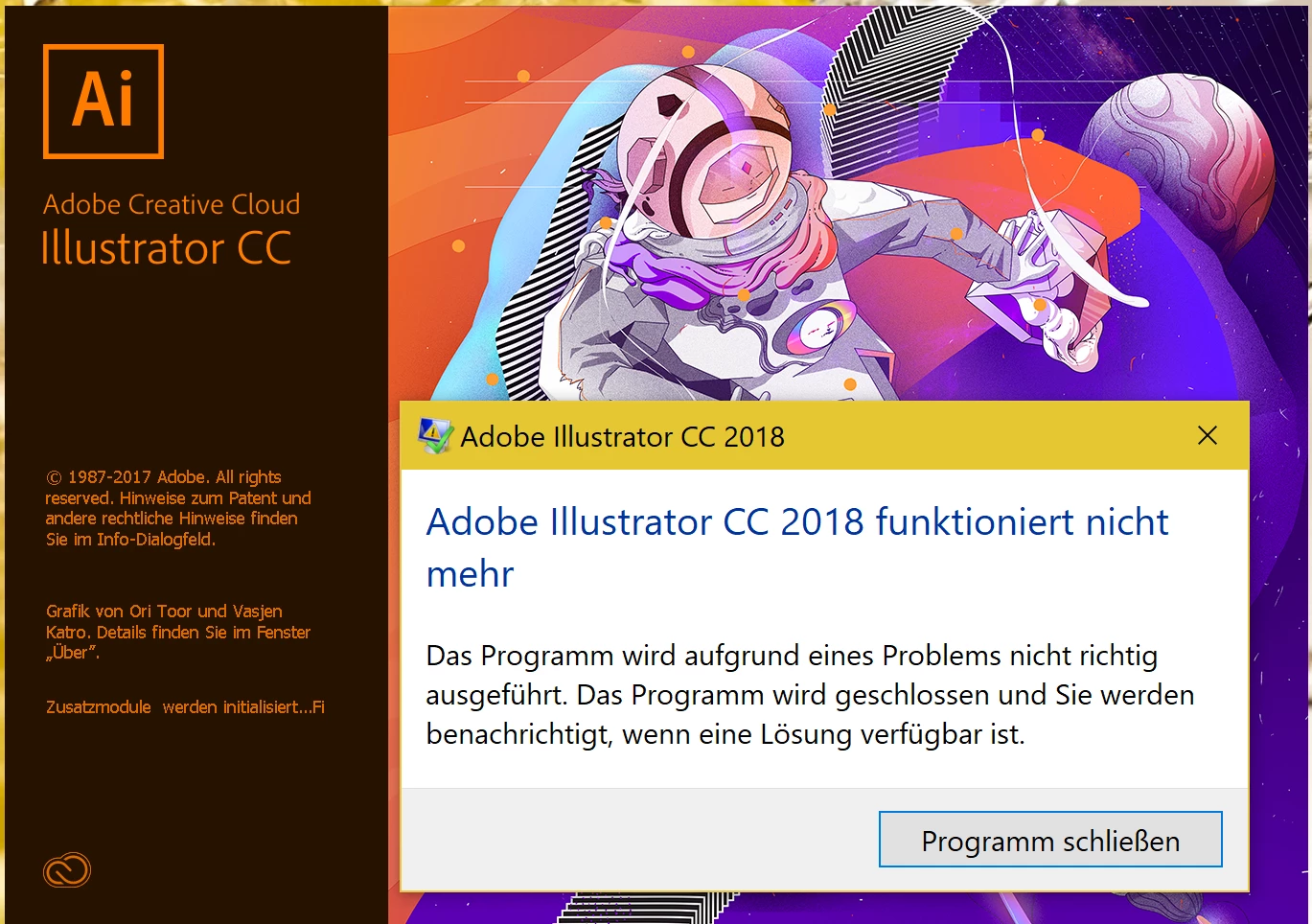
Here is the link to my zip-file with DMP and NFO informations - hope this is helpfull:

Dropbox - illustrator2018_crash.zip

Nachricht geändert durch Heike Birkenbusch

This topic has been closed for replies.
Correct answer sarah_khan

Hi,

Can you please try once setting your default printer as Adobe PDF and revert back if its still happening.

Thanks,

Sarah

7 replies

Participant
April 10, 2018

Same problem with me - how did you fix it?  Tried reinstall and printer issue

Participant
March 9, 2018

I'd the same thing, but after making AdobePDF as default printer everything became ok!

Good luck

Participant
November 2, 2017

I have the same problem...

InDesign crashed constantly since Update to CC 2018 on W10... Found solution with a patch this morning...

And now after an update the same with Illustrator.

PDF as standard-Printer doesn't help...

Reinstall doesn't help either

Is there a patch also?

How can you solve this problem???

Thanks

Reto

P.S. German Installation as well...

Monika Gause
Community Expert
Community Expert
November 2, 2017

https://forums.adobe.com/people/R+hoch%C2%B2+AG  schrieb

I have the same problem...

InDesign crashed constantly since Update to CC 2018 on W10... Found solution with a patch this morning...

And now after an update the same with Illustrator.

PDF as standard-Printer doesn't help...

Reinstall doesn't help either

Is there a patch also?

How can you solve this problem???

Thanks

Reto

P.S. German Installation as well...

WHen the solution posted in this thread doesn't help, it doesn't make much sense to post into the same thread. And since this thread is marked solved, it might not even be read by relevant people.

Please create a new thread, since your problem is different.

Have you already tried resetting the preferences?

Participant
October 31, 2017

How do you set the default printer in Illustrator if you can't open it? I keep getting an error about SwatchLibs.aip needs to be updated! How can I do that? I've reinstalled several times with no results.

heike364Author
Participant
October 31, 2017

Click on the start symbol,

write printer

click printer & scanner

and now you can see a list of your installed printers

click Adobe PDF and the button manage

now click the button as Standard

Hope thats right. My Win 10 is in german ;-)

Greats Heike

Participant
May 10, 2018

i have just microsoft print to pdf i didnt find what you said

heike364Author
Participant
October 31, 2017

Hi Sarah,

yeah!! Now I can open Illustrator 2018 for the first time :-) Thank you

Best regards

Heike

sarah_khanCorrect answer
Adobe Employee
October 31, 2017

Hi,

Can you please try once setting your default printer as Adobe PDF and revert back if its still happening.

Thanks,

Sarah

Participant
October 31, 2017

I had the same issue today - (W10) - updated, uninstalled, reinstalled, restarted multiple times etc etc without effect (InDesign, Photoshop etc worked - but not Illustrator. Did as suggested in this thread (set default printer to Adobe in Windows) and Illustrator 2018 can now open. Went back to Windows settings and changed back to my default printer and Illustrator still worked. But, that is one lousy bug. When will it be fixed?

heike364Author
Participant
October 31, 2017

I've uninstall Illustrator 2018, run the Cleaner Tool, and reinstall. But that doesn't help :-(