

Question
Illustrator Eraser Tool Filling in my Shape
I'm trying to erase some rough parts of a sketch I scanned in and auto-traced in Illustrator, but whenever I go to erase them, it inverts the whole shape as if I deleted the fill, but I didn't. There are no strokes, it's just a vector traced object with points. After I erase the parts, I have to go into Pathfinder and hit the 'Exclude' option... Any suggestions why it's doing this? 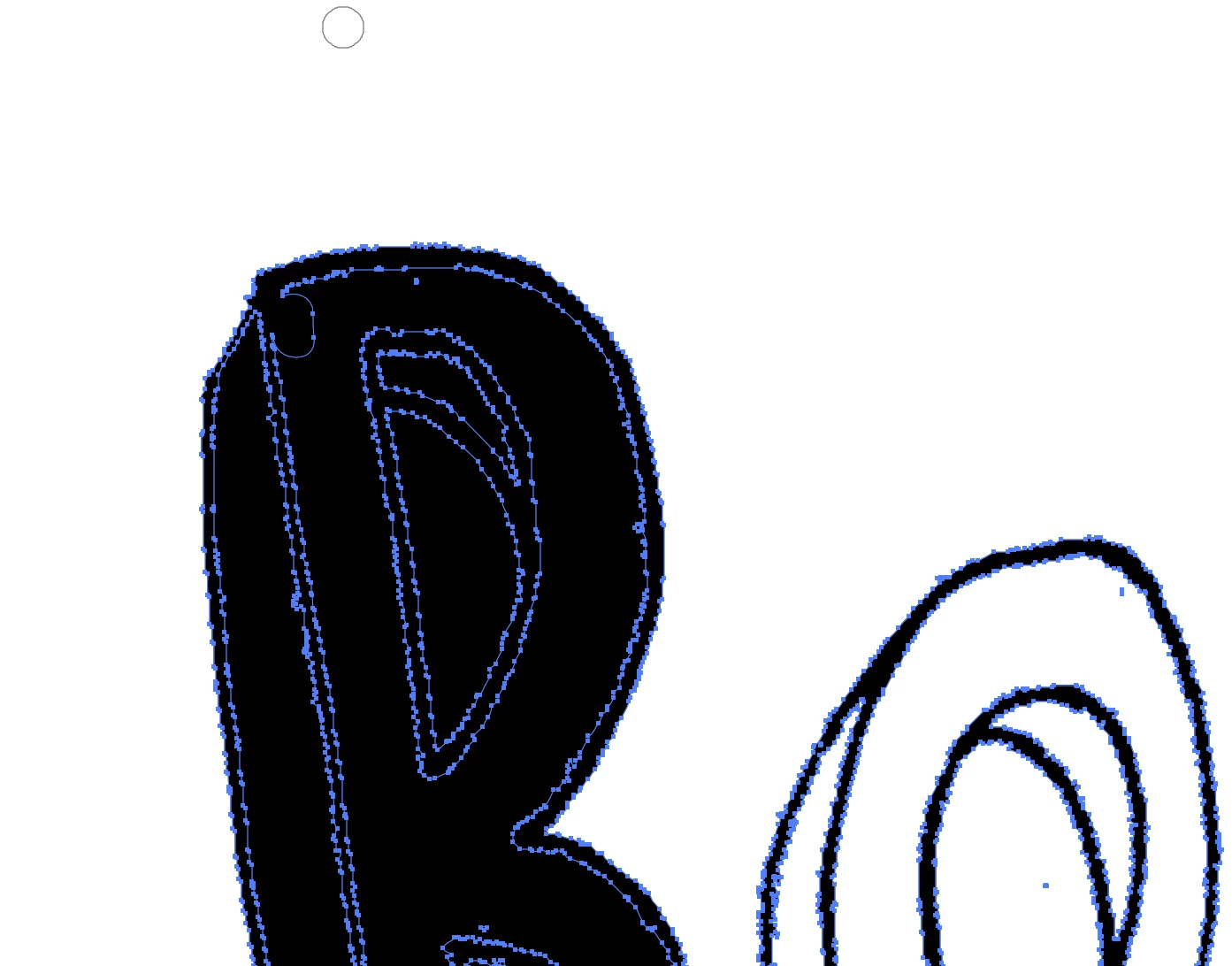
 AdChoices