
Is trapping broken?
I usually do all my trapping manually, but I recently found out that there's a trap option in the Pathfinder menu, as well as in the Effects menu. That said, when I use the Pathfinder tool, I just get this:
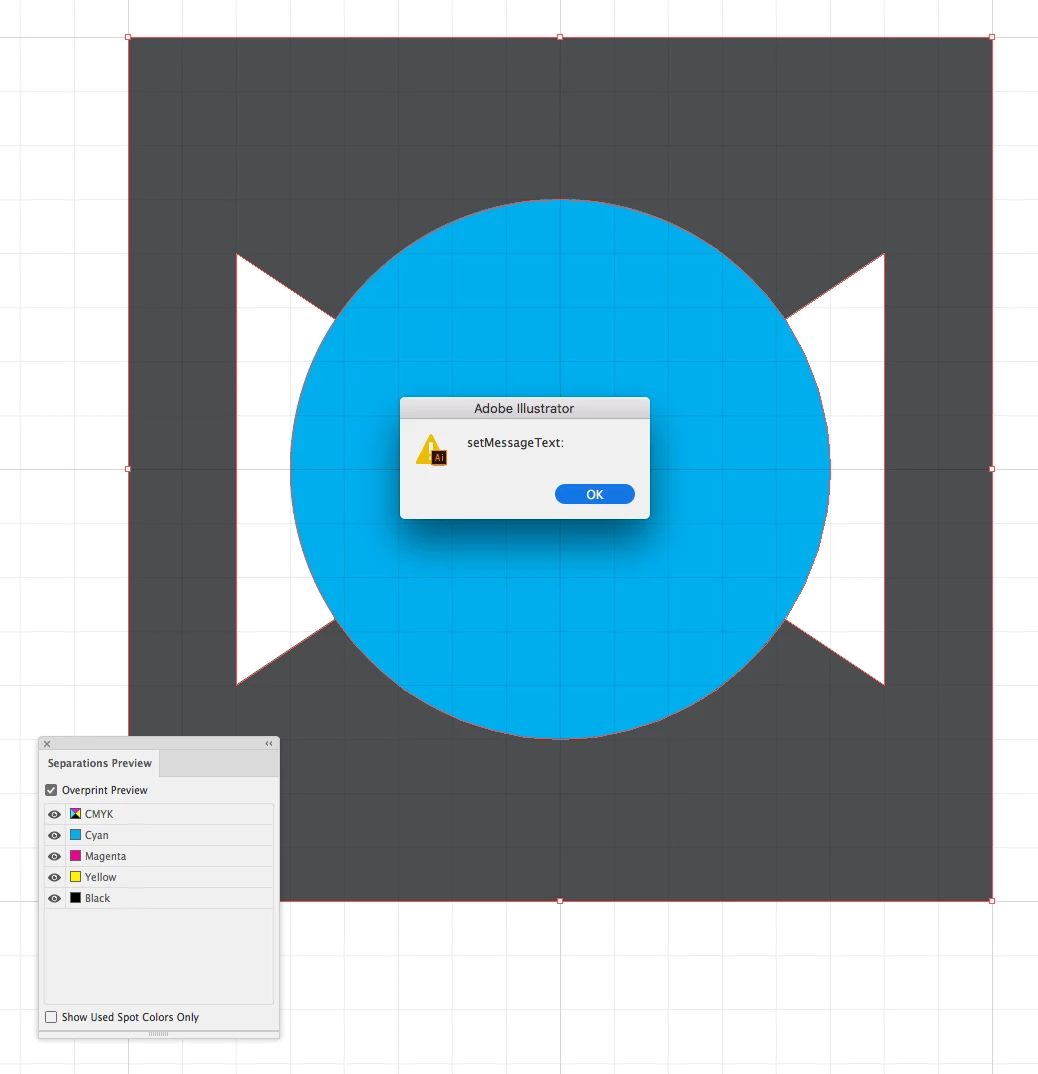
And if I use Effects / Pathfinder / Trap I can change some settings but the preview never changes.
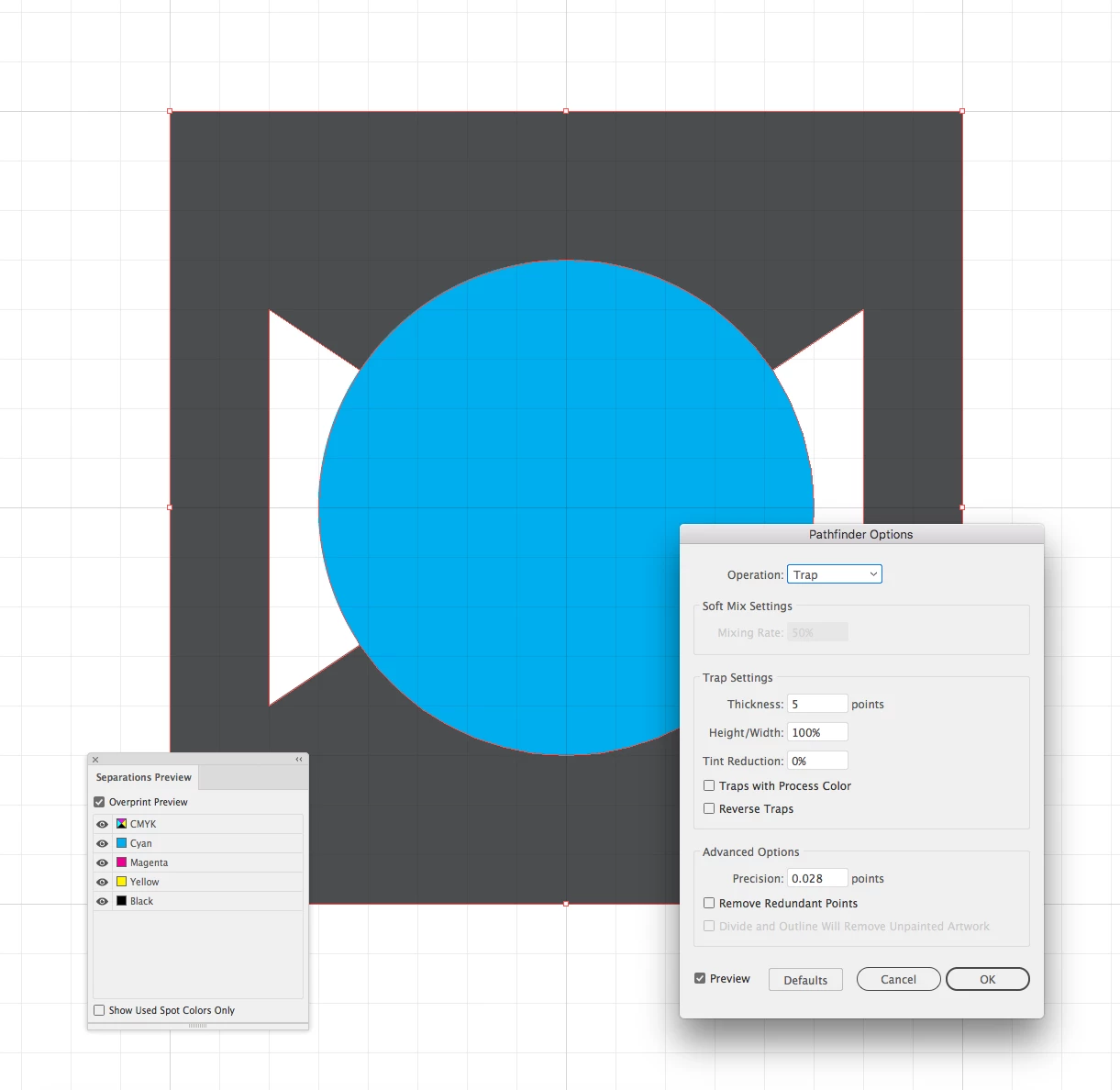
As you can see here I set a trap thickness of 5 points, so it should be extremely visible.
I've read this guide: https://helpx.adobe.com/illustrator/using/trapping.html#create_a_spread_or_choke many times. This document is CMYK and the two shapes are normal CMYK colors, but nothing I do seems to work, whether it's turning Overprints on or off, letting the objects overlap or trimming them flat, putting the objects on separate layers, etc.
Here's my file if anyone thinks it will help: Dropbox - trapping help.ai
What am I doing wrong?
 AdChoices