
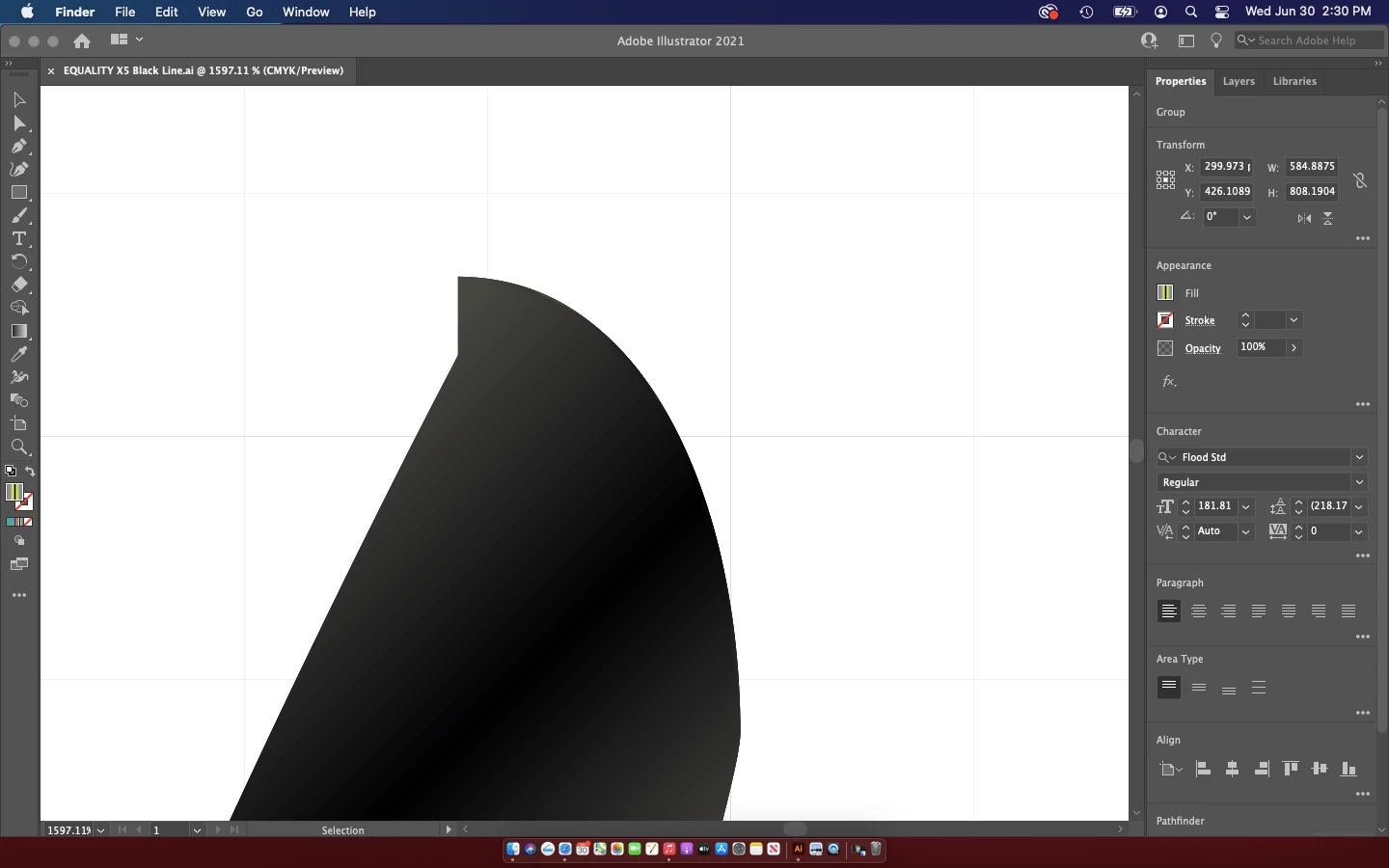
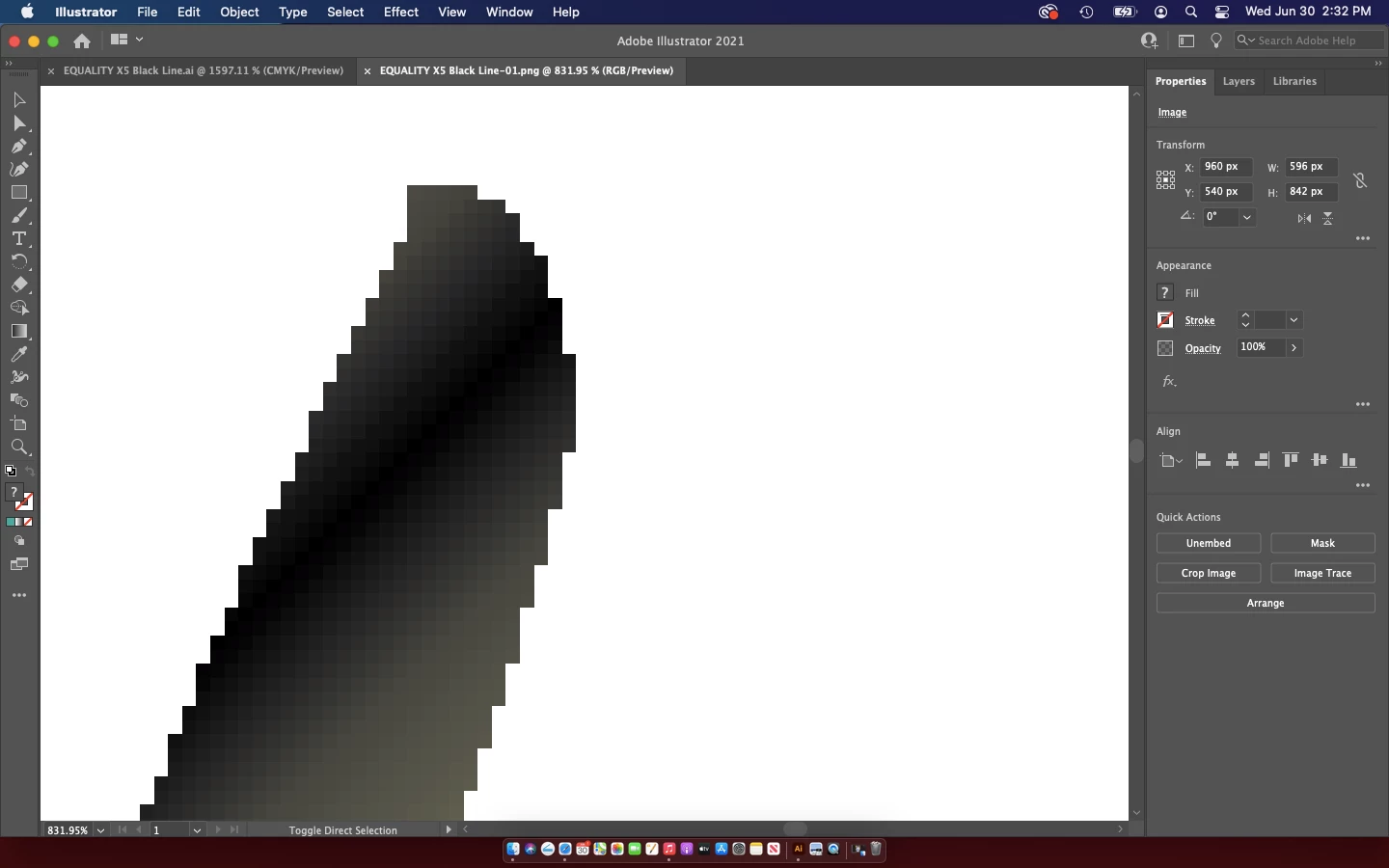
Jagged edges when saving ai files to PNG's! HELP
Hi there! First off let me preface this by saying that I am not very confident on my Mac and brand new to illustrator so bare with me!
I have to save my files as PNG'S for printing on Tee shirts as they need to be on transparent backgrounds.
I have attempted to save these files following several forum feeds on here, but regardless of how I save the files they are pixilated!
I tried
- FILE,
- EXPORT,
- EXPORT SCREEN,
- Select the artboards tab, Under formats Selected PNG, and scaled x1,
- Exported Artboard and saved.
I also tried EXPORT, then "EXPORT AS" (which seems like a much easier and quicker way to save as PNG'S) and CLICKED "USE ARTBOARDS" and then EXPORT.
After that ive tried saving the resolution at 72ppi and 300ppi (the DTG printers I am using require 150-idealy 300ppi) and both ways result in pixilated edges.
I also tried selecting - Anti Aliasing - NONE, TYPE OPTIMISED + ART OPTIMISED. (ALL THESE OPTIONS STILL RESULTED IN PIXILATED PNG files)
Loosing my mind, ANY help at all would be amazing!
Cheers
Rob
 AdChoices