
EugeneD7
Participant
March 11, 2019
Answered

Last update broke Crop Image

  • March 11, 2019
  • 2 replies
  • 1010 views

When Crop Image was introduced it worked great! But the last update broke it.

When you select an image lets say 100x100px and go to crop it by hitting the "Crop Image" button, the default crop is a random box let's say it could be 87x70px. So you have to drag the corners out to the max width and height of the image (100x100px) and THEN you have to crop it to what you need, very annoying.

Also why does Crop Image now add white borders? You can crop an image and if the crop line doesn't fall on the pixel grid Illustrator adds several pixels worth of a white line.

All in all the last update made crop image not worth using as a Clipping Mask is just easier to have precise cropping. Now I use a clipping mask and then do a quick rough crop under the clipping mask so the file size is smaller.

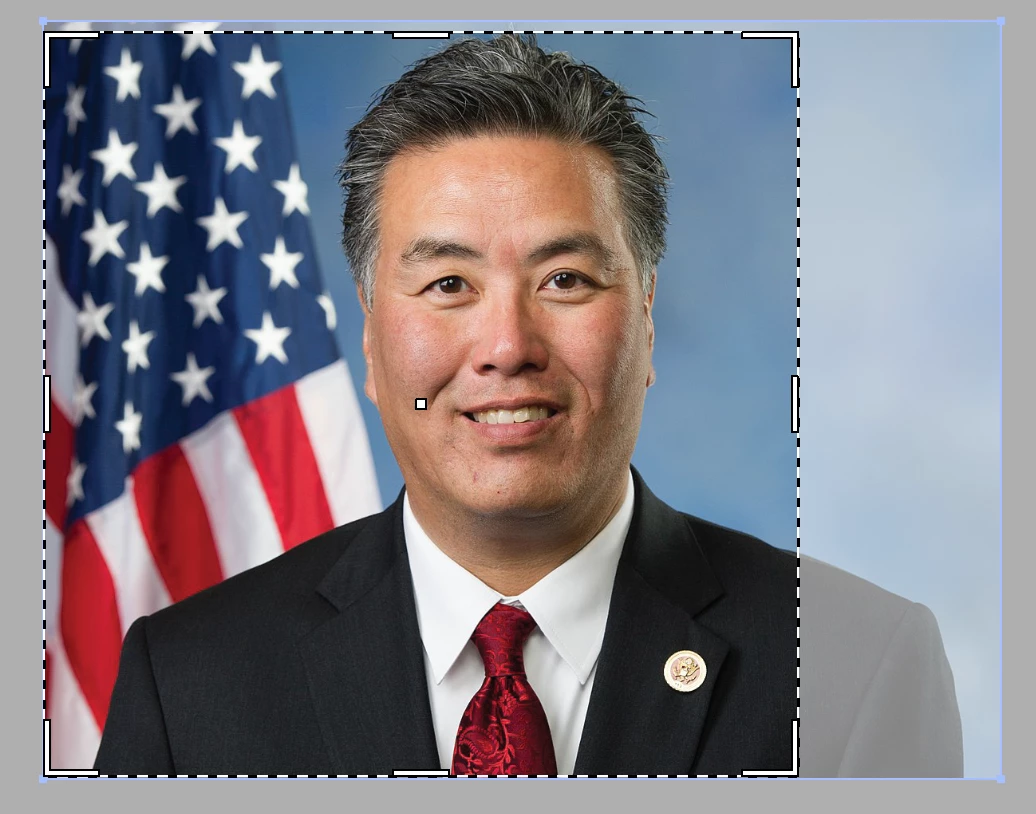
The below screenshot shows the default "Crop Image" field, as you can see at least 3 sides are not selected to the edge and I'm fairly sure the left side also has a pixel or two not selected.
This topic has been closed for replies.
Correct answer Monika Gause

Turn that off in Preferences > General

It's a setting about context sensitive features

2 replies

Participant
September 5, 2020

Hi, it seems like the issue about a white border appearing while cropping was asked here but wasn't addressed by @Monika Gause. The issue is also brought up on this post: https://community.adobe.com/t5/illustrator/appearing-white-line-when-using-crop-image/m-p/9016209?page=1#M49480

Can someone help with resolving this issue?

Monika Gause
Community Expert
Community Expert
September 5, 2020

"Hi, it seems like the issue about a white border appearing while cropping was asked here but wasn't addressed by @Monika Gause. "


Well, this thread is about the artificial intellegence built into some functions. The question isn't about white lines.

Monika Gause
Community Expert
Monika GauseCommunity ExpertCorrect answer
Community Expert
March 11, 2019

Turn that off in Preferences > General

It's a setting about context sensitive features

EugeneD7
EugeneD7Author
Participant
March 11, 2019

Wow! Thanks!

What else does this setting effect though, besides the crop tool?

Monika Gause
Community Expert
Community Expert
March 11, 2019

It affects the freeform gradient and the puppet warp tool in the way that it doesn't place any initial pins into them.