neonmamacita
Inspiring
January 25, 2019
Answered

Links from Libraries don't package

  • January 25, 2019
  • 2 replies
  • 700 views

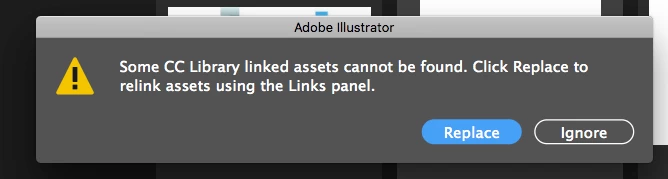
I use libraries a lot to go back and forth between photoshop and illustrator on my computer. But when I package and share the file with my design team (and even sometimes when I open it on my own computer) tons of links are missing even though they are in my library.

Why doesn't packaging the illustrator file include those links?

* This also happens with sharing photoshop files where I've pulled elements from my library into the file. Is there a way to package library links in a photoshop file?

and why do assets simply disappear from my library even though I don't move them on my computer?
This topic has been closed for replies.
Correct answer Mike_Gondek10189183

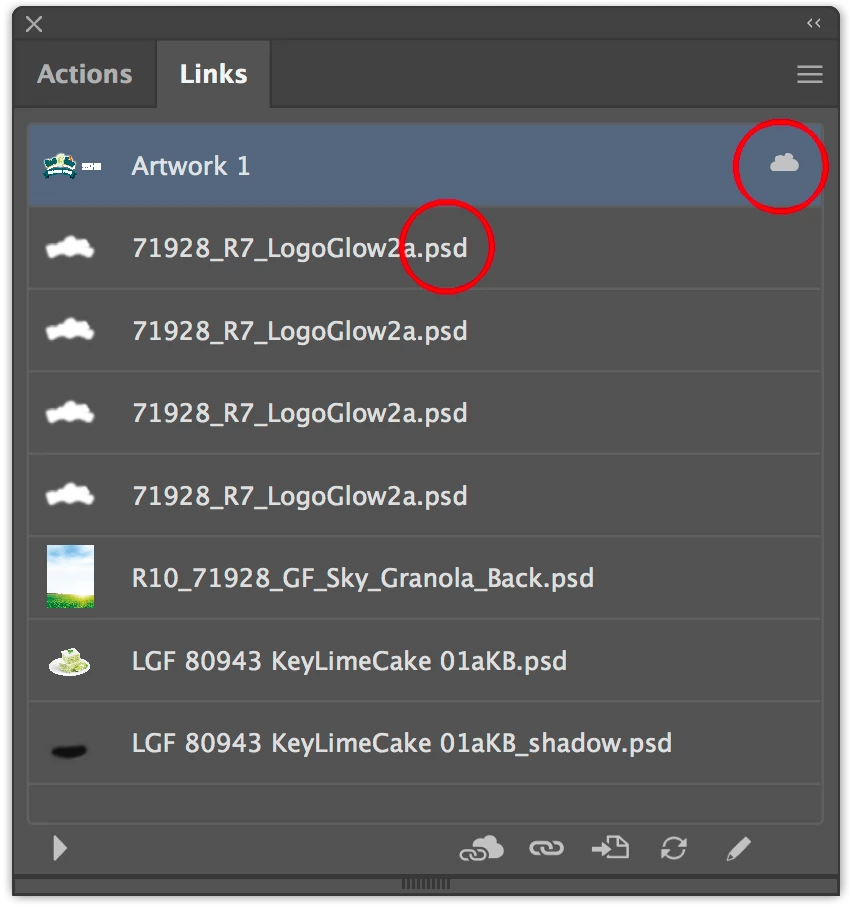
Please post a screenshot of your links palette? Would like to see if your links are broken and what types of items you are linking to.

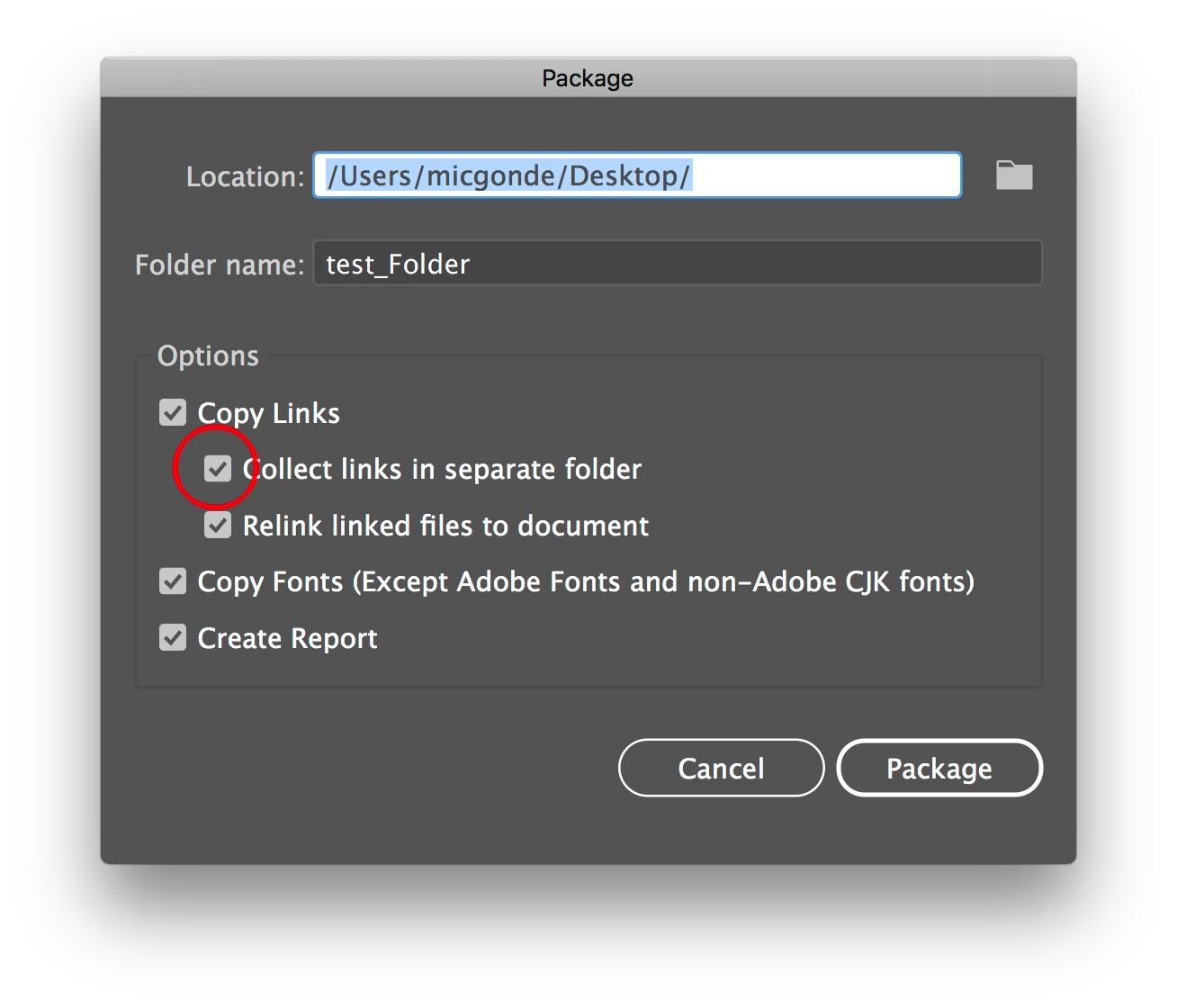
Do your package settings look like this?

Would also be very helpful to see your library also.

2 replies

Mike_Gondek10189183
Community Expert
Mike_Gondek10189183Community ExpertCorrect answer
Community Expert
February 6, 2019

Please post a screenshot of your links palette? Would like to see if your links are broken and what types of items you are linking to.

Do your package settings look like this?

Would also be very helpful to see your library also.

Srishti Bali
Community Manager
Community Manager
February 6, 2019

Hi there,

Sorry to hear about this issue. Could you please share a few more details like:

  • OS(Exact version of Windows/MAC)
  • Exact version of InDesign
  • From where you are opening the file? From the saved location or from the packaged folder?
  • When you create Package do you see linked images in Link folder under the packaged folder?

Regards,

Srishti