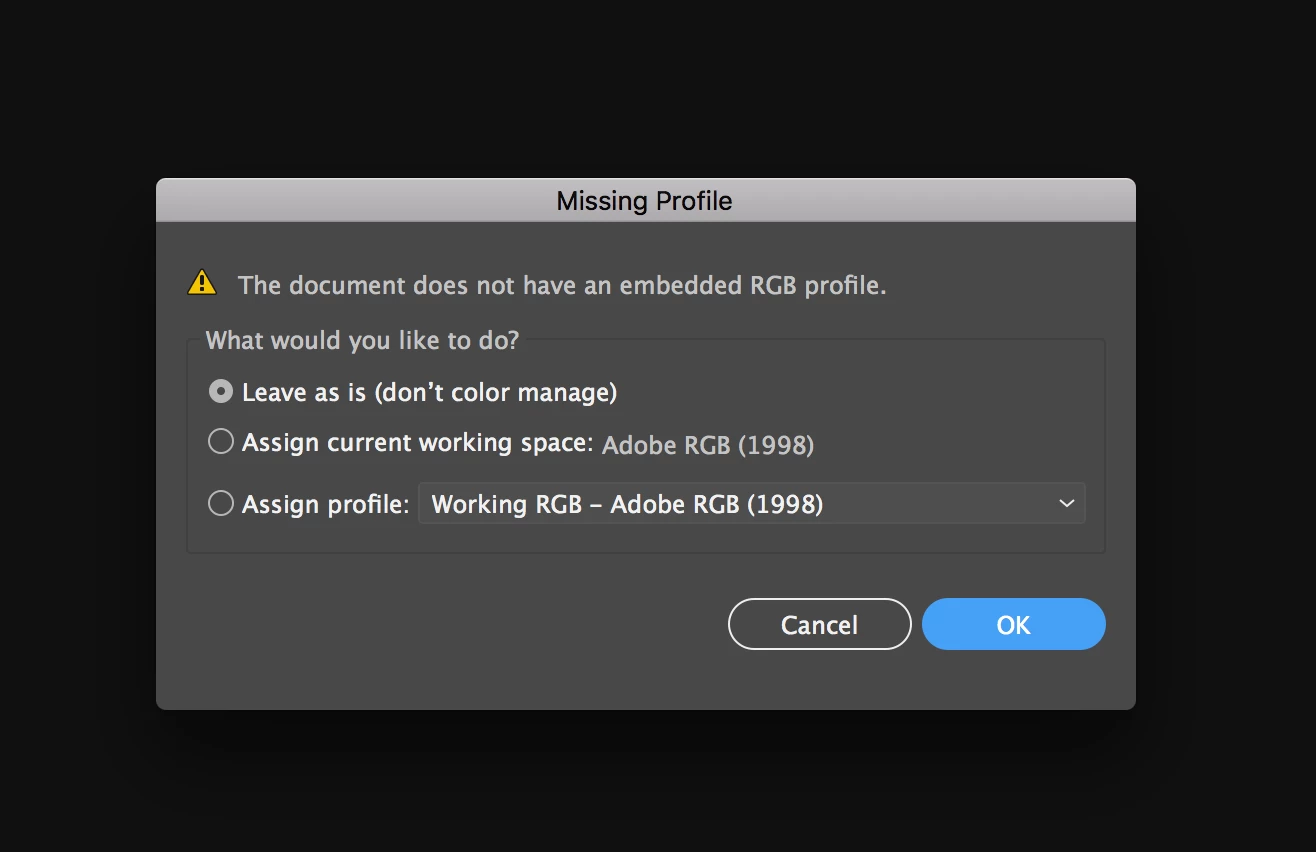
The dialog box warns you that there are no color profiles embedded in your files.
For RGB it might be better to embed one.
For CMYK this is not such an issue, because device independent color workflows still don't exist for CMYK. You don't want to have your CMYK files converted through ICC profiles, because then black gets muddy and bright colors might get unwanted additions (e.g. a 3% cyan in an otherwise clean yellow).
Don't uncheck "Ask when opening"
In fact don't uncheck any of these "Ask" settings.
No professional modern graphic application will work without color management.
If you think you have turned it all off, you will only have buried it so deep inside that you don't have any control over it anymore.
As for the settings recommended by Bill:
They might be OK for the U.S. (in most situations)
They are certainly not OK for other regions of the world.
You will need to understand color management.
You will need to understand production.
You will need to discuss these issues with your service providers (print as well as web) in order to set up the best options there. Or at at least get their exact specifications. It's OK to ask them. It's professional behaviour.






 AdChoices