
Known Participant
October 9, 2017
Answered

Need help with make and expand

  • October 9, 2017
  • 3 replies
  • 4070 views

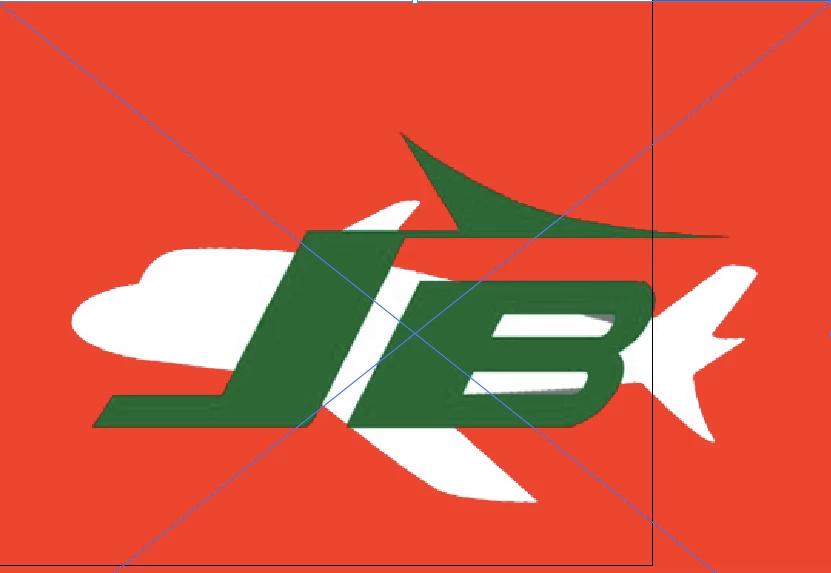
Hi! I have done this before but have never had this problem. When I click make and expand everything turns black and white and the background mixes in with the text. I tried making the background transparent, also tried making the background a contrasting color. Photos attached of before and after. Black is after

    This topic has been closed for replies.
    Correct answer Mike_Gondek10189183

    Yes, it is a linked image


    Select that by itself with  the pointer tool and the embed icon should show up.

    If you are having trouble, please show screenshot of your entire screen with the links palette open, and the image selected.

    3 replies

    Mike_Gondek10189183
    Community Expert
    Community Expert
    October 9, 2017

    Use Object >> Live Paint >> Make instead.

    If you need to tweak the settings  go here.

    jennmc1Author
    Known Participant
    October 9, 2017

    that option is not available

    Mike_Gondek10189183
    Community Expert
    Community Expert
    October 9, 2017

    You might not  have the live trace item selected. A screenshot would help us see where you are stuck.

    Vishu_Aggarwal
    Participating Frequently
    October 9, 2017

    As suggested by Monika use Image trace option with different settings, or simply choose the Image Trace Preset 3 colors by clicking on the drop down arrow next to image trace option.

    Screenshot for reference -

    Vishu AggarwalAdobe Certified Instructor, Professional and Expert
    Monika Gause
    Community Expert
    Community Expert
    October 9, 2017

    Just trace it. Then use the Image trace panel to adjust the options. When it looks right, click the Expand button.