Participant
December 28, 2020
Question

Offset path not creating a second path

  • December 28, 2020
  • 4 replies
  • 4244 views

Hi, i'm trying to create an offset path for some text, but it doesn't create a second object. 

I've done: 

- Create text
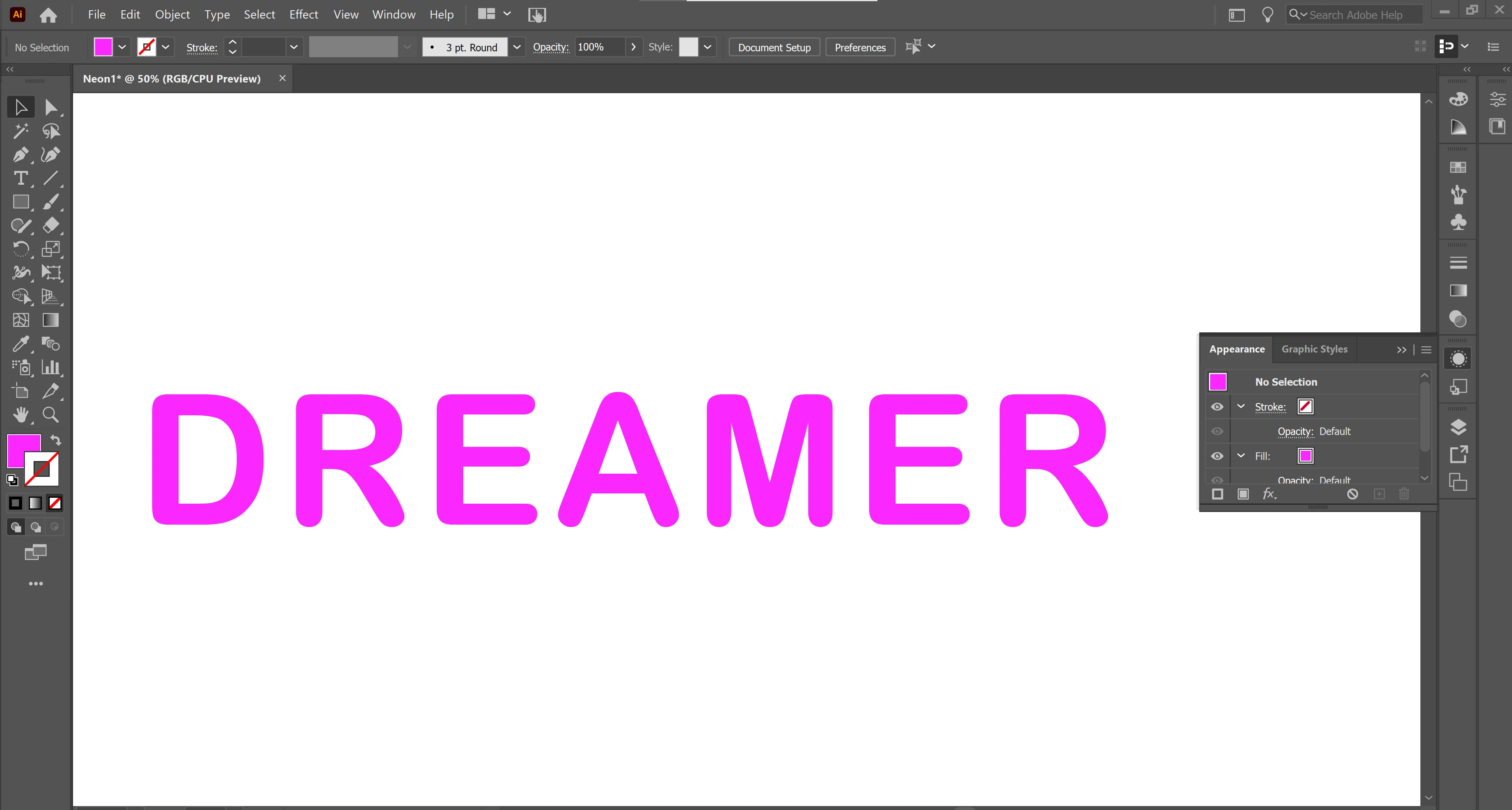
 

- Convert to outlines

- Effect -> Path -> Offset path
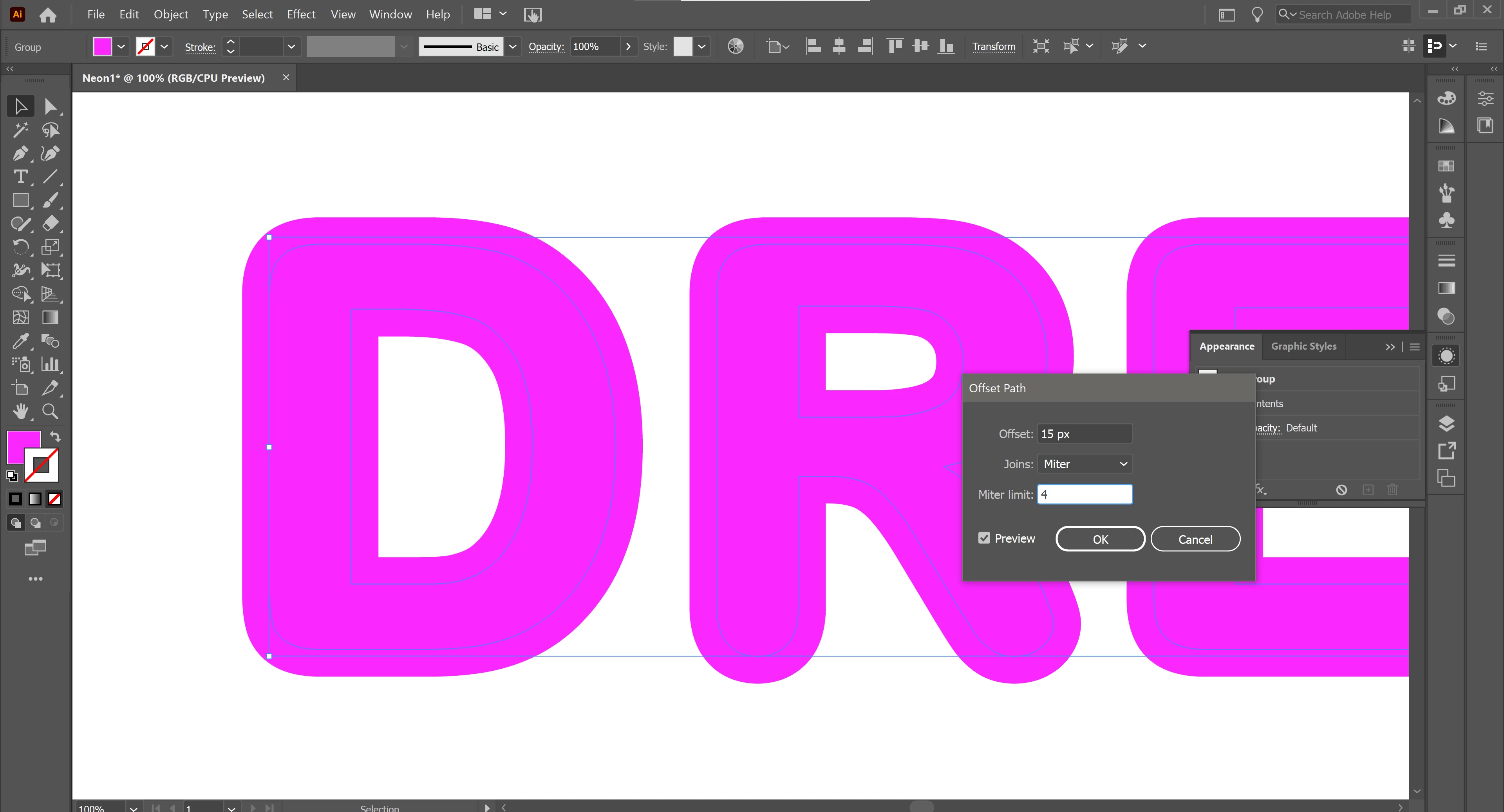
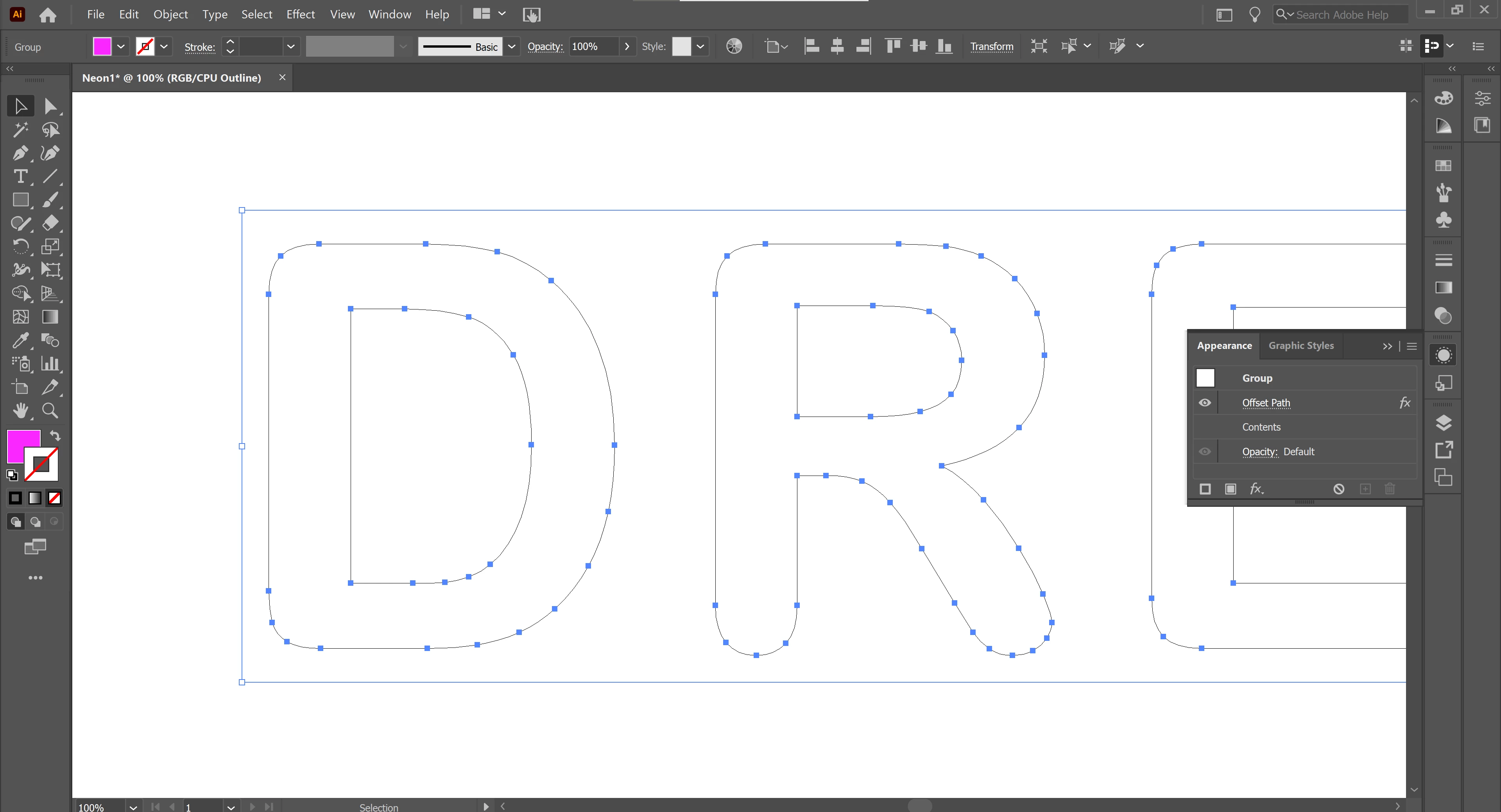
When viewing outlines, it does not have a second offset path. 

The object either expands with a positive offset, or gets a white border with a negative offset; however, i cannot split the objects by ungrouping them. Using ungroup leads to the shape losing the offset. 


This is what it should look like:
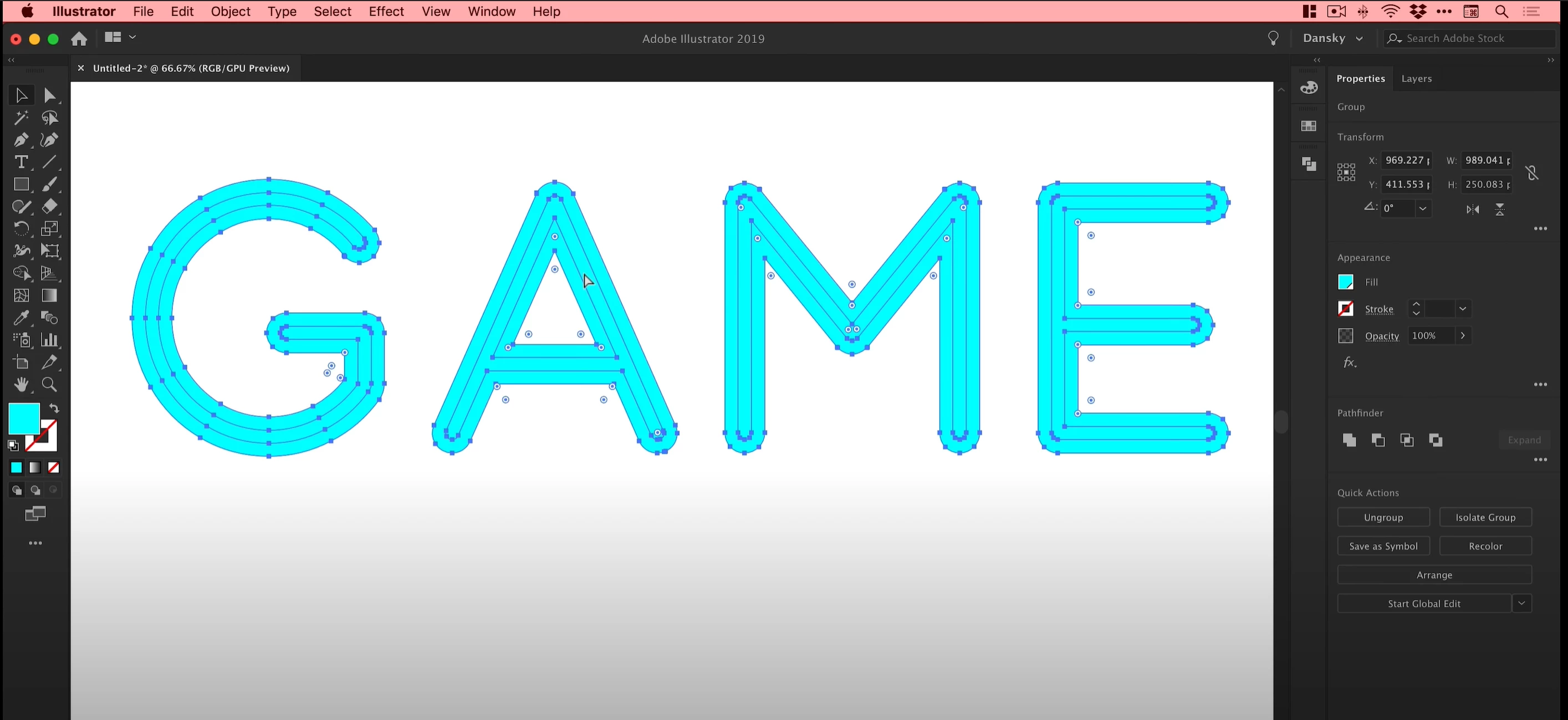
 

Is it something I'm doing wrong, or is it a bug in the 2021 version of illustrator?

This topic has been closed for replies.

4 replies

pixxxelschubser
Community Expert
Community Expert
December 28, 2020


@Tyreese0101  wrote:
… Do you know why it did not work for me as he did not use expand? …


You used the effect. Try the menu command instead:

Object --> Path --> Offset Path…

Monika Gause
Community Expert
Community Expert
December 28, 2020

You will first need to apply an additonal fill to the object and then apply the effect to that.

Ton Frederiks
Community Expert
Community Expert
December 28, 2020

It is an effect, you only get the real outlines when you expand the appearance.

Object > Expand Apperance


Participant
December 28, 2020

Thank you both, i've got it to work through expand. 

This was the tutorial i was following https://www.youtube.com/watch?v=HoD0P0mojm0 . Do you know why it did not work for me as he did not use expand? At 5:03 you can see where the effect directly created the two paths.

Doug A Roberts
Community Expert
Community Expert
December 28, 2020

You used Effect > Path > Offset Path

He used Object > Path > Offset Path.

Larry G. Schneider
Community Expert
Community Expert
December 28, 2020

You will have to expand the Effect to generate the additional paths.