
Pattern Brush Unwanted Distortion
Hi All! I'm new here. Normally I don't post questions, but I've already searched pretty intensely through the forums to see if my question has already been answered and I haven't been able to figure it out yet.
I am working on trying to create a seamless pattern in Illustrator CS6. Eventually I'd like to use this pattern to make a circular wreath or even just a curved line like you'll see below. I watched (and re-watched) this tutorial Create a Seamless Pattern Brush in Illustrator - YouTube to follow the steps she outlines and I can't figure out what's missing.
According to the tutorial, using my specially drawn mini doodle, when I click to make a new Pattern Brush, the only setting I should be changing from the default is under the 'Fit' section, from the default 'Stretch to Fit' option to 'Approximate Path', which I've done as you can see here.
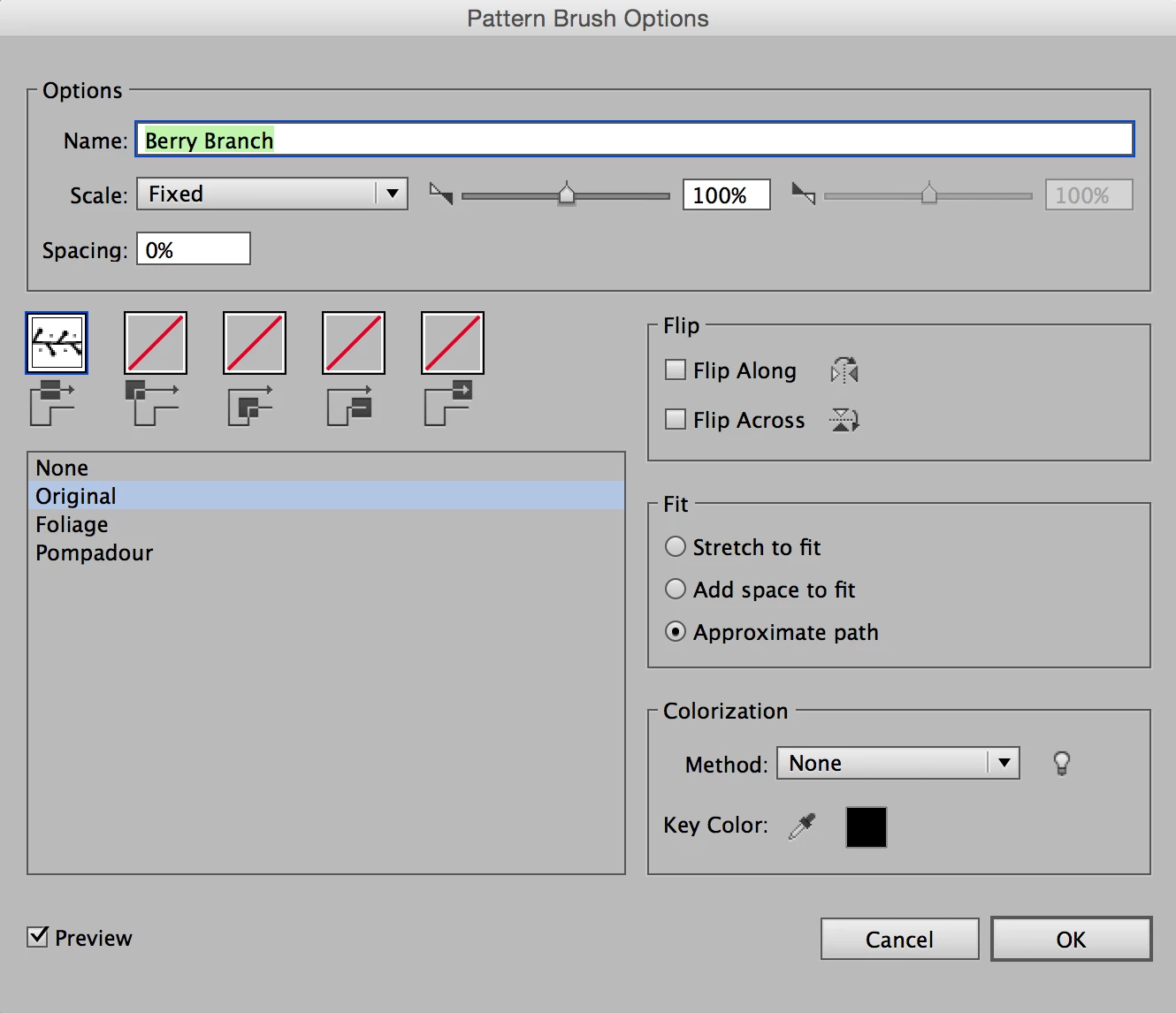
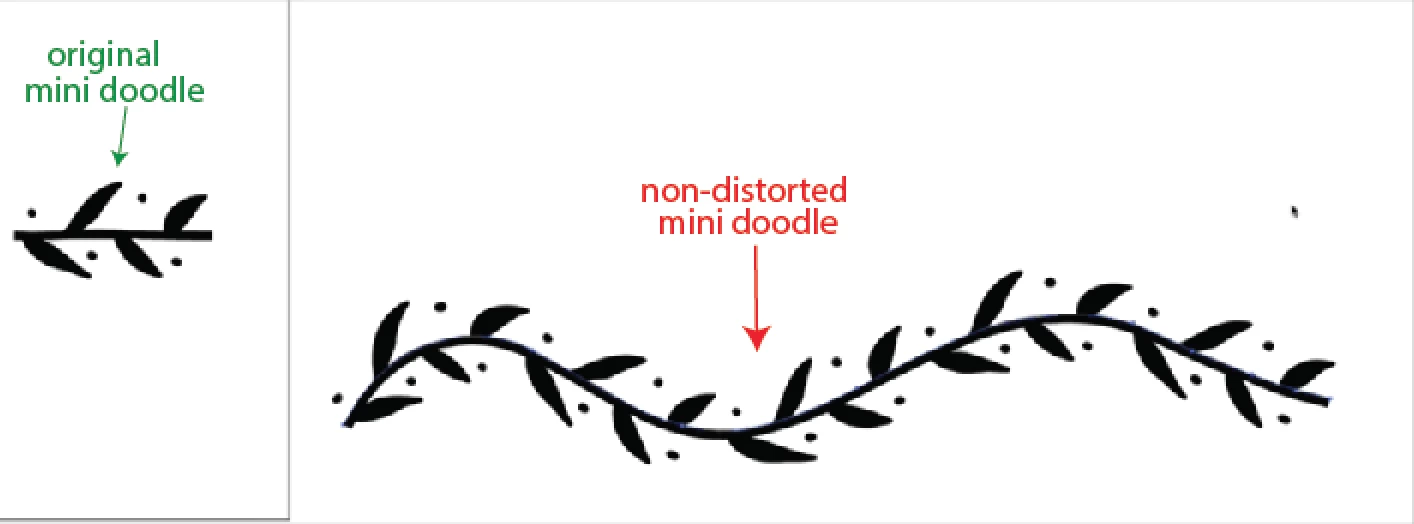
Once that option's been chosen, she uses the pencil tool to draw a curvy path and clicks her newly made pattern brush, and her result is the non-distorted mini doodle pictured below.
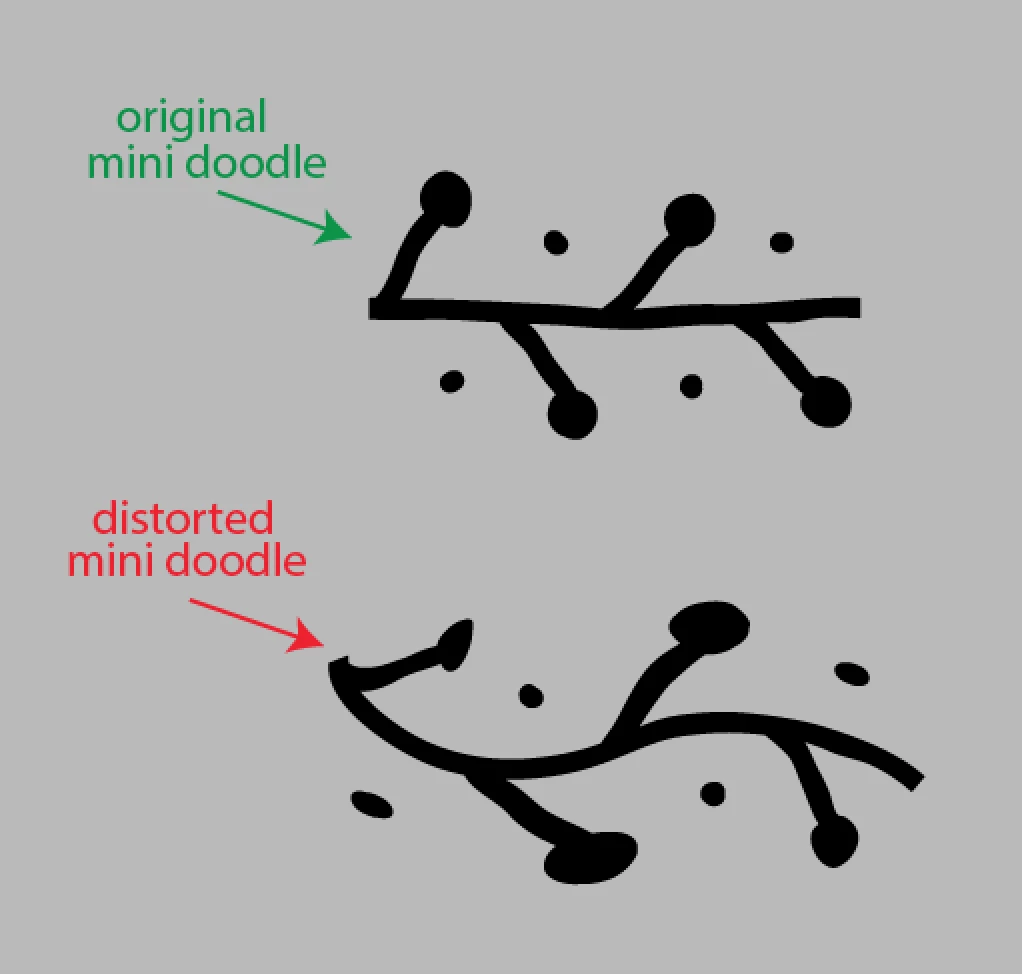
However, when I try the same thing, mine is getting distorted like this:
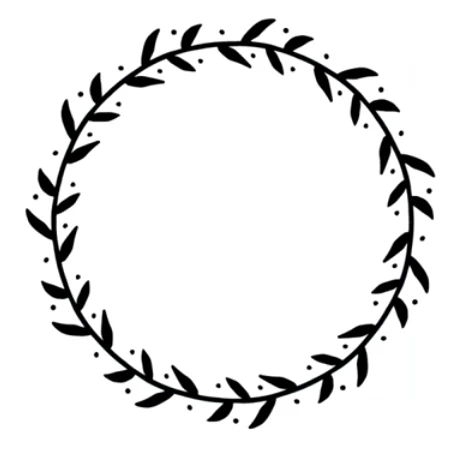
Here's one more example of the desired result:
And my actual result:
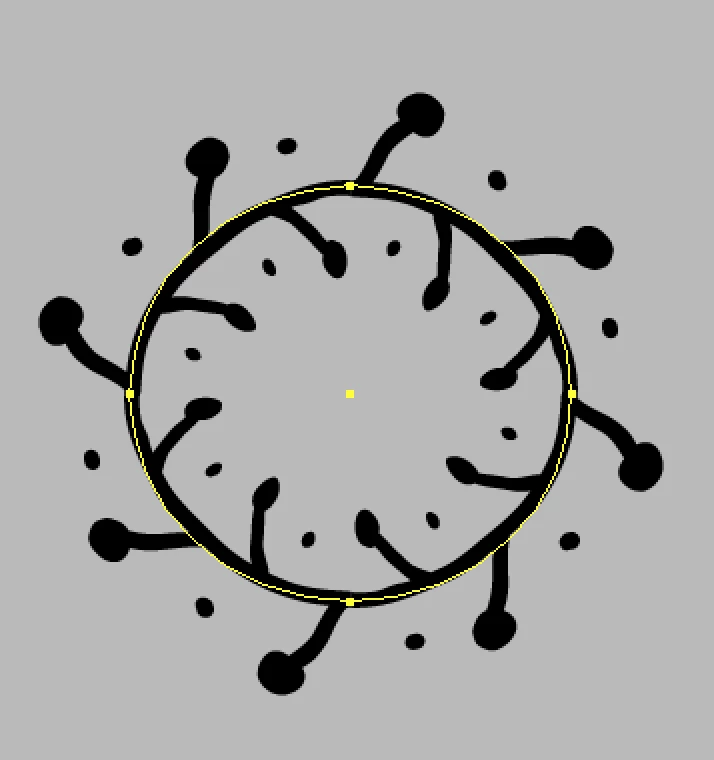
As I said, I've watched her tutorial several times, checked the comments section, and searched online forums here and on Google. I've also restarted Illustrator numerous times to see if it's just being glitchy and I've changed those 'Fit' options to 'Stretch to Fit', 'Add space to Fit', and back to 'Approximate path' several times just to see if it might change. It does change, but the 'Appoximate path' result is still the same as my distorted mini doodle image.
Anyway, if anyone knows what I can change to get the desired result, feel free to let me know. And I tried to include relevant settings and information so hopefully my question makes sense and you can be civil to me instead of mean in case this is a really dumb question... Thanks!
 AdChoices