Participant
June 9, 2017
Answered

photo collage into the shape of a map

  • June 9, 2017
  • 2 replies
  • 6104 views

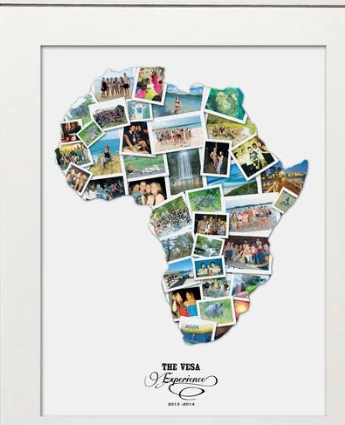
can anyone point me in the right direction for a tutorial on how to make something along the lines of this please. I mainly use Ai but also have Ps

    Correct answer Srishti Bali

    Hi peterb,

    You may make it through clipping path.
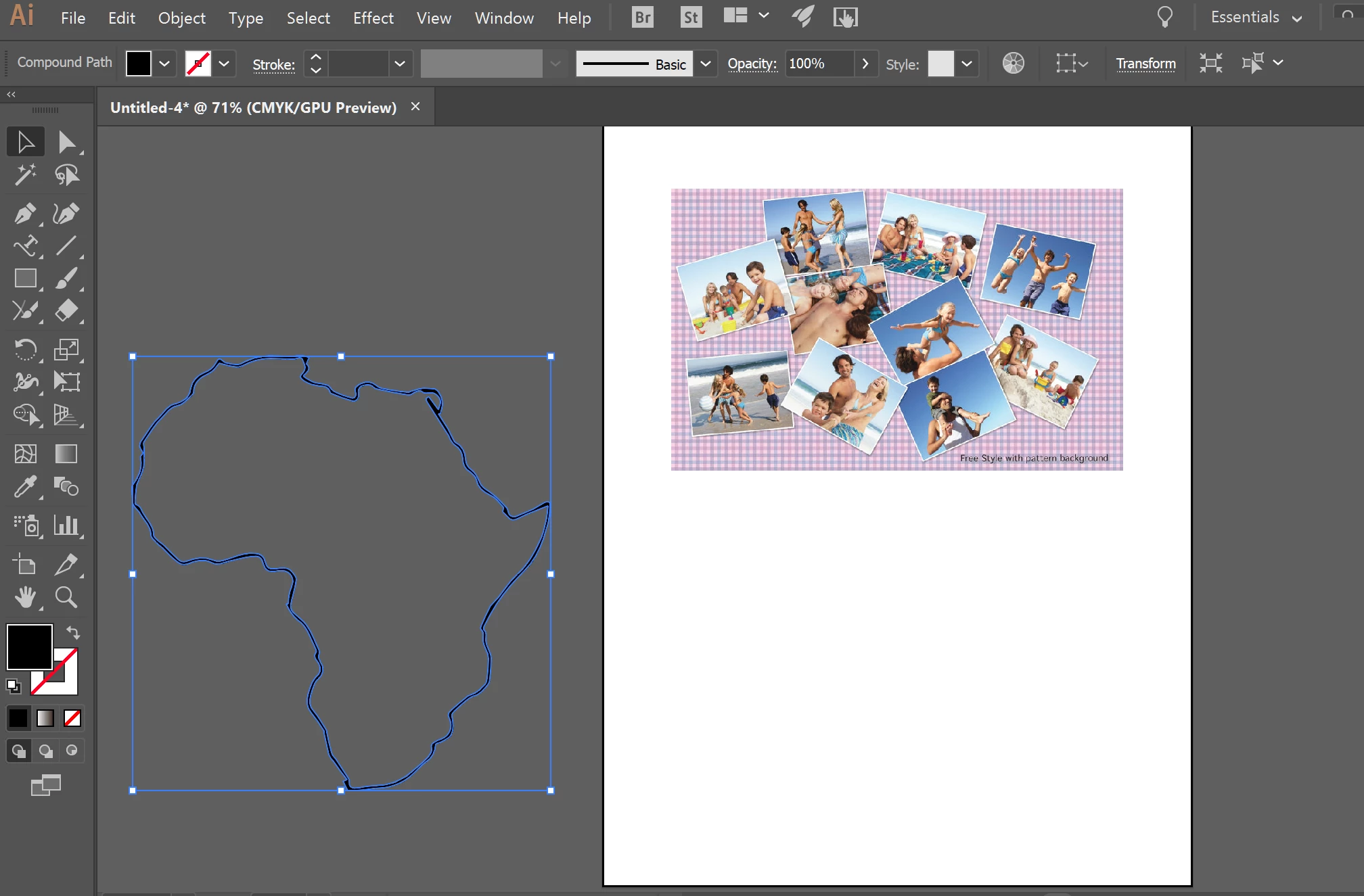
    Move the Map outline over the collage
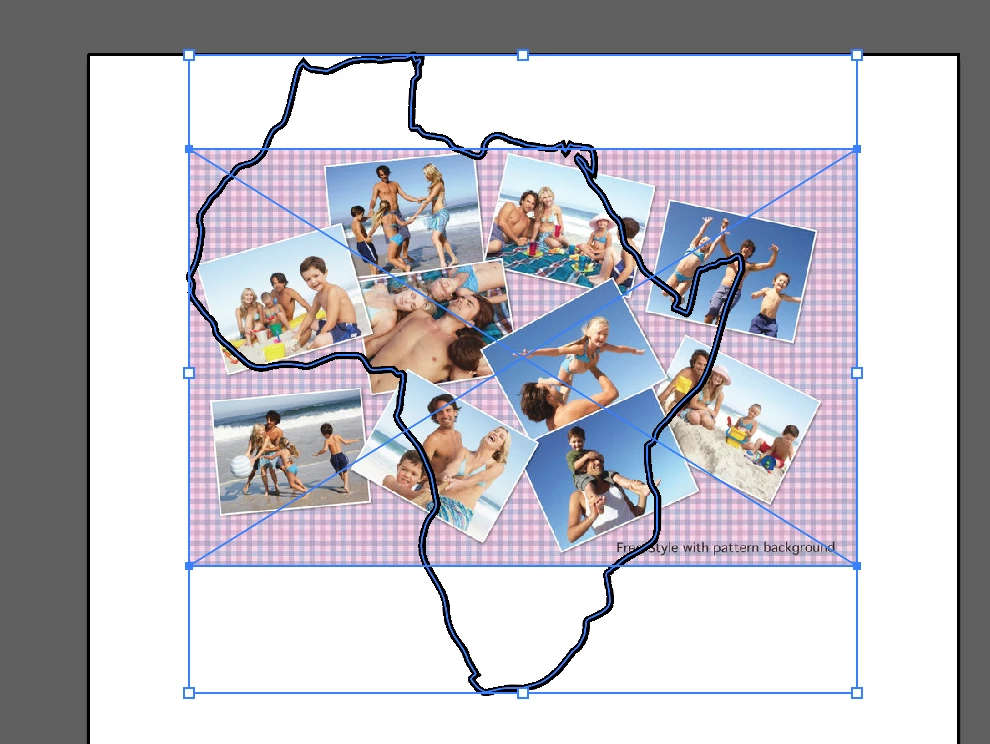
    Then Click Object>clipping mask >Make
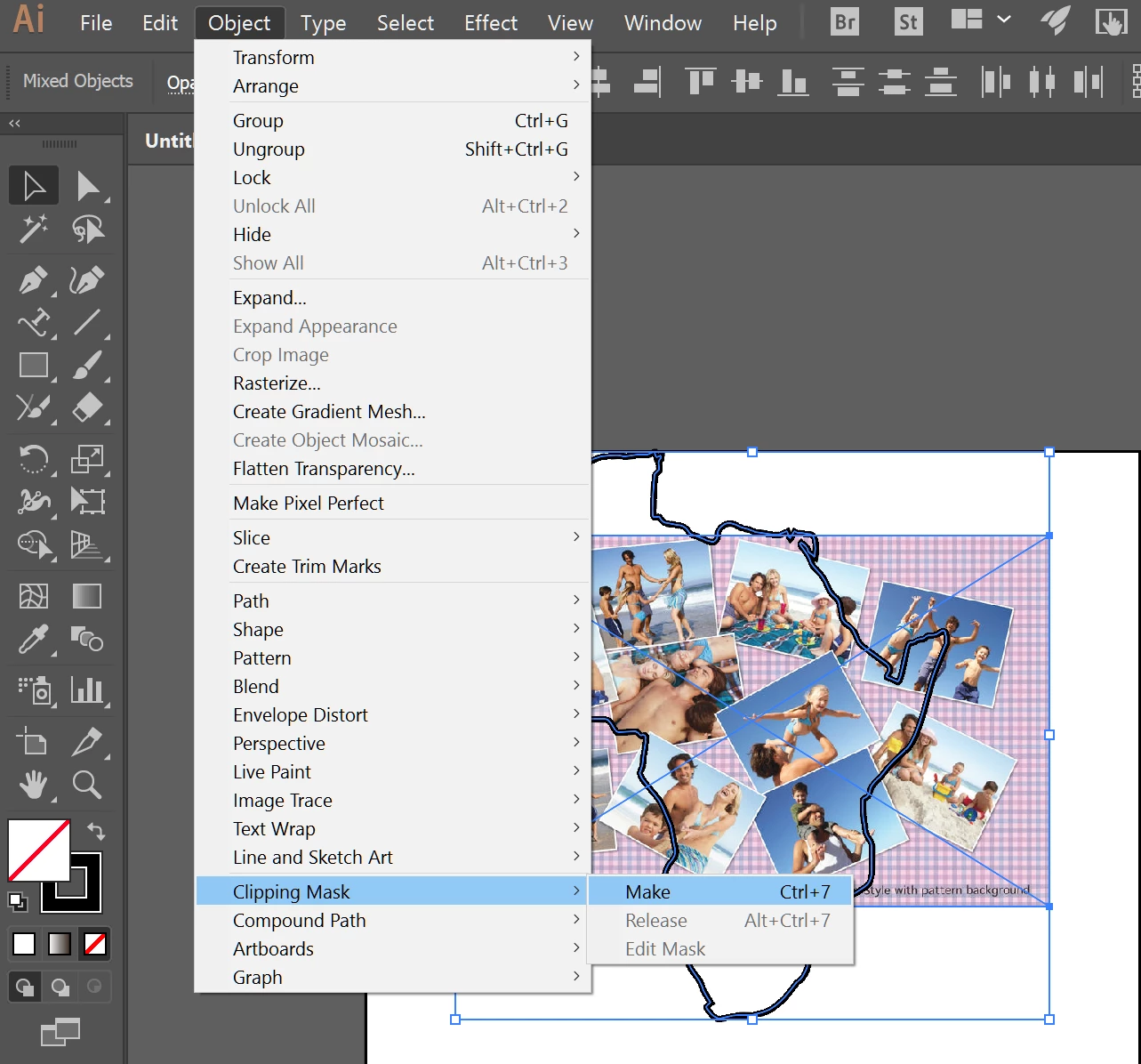
    And here is the result
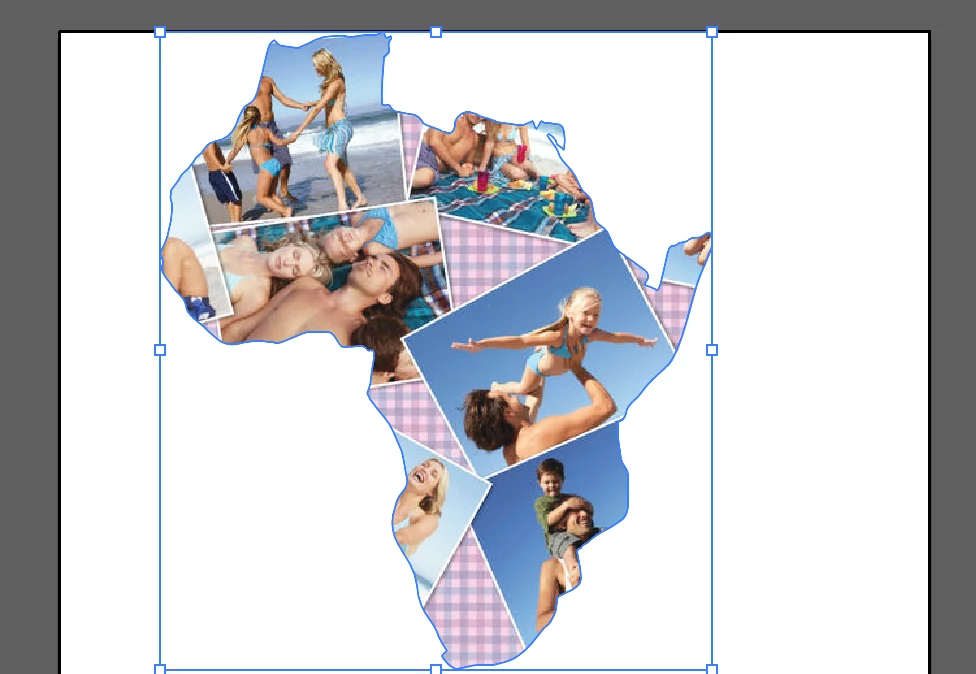
    Regards

    Srishti

    2 replies

    Srishti Bali
    Community Manager
    Srishti BaliCommunity ManagerCorrect answer
    Community Manager
    June 9, 2017

    Hi peterb,

    You may make it through clipping path.

    Move the Map outline over the collage

    Then Click Object>clipping mask >Make

    And here is the result

    Regards

    Srishti

    Monika Gause
    Community Expert
    Community Expert
    June 9, 2017

    That would be a Photoshop job.

    Basically you load all your photos into one file.

    It will make sense to turn them into Smart objects

    Apply a border stroke and a drop shadow as effects to each one

    Arrange them as you like

    Find a vector file of the country you need

    Copy that as a shape layer into your Photoshop file

    Use it as a clipping mask for all your photos

    All of this is explained in the documentation. Go to the Help menu in Photoshop to access it.