
Answered
Polka Dot (Pattern)
How can I make a 'Polka Dot' pattern with the same spacing inside the white triangle of the below picture.
The Red triangle I've created with black 'Polka Dots' are too close together.

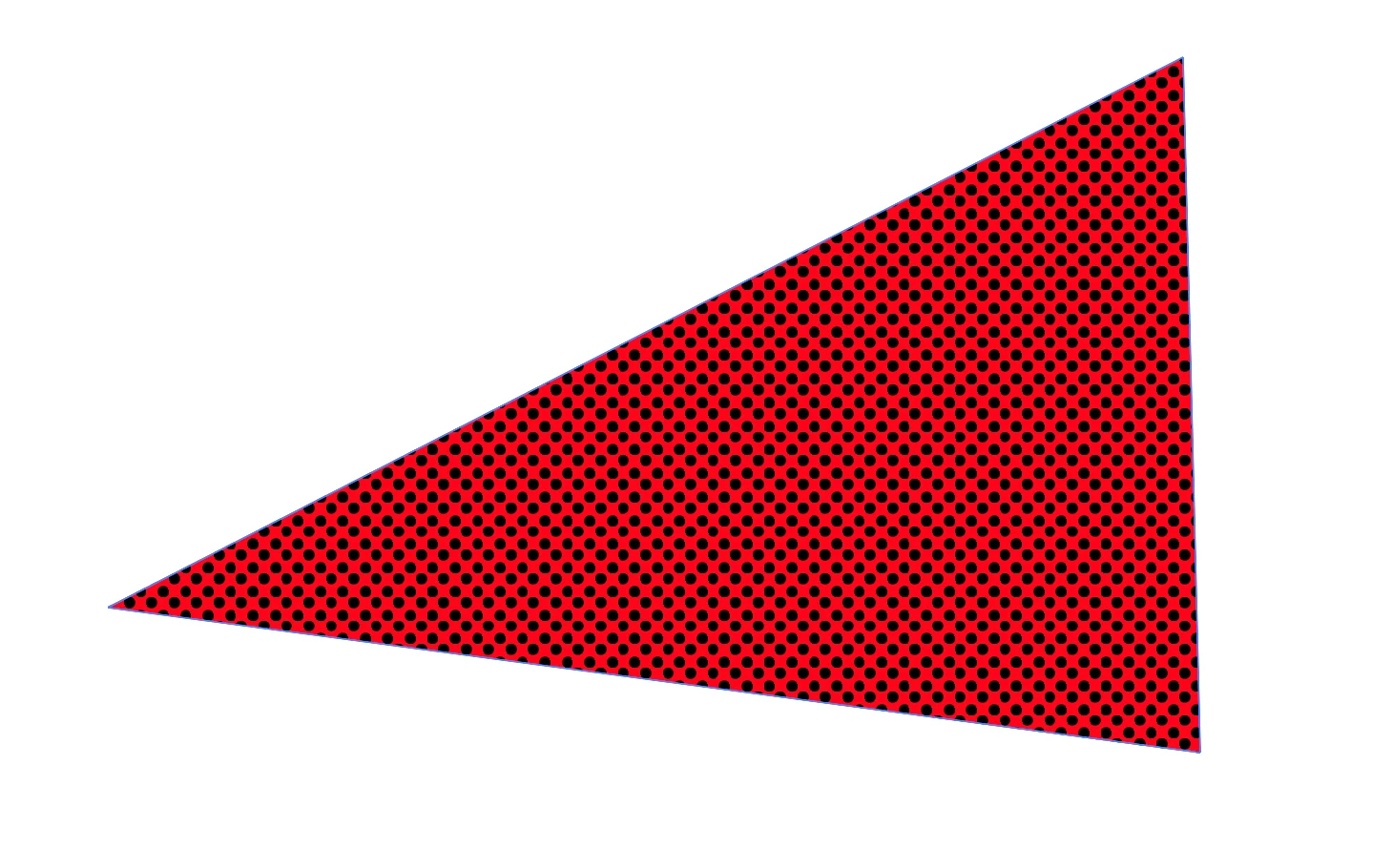

How can I make a 'Polka Dot' pattern with the same spacing inside the white triangle of the below picture.
The Red triangle I've created with black 'Polka Dots' are too close together.
How did you make the pattern in the first place?
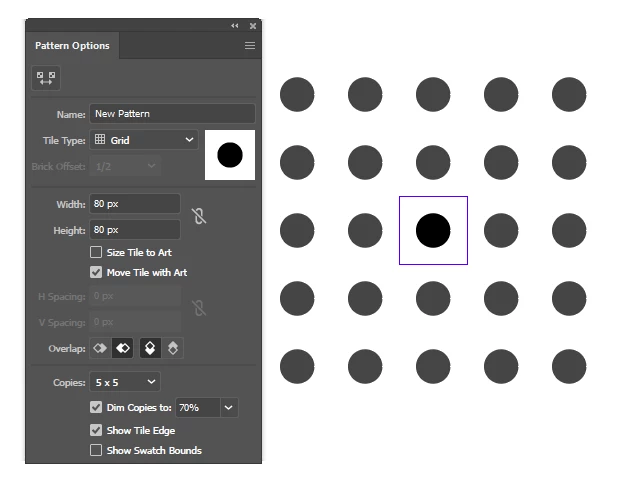
Draw a circle. Make a new pattern (Object > Pattern > Make). Set the spacing as you like with the width & height:
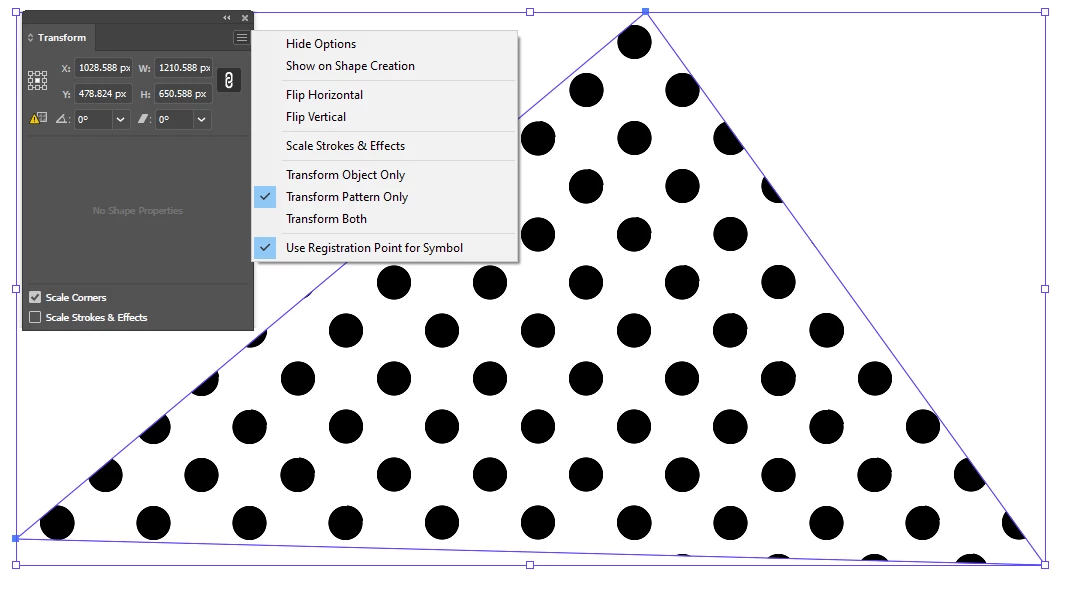
Fill your object. Rotate the pattern only 45 degrees:
Already have an account? Login
Enter your E-mail address. We'll send you an e-mail with instructions to reset your password.
 AdChoices