
Preview doesn't show all art on the art board in the file
Hi
I ran into a problem for the first time and I seem to be at a loss as to why it is happening - I sent a file out for print (online printing company) for a front and back business card - I am using Illustrator CC and the file shows the outlined text on the back but when they printed it, the text was omitted - They said the fonts weren't outlined/flattened - I checked the file and the fonts where outlined but did notice something - I noticed the thumbnail in the preview pane didn't have the text either...even though the outlined texted is in the file -See the attachment - My guess is because you can't see the text in the preview pane it doesn't pick it up to print - Can anyone help explain what needs to be done in illustrator so that it shows and prints? The front printed fine but not sure why it didn't for the back -
thanks!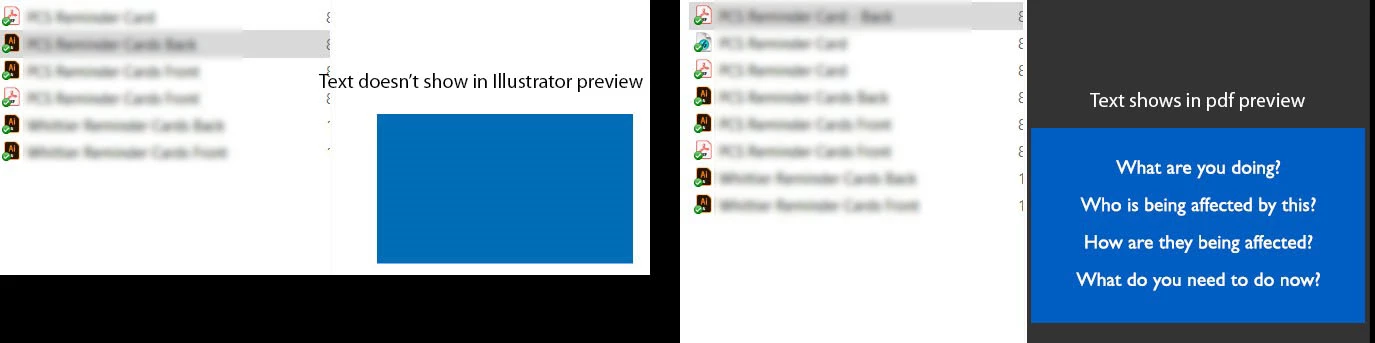
 AdChoices