Participant
December 21, 2018
Answered

Problems with compound layer

  • December 21, 2018
  • 2 replies
  • 596 views

Hello all,

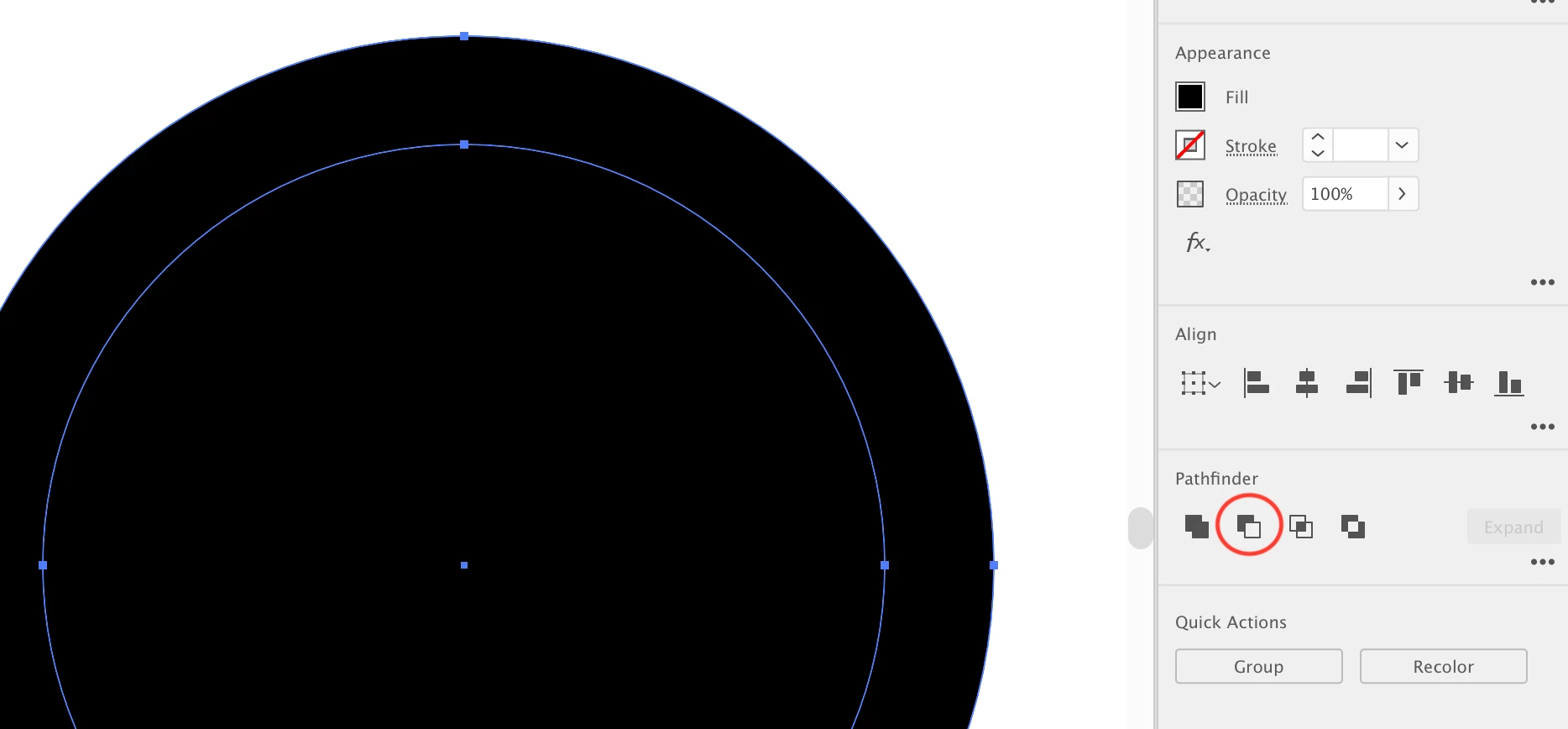
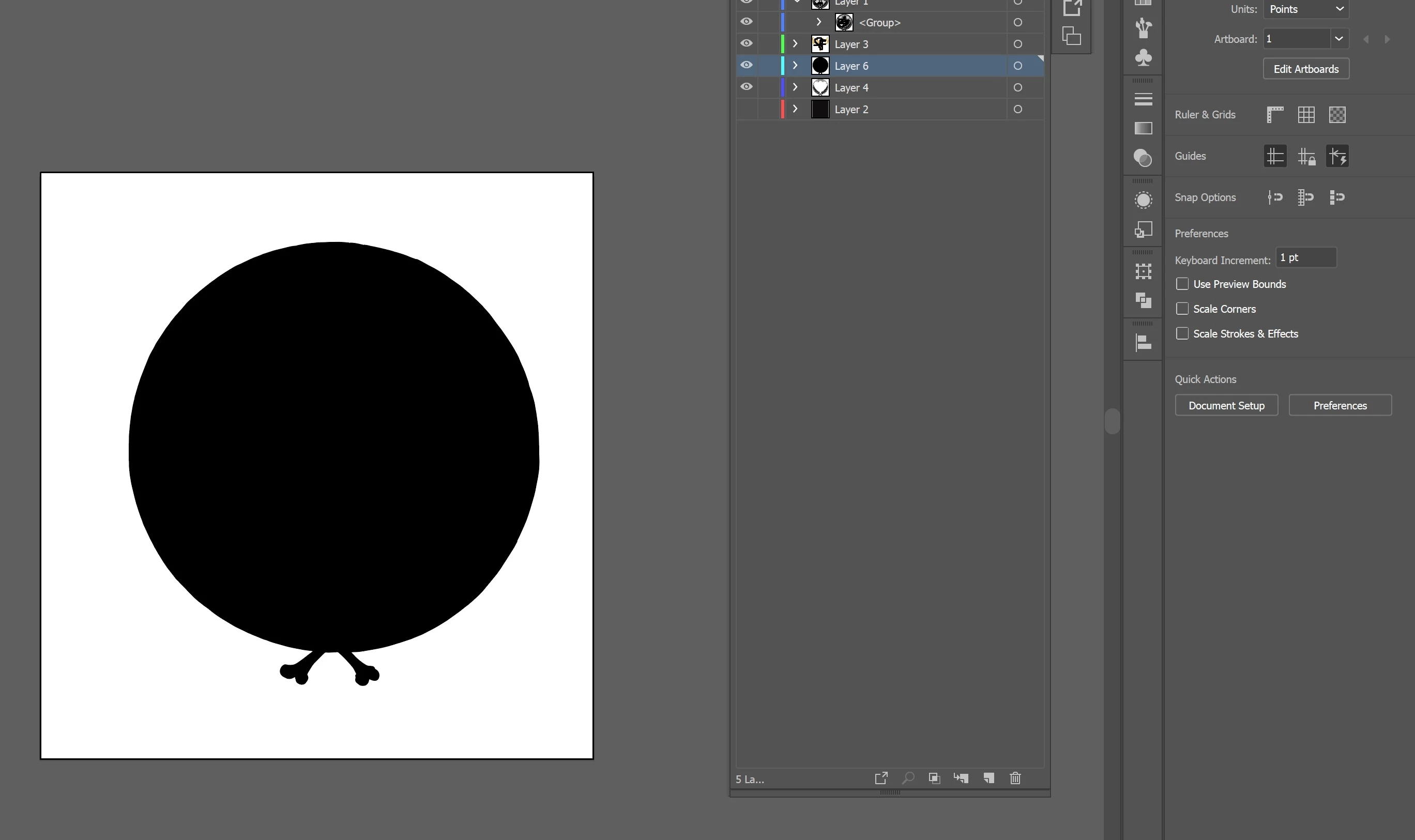
I have problems find, how to make this compound path to path, But everything I tried (pathfinder, make compund shape, shape, release ,, etc ) I can't get the result. that I want. a shape (not compound).

1

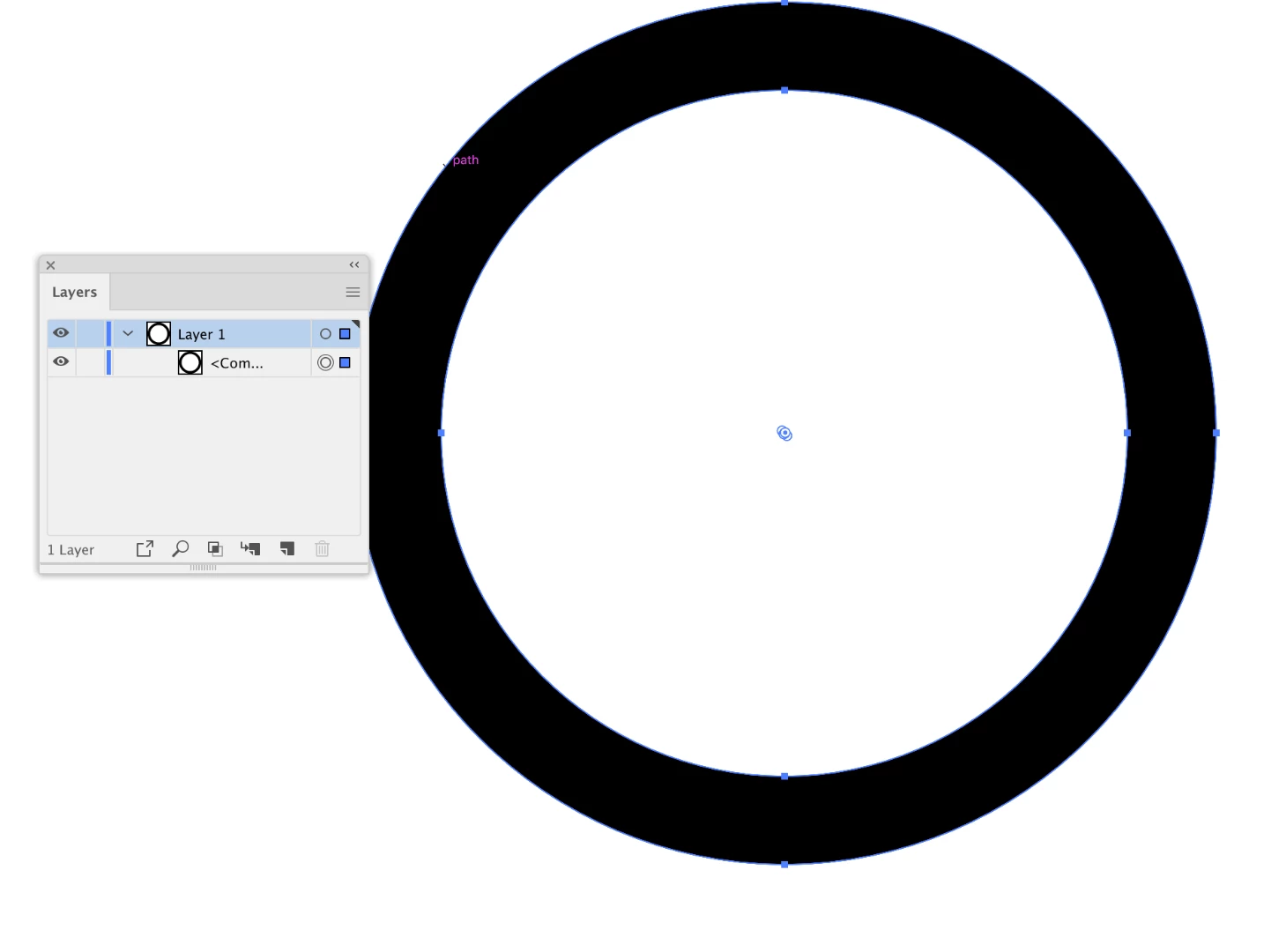
I have this in compound shape .. but i want to get this without compound shapes my results always are wrong
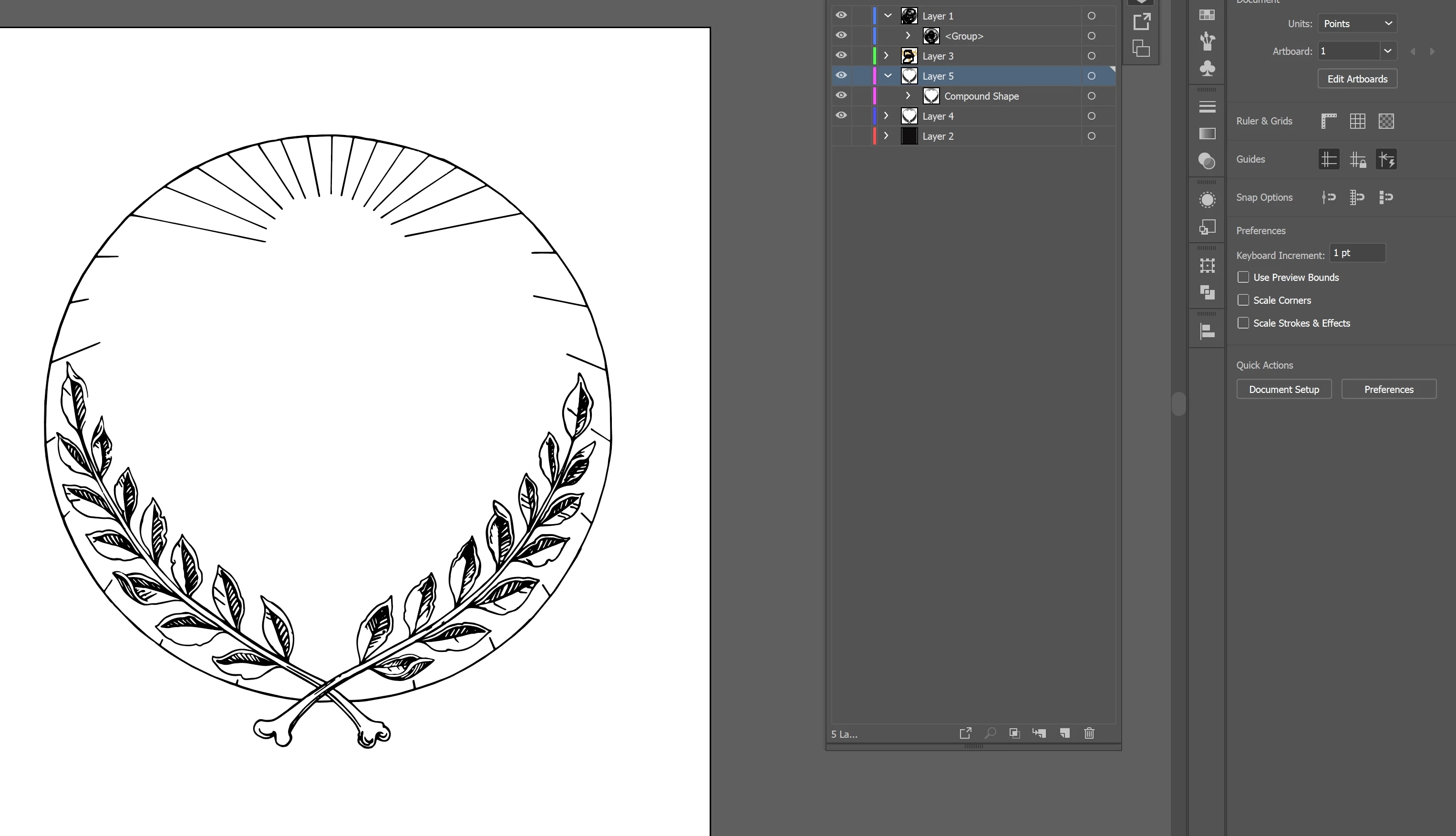
2.
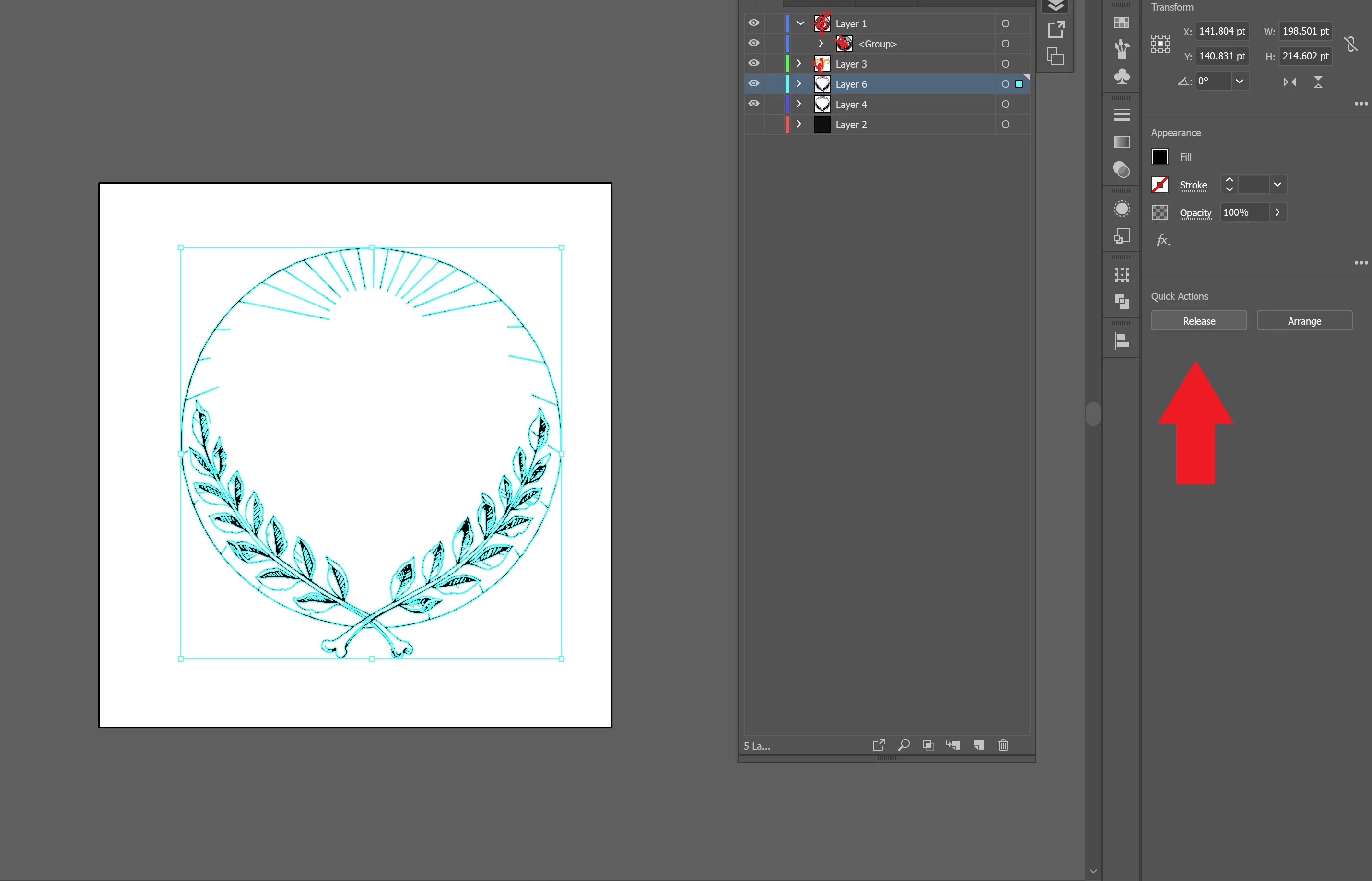
3

that happened when i released the compound !
This topic has been closed for replies.
Correct answer Rob de Winter

Hey, as I can see now, this is a the 'normal' behaviour when you release this path.

It's created like this:

1) two circles placed on each other

2) Then a compound path is created (with pathfinder or with Object > Compound Path > Make)

3) This is the result... When you release it, it will look like step 1...

So... If you want to make a single path of it, you can better remove the inner path, remove the fill color, and add a stroke color (for example). I'm not sure if this'll work with your path, but it might be an option.

Hope this helps!

2 replies

Monika Gause
Community Expert
Community Expert
December 21, 2018

You need to expand the compound shape by clicking on "Expand" in the pathfinder panel.

If there are holes in some shapes, then there will be a compound path as the result. Compound paths cannot be avoided in those situations.

There are no "compounds" in Illustrator. There are either compound shapes or compound paths. Illustrator: What's the difference between compound paths and compound shapes?

Rob de WinterCommunity ExpertCorrect answer
Community Expert
December 21, 2018

Hey, as I can see now, this is a the 'normal' behaviour when you release this path.

It's created like this:

1) two circles placed on each other

2) Then a compound path is created (with pathfinder or with Object > Compound Path > Make)

3) This is the result... When you release it, it will look like step 1...

So... If you want to make a single path of it, you can better remove the inner path, remove the fill color, and add a stroke color (for example). I'm not sure if this'll work with your path, but it might be an option.

Hope this helps!