
Participant
June 21, 2020
Question

Puntero diminuto en Illustrator

  • June 21, 2020
  • 3 replies
  • 1654 views

Buen día!

Acabo de instalar Adobe Illustrator 2020 en mi pc y al abrir un documento y dentro del mismo el puntero me aparece diminuto, muy muy pequeño y es imposible trabajar asi.

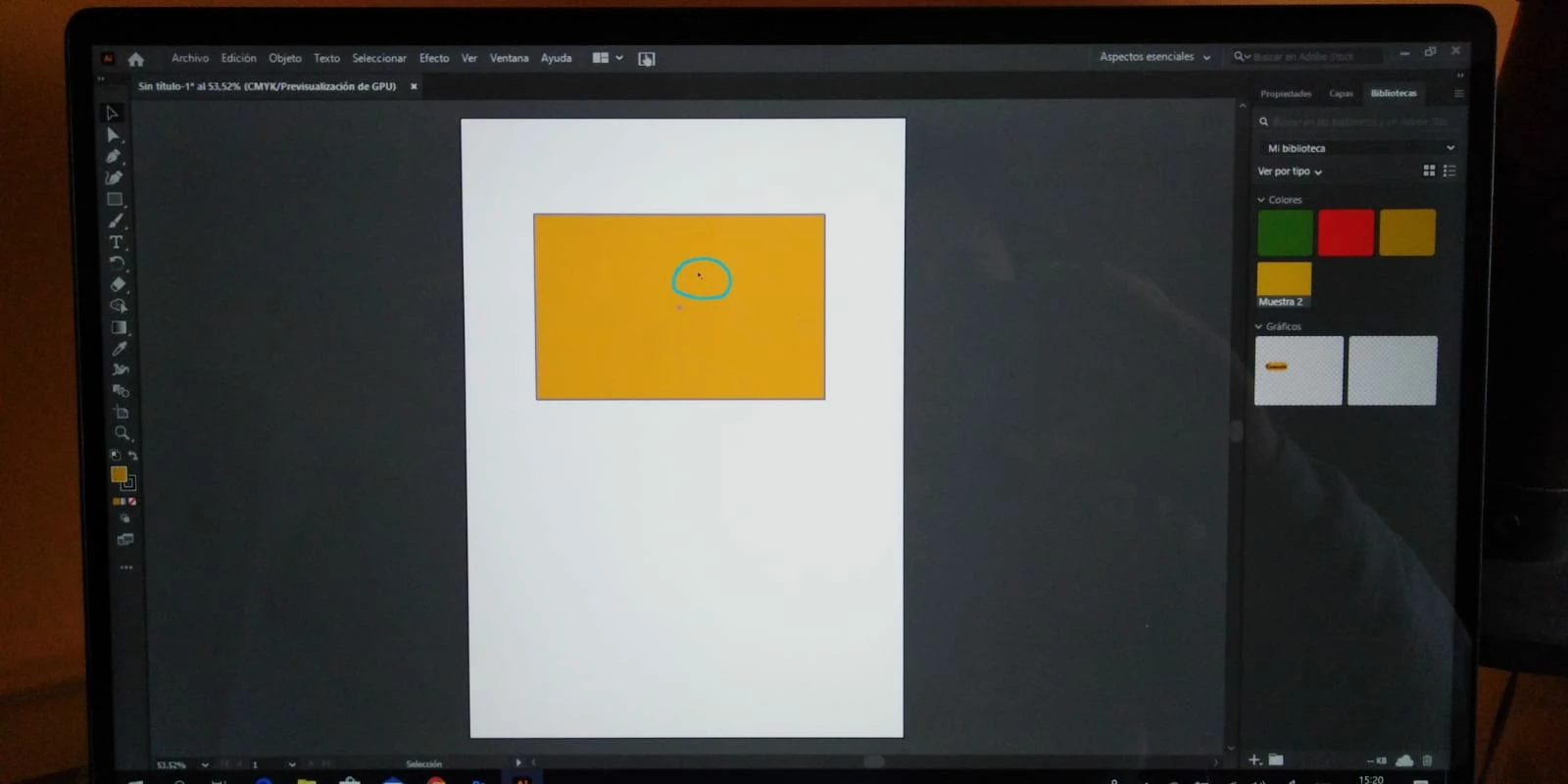
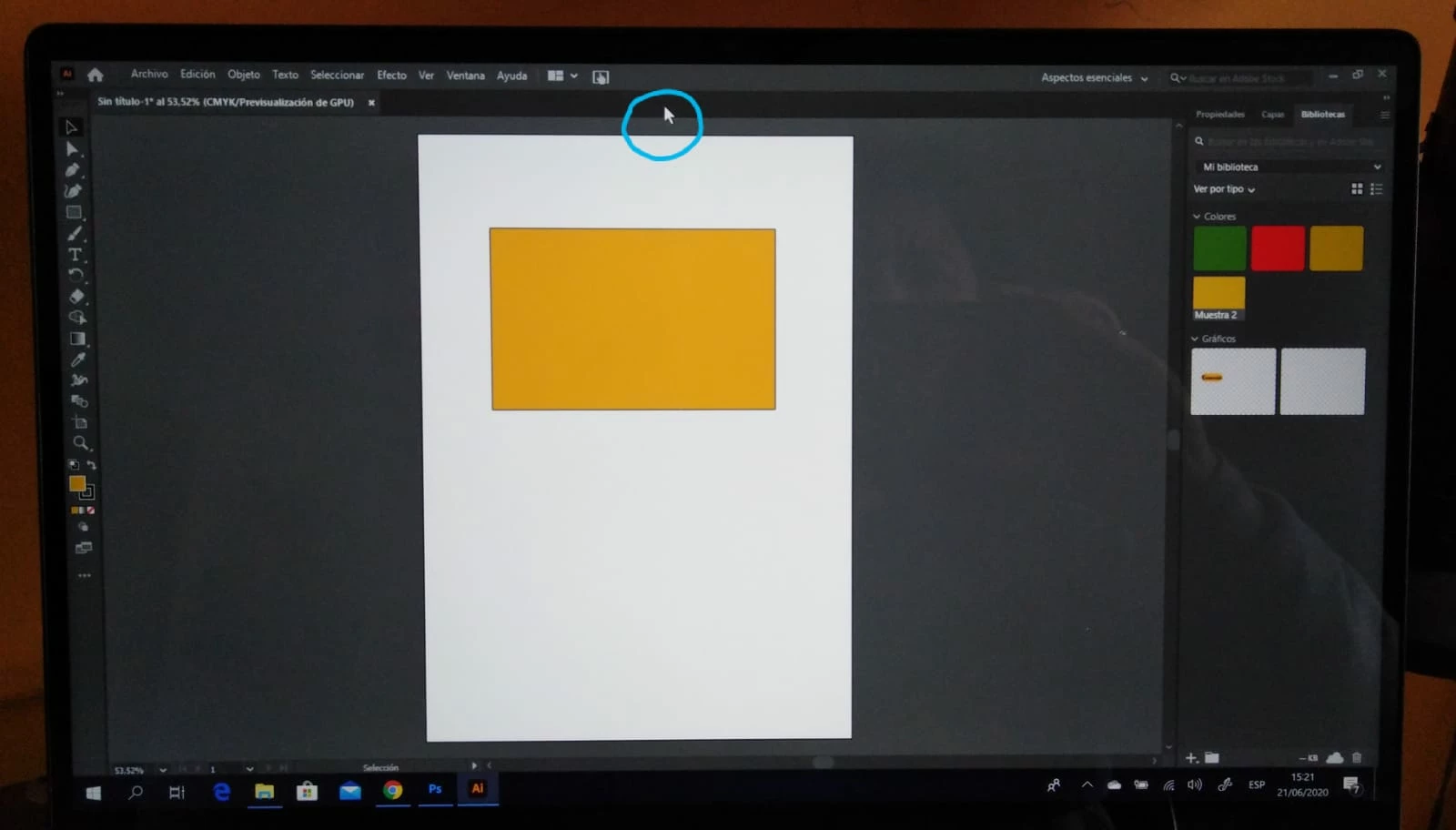
El puntero se ve muy pequeño dentro de la mesa de trabajo, si salgo de la misma se ve de tamaño normal.

Alguién me puede ayudar por favor!!!

Desde ya muchas gracias!!!!

Adjunto fotografías del problema.
    This topic has been closed for replies.

    3 replies

    Participant
    April 11, 2024

    yo tengo el mismo problema


    Pudiste solucionarlo?

    Anshul_Saini
    Community Manager
    Community Manager
    April 26, 2024

    Hi @GIO PINEDA,


    I understand how frustrating it can be to encounter issues with the pointer size in Illustrator. Let's try a few troubleshooting steps to fix the tiny pointer issue in Adobe Illustrator:

    • Scaling Settings: Check the scaling settings in your display settings in Windows. Try increasing or decreasing the scaling percentage to see if it affects the size of the pointer within Illustrator.

    • Illustrator UI Preferences: In Illustrator, go to Preferences > User Interface. There, you'll find a scaling slider. Adjusting this slider might help with the size of the pointer and other UI elements.

    • Reset Illustrator Preferences: If the above steps don't work, try resetting Illustrator preferences. You can do this by holding down Shift + Ctrl + Al while launching Illustrator. A dialog box will appear asking if you want to delete the Adobe Illustrator Settings folder. Confirm and see if it resolves the issue.

    If the problem persists after trying these steps, could you please share more details about your system, such as CPU, GPU, RAM, monitor resolution, and the versions of both Windows and Illustrator? This additional information will help us further diagnose the issue.


    Best,

    Anshul Saini

    Srishti Bali
    Community Manager
    Community Manager
    July 22, 2020

    Hi there,


    Sorry about the delay. We are currently investigating this issue. I would request posting this issue on our UserVoice page (https://illustrator.uservoice.com/) and share the link here so that other users can also upvote that.

    This way you'll keep getting all the updates related to this issue. Apologies once again. Please stay tuned for updates, and thanks in advance for your patience. 


    Regards,

    Srishti

    Srishti Bali
    Community Manager
    Community Manager
    June 21, 2020

    Hi Alice,


    That's definitely not normal. Did you check with other files too? Are they also showing the same behavior with Selection tool? What happens if you click on the Direct Selection tool (White arrow)? 

    If it shows the same behavior with new files as well, you may try resetting Illustrator preferences (https://helpx.adobe.com/in/illustrator/using/setting-preferences.html). 

    Please note that resetting preferences will remove all the custom settings and Illustrator will launch with default settings. You can also take a backup of the folders in case you want to. Location is mentioned in the article. 


    Regards,

    Srishti

    Alicia52Author
    Participant
    June 22, 2020

    Gracias Srishti por tu respuesta!!!

    Te cuento que hoy baje el programa y el comportamiento del puntero es con todas las herramientas, selección, selección directa y demás.

    Ya reestablecí las preferencias de Illustrator y continua igual.

    Descargué Photoshop y no sucede esto!!!

    He buscado por todos lados y no encuentro solución!!!

    Srishti Bali
    Community Manager
    Community Manager
    June 22, 2020

    Thanks for sharing the details, Alice. Please try increasing UI scaling from Illustrator preferences. Press CTRL+K > User Interface > increase UI Scaling to Large > Restart Illustrator and let us know how it goes.