
"Real" image artefacts
Hi,
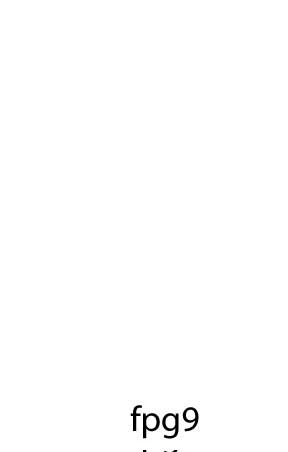
I am seeing strange garbled characters in a file I save as an image in Save for Web & Devices.
After some investigation, it appears that this phenomenon occurs for some artboard heights and when it occurs, the artefact disappears when the text is far enough from the bottom border of the artboard. The text itself (and the text object) does not step over the artboard. I also tried changing the position of the artboard without changing its size but the problem is still there.
Attached is an example where you can see like a partial mirror image of the text stemming from the bottom edge of the artboard. I have attached the resulting image (jpeg default medium setting, resized at 400%) and an editable pdf (Adobe PDF).
Can anyone reproduce that in AI, maybe another version than mine?
Is there a fix or workaround that does not involve changing the height of the artboard?
This is for CS4.
Thanks.
 AdChoices