
jennibennett
Participant
July 9, 2019
Answered

replicate shape in smaller scale without corners changing?

  • July 9, 2019
  • 3 replies
  • 679 views

hello!

I'm trying to figure out what I'm missing.

I have a rounded corner rectangle that I want to reproduce at 90% scale but with the same corner radius. it feels like I'm missing something super simple? can anybody explain? thank you!
This topic has been closed for replies.
Correct answer SJRiegel

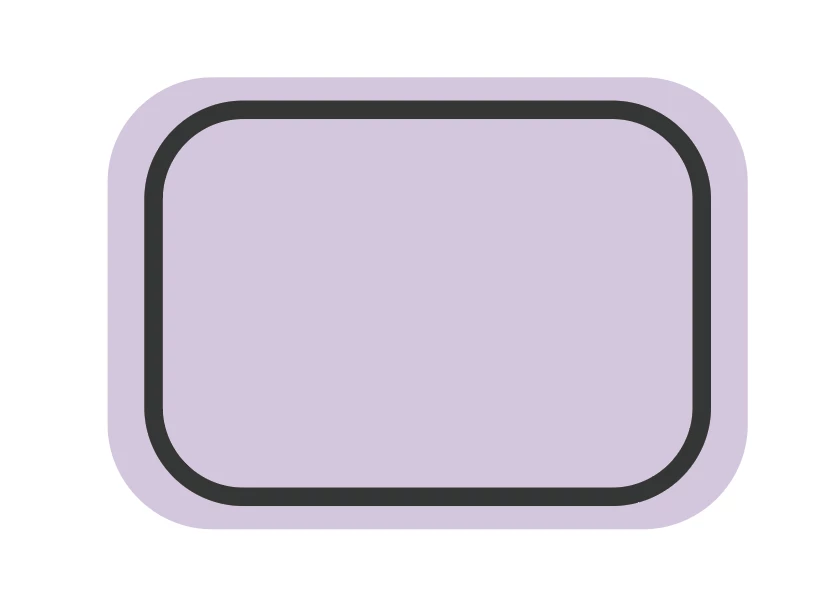
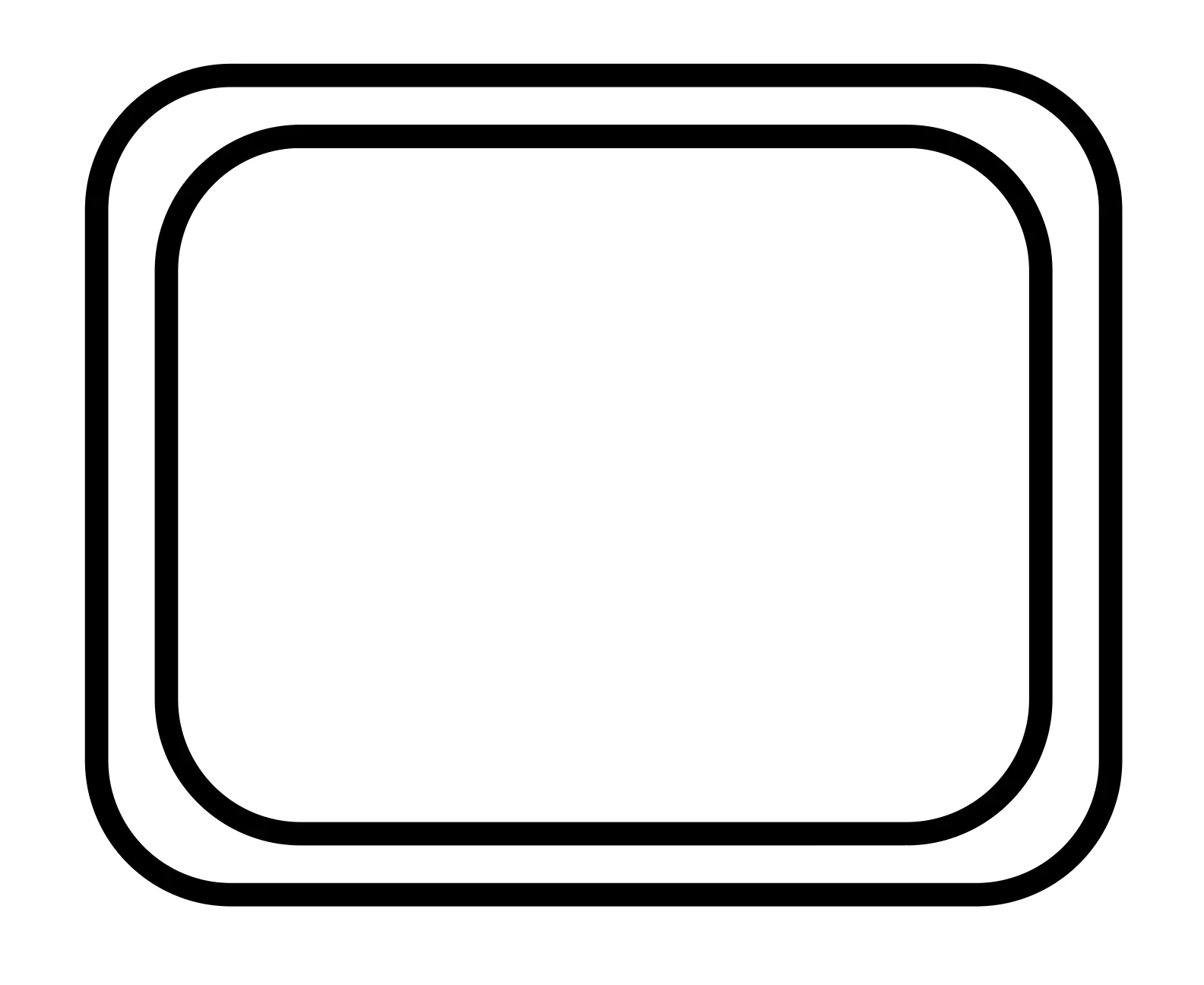
If you want the shapes to next proportionally, then the corner radius has to be smaller on the inner shape.

The example on the left has two shapes with the same corner radius. The second example has an inner shape with a smaller radius. (The radius on the outer shape is 0.65 inch; on the inner it is .03 inch.

The easiest way to achieve the second shape is to use Object > Path >Offset Path with a negative offset value.

3 replies

jennibennett
Participant
July 9, 2019

thank you so much!

Jacob Bugge
Community Expert
Community Expert
July 9, 2019

Jenni,

Options depend on your version, but whichever you have, you can:

1) Create the original rectangle as non rounded,

2) Effect>Convert to Shape>Rounded Rectangle, only setting the desired Radius,

3) Untick Scale Strokes & Effects if ticked (in the Transform palette or the Scale dialog).

SJRiegelCorrect answer
Legend
July 9, 2019

If you want the shapes to next proportionally, then the corner radius has to be smaller on the inner shape.

The example on the left has two shapes with the same corner radius. The second example has an inner shape with a smaller radius. (The radius on the outer shape is 0.65 inch; on the inner it is .03 inch.

The easiest way to achieve the second shape is to use Object > Path >Offset Path with a negative offset value.