

Question
RGB to CMYK Logo change issue
I'm currently creating a logo pack, I've designed the logo in RGB format and now I want to take into CMYK versions.
The problem I'm having is that when putting my RGB colour through an RGB to CMYK colour converter, the shown colour on the converter website looks right, but when taking it into illustrator, it is then turning the colour from a teal to blue?
The RGB colour is: #3E9E9F
Examples:
1. How the colour looks fine in RGB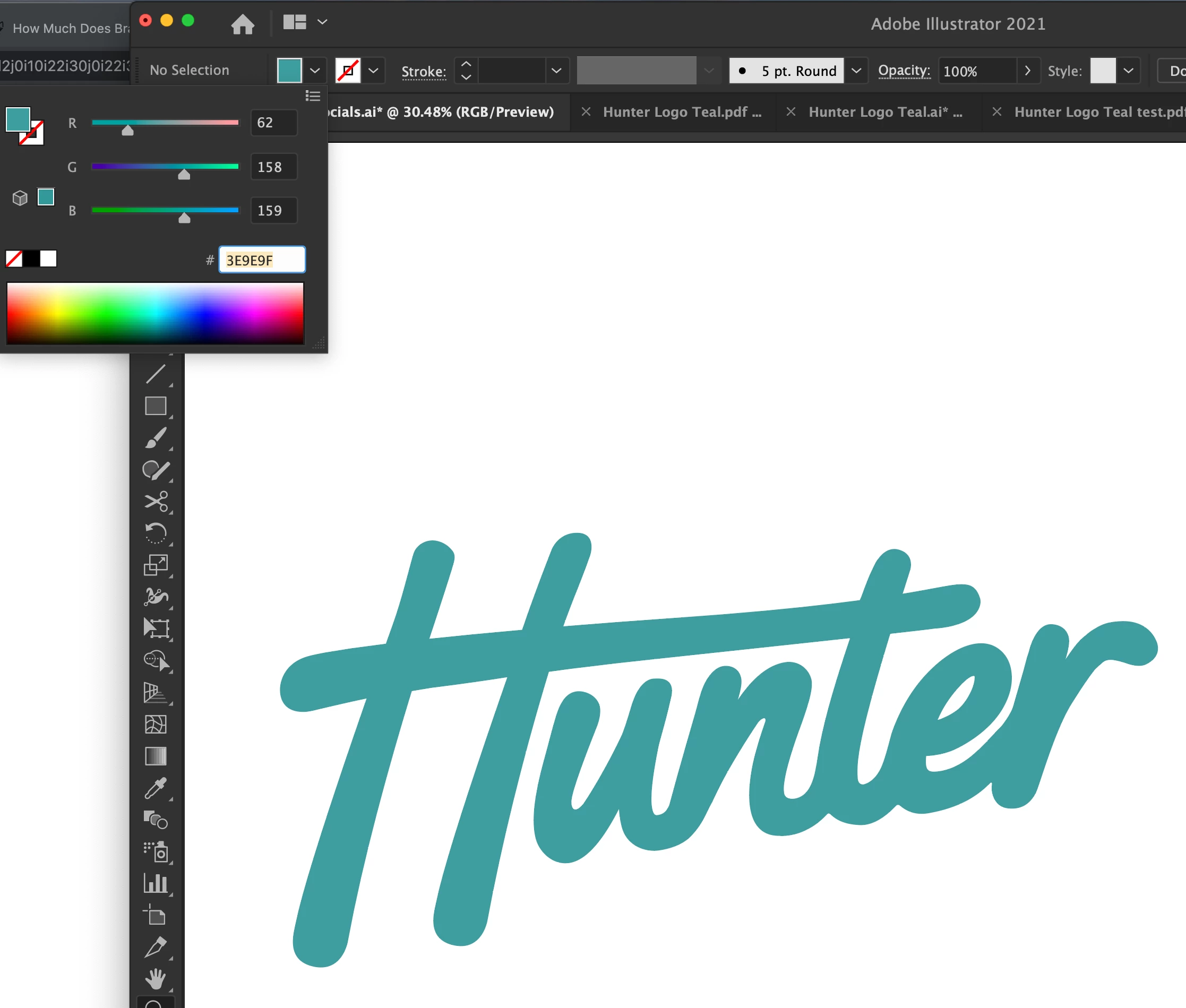
2. The colour loss when adding in the CMYK colour numbers which turns it blue, however on the converter website it does not show blue? 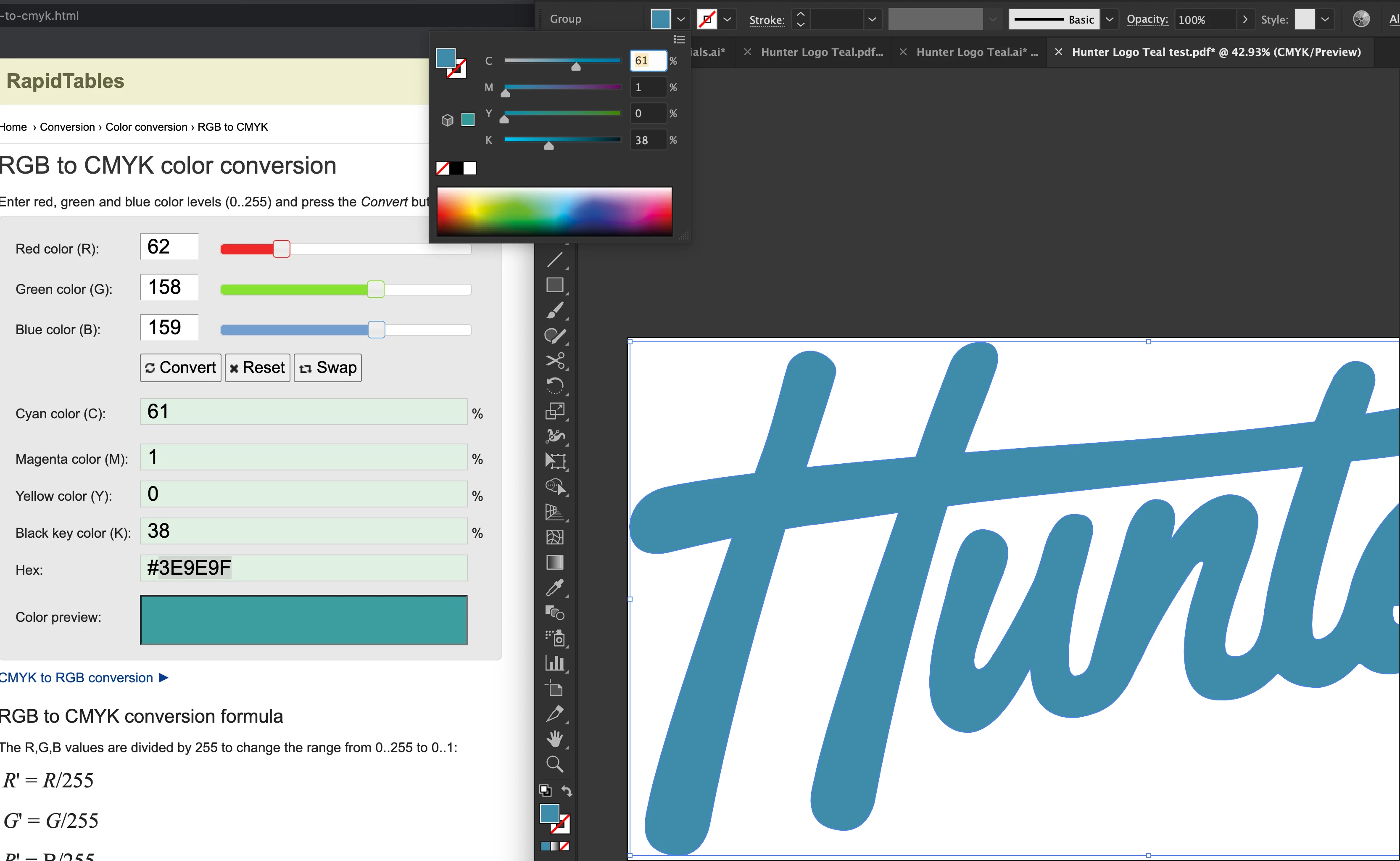
Do I have something set up wrong, or is there an easier way to do this?
Thankyou,
Reece
 AdChoices