

Answered
Screenshots clicked on iOS are distorted when open/placed in Illustrator on MAC
Does anyone know what is going on here? (Example below) Since I got my new iPhone XR, every time I take a screenshot from it and try to place the screenshot into Illustrator, the colors of the image get all crazy. The only way I have been able to fix it is to open the image in Photoshop first, save it as a .jpeg, and then place that .jpeg into my Illustrator file. Which is such a long process when I do this multiple times a day for my job. If anyone knows whats going on and how to fix this, that would be SO helpful 
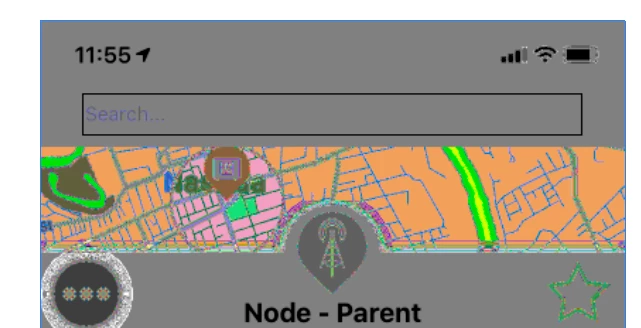
{Renamed by MOD}


 AdChoices