Participant
March 8, 2021
Answered

Shape builder tool leaves weird paths

  • March 8, 2021
  • 2 replies
  • 831 views

Hello!

I have a problem with shape builder tool.

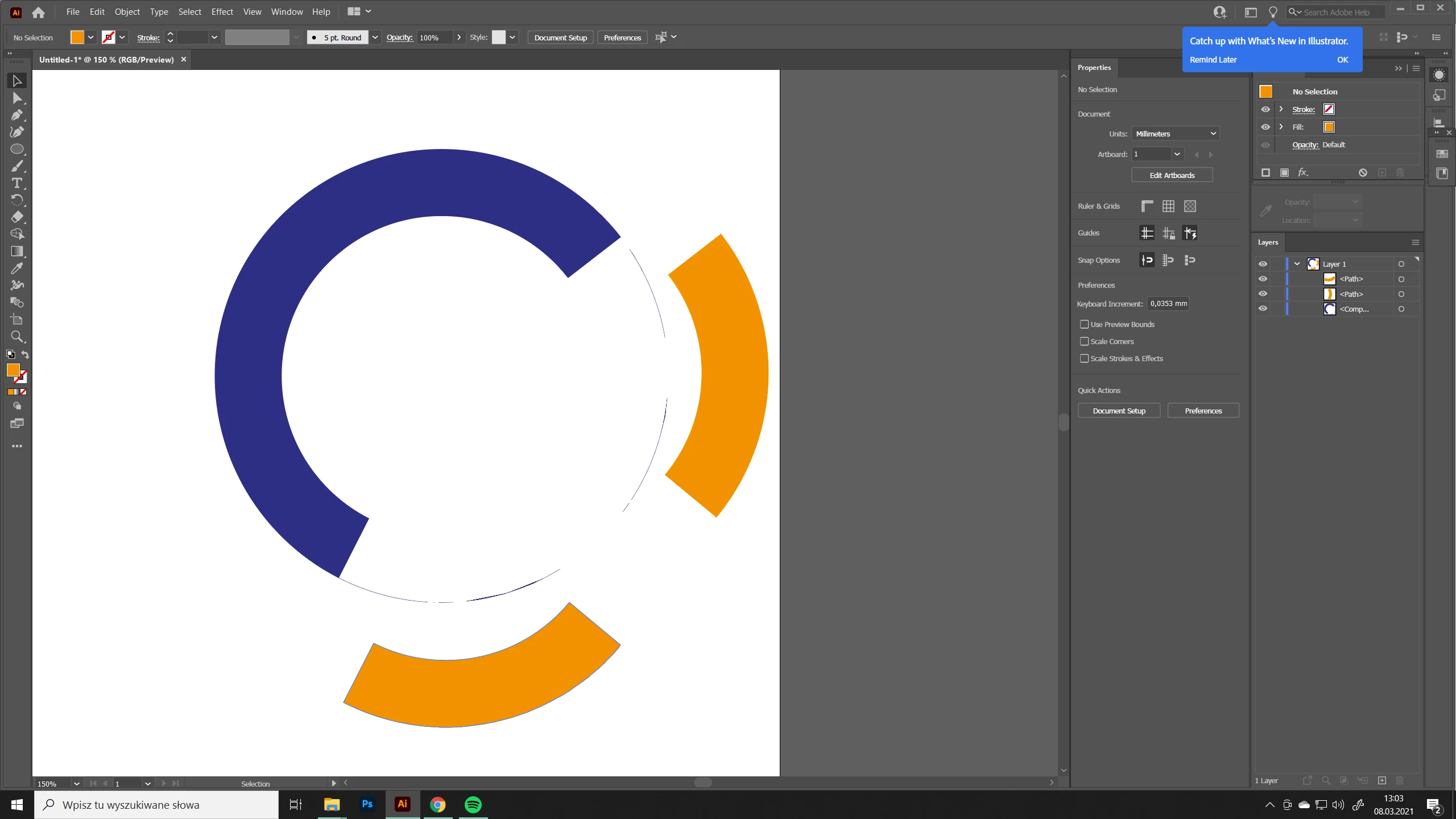
When I delete, add or simply click to cut out a shape in the end I am left with some weird random paths.

I  have no idea why it  happens, or maybe this is how it's supposed to be?

If someone could explain it to me I'd be super grateful.
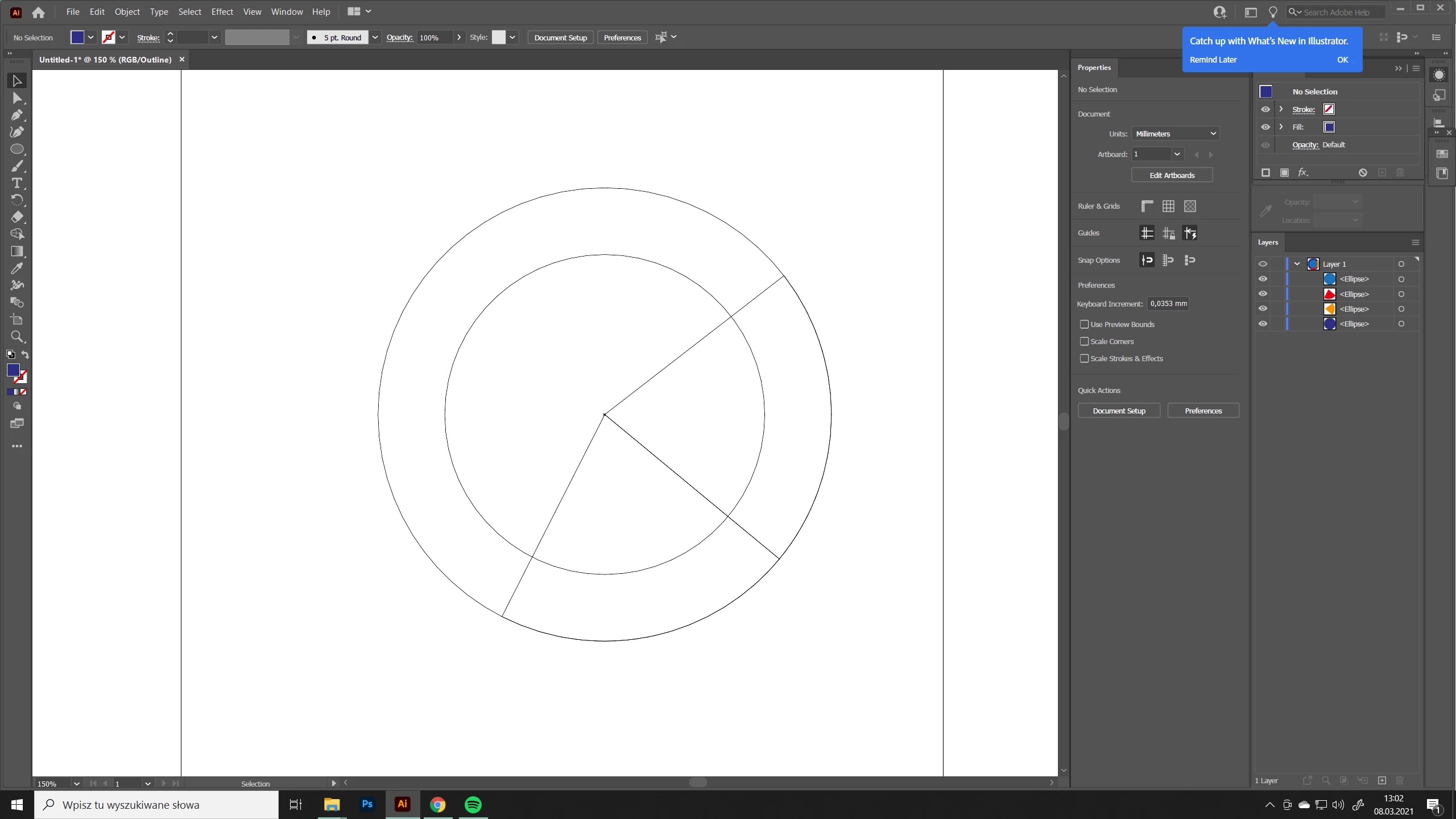
Those shapes were exactly the same size and in the same place. And look at those paths left underneath. 

Why is that?

Thanks!

 

This topic has been closed for replies.
Correct answer Monika Gause

Bézier circles are never really precise - they can't be.

And also having duplicate paths or path segments doesn't work well with the shapebuilder tool. Using live paint should fix that.


But then also it would be sufficent to do this like so:

You don't need the pies.

2 replies

Monika Gause
Community Expert
Monika GauseCommunity ExpertCorrect answer
Community Expert
March 8, 2021

Bézier circles are never really precise - they can't be.

And also having duplicate paths or path segments doesn't work well with the shapebuilder tool. Using live paint should fix that.


But then also it would be sufficent to do this like so:

You don't need the pies.

Participant
March 8, 2021

Actually now I realized that when I zoom the paths are not in the same place. Which is also surprising, because I copied and pasted the shapes in the same place as the base shape. And changed only the pie option and then it leaves a tiny gap which caused the shape builder tool to leave those random paths.

Is it normal?