Known Participant
June 6, 2019
Answered

Show All unhiding layers?

  • June 6, 2019
  • 1 reply
  • 5490 views

I recently switched from PC to mac, using Illustrator.

If I hide an object on a layer with cmd+3 and then lock the layer, when I then do Show All with cmd+option+3 it'll unhide the object on the locked layer. I feel like that didn't happen on PC. Maybe it's a new update?

Also, if I hide a layer with the eye icon on the layer panel the Show All function will unhide that layer, even if it's locked.

Is there a way to turn that off, so that Show All will not unhide layers or objects on locked layers?

Thanks in advance
    This topic has been closed for replies.
    Correct answer Mike_Gondek10189183

    I am on CC2019 mac High Sierra and works as you desire.  Maybe if I show my steps will show if I do differently.

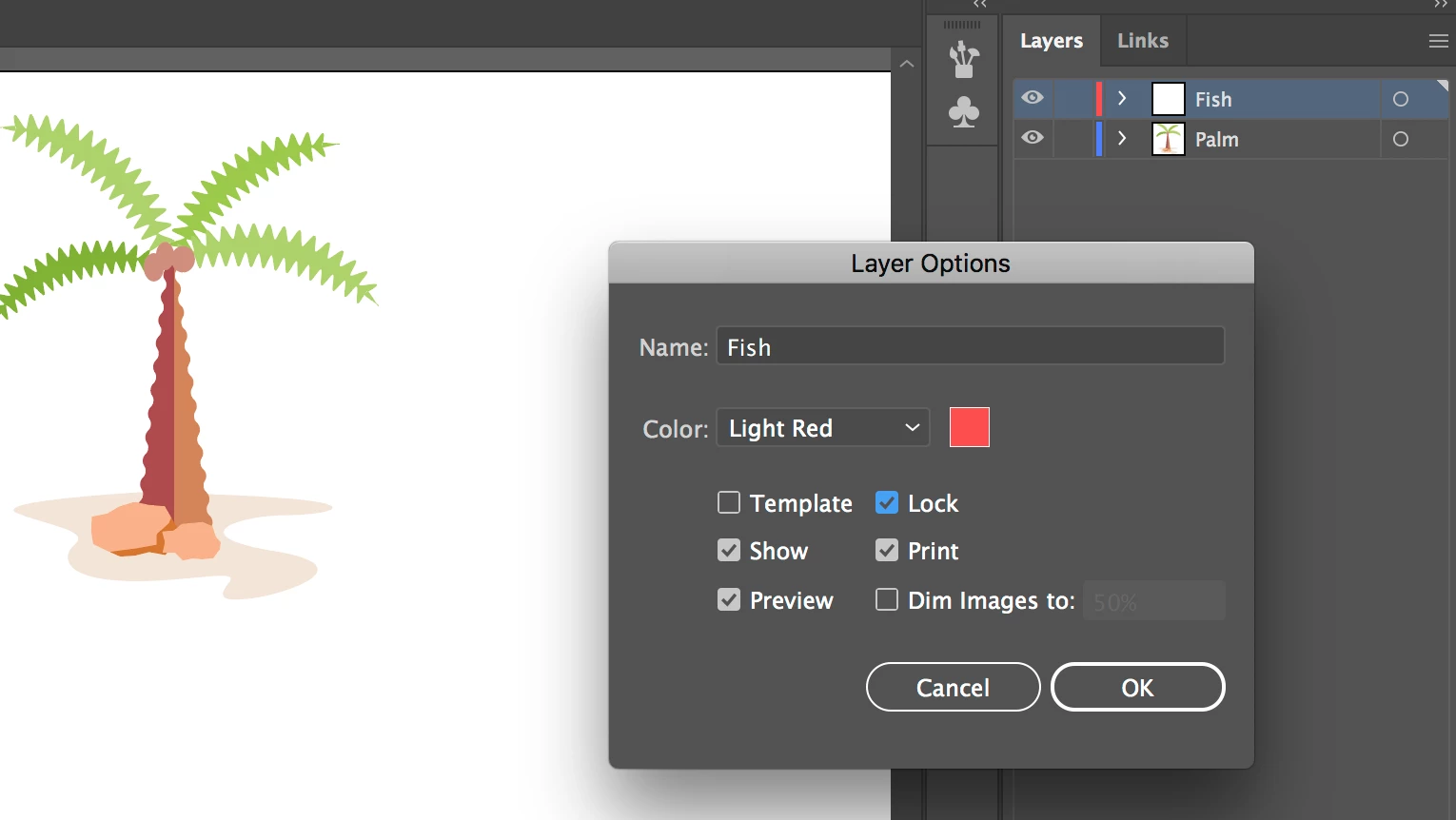
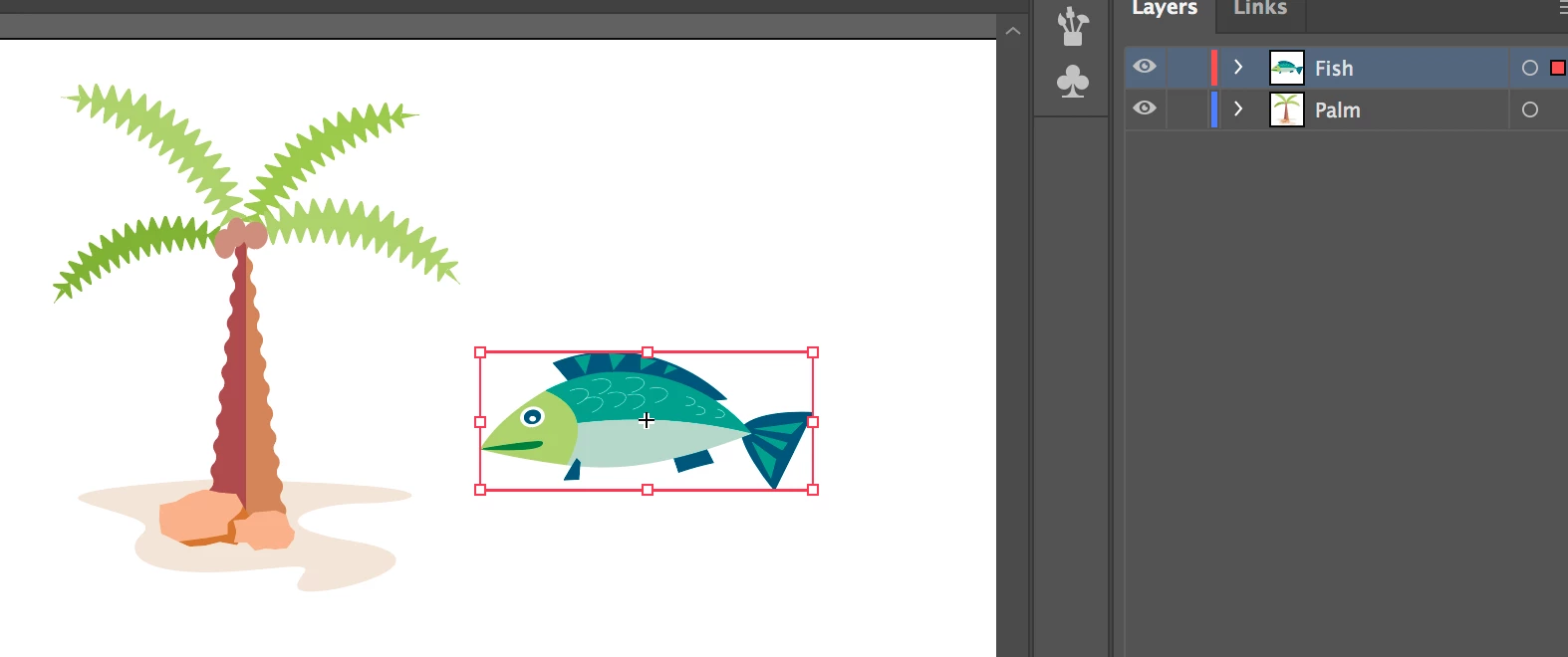
    hide the fish, then lock fish layer

    doing an shift command 3 leaves the fish hidden.

    Dont know of a  pref for this, but cant hurt to reset prefs.

    Maybe show a screenshots, as you may be using sublayers or something.

    1 reply

    Mike_Gondek10189183
    Community Expert
    Mike_Gondek10189183Community ExpertCorrect answer
    Community Expert
    June 6, 2019

    I am on CC2019 mac High Sierra and works as you desire.  Maybe if I show my steps will show if I do differently.

    hide the fish, then lock fish layer

    doing an shift command 3 leaves the fish hidden.

    Dont know of a  pref for this, but cant hurt to reset prefs.

    Maybe show a screenshots, as you may be using sublayers or something.

    Known Participant
    June 6, 2019

    It was a sublayer thing, thanks!

    I didn't have to use sublayers before so they're new to me. Apparently if the top layer isn't locked, it'll unlock and show everything even if the sublayer is locked?