Exit
  • Global community
    • Language:
      • Deutsch
      • English
      • Español
      • Français
      • Português
  • 日本語コミュニティ
  • 한국 커뮤니티
0

Spiral tool shortcut doesn't works illustrator

Community Beginner ,
Feb 22, 2017 Feb 22, 2017

Hi,

I have been following a tutorial to help me using the spiral tool.

I just realised that some of the shortcuts doesn't works on my software (Illustrator CC 2017).

To Increase or decrease spiral winds I should Start dragging, then press the Up Arrow or Down Arrow, but it does nothing ...

Can someone help me with it ?

Should I change something in the preferences ?

Thanks in advance,

J
5.0K
Translate
Report
Community guidelines
Be kind and respectful, give credit to the original source of content, and search for duplicates before posting. Learn more
community guidelines

correct answers 1 Correct answer

Community Expert , Feb 23, 2017 Feb 23, 2017

That was kind of what I expected. The added segments are so small that they are pratically invisible.

You need to try that with a sprial that has tighter winding.

Translate
Adobe
Community Expert ,
Feb 22, 2017 Feb 22, 2017

Keep dragging when using the shortcut.

Translate
Report
Community guidelines
Be kind and respectful, give credit to the original source of content, and search for duplicates before posting. Learn more
community guidelines
Community Beginner ,
Feb 22, 2017 Feb 22, 2017

Yeah ... I have been trying that ...

Translate
Report
Community guidelines
Be kind and respectful, give credit to the original source of content, and search for duplicates before posting. Learn more
community guidelines
Community Expert ,
Feb 22, 2017 Feb 22, 2017

You might need to go a little back and forth. It's just not acting correctly. Have patience with it.

Translate
Report
Community guidelines
Be kind and respectful, give credit to the original source of content, and search for duplicates before posting. Learn more
community guidelines
Community Beginner ,
Feb 22, 2017 Feb 22, 2017

What do you mean by "going a little back and forth" ? Obviously it is not acting correctly, I have been trying all day, shuting down again and again the soft and my labtop. It's just not working.

How long should I wait before it start working ?

Translate
Report
Community guidelines
Be kind and respectful, give credit to the original source of content, and search for duplicates before posting. Learn more
community guidelines
Community Expert ,
Feb 22, 2017 Feb 22, 2017

Move the cursor around, press the keys ...

ANd also check your settings for the tool. It might be setup in a way that you just don't see any changes.

After having used it with the keystrokes, try and click on the artboard with the tool, check the values.

Then use it again with keystrokes. Click on the artboard again. Compare the values. Have they changed?

Translate
Report
Community guidelines
Be kind and respectful, give credit to the original source of content, and search for duplicates before posting. Learn more
community guidelines
Community Beginner ,
Feb 23, 2017 Feb 23, 2017

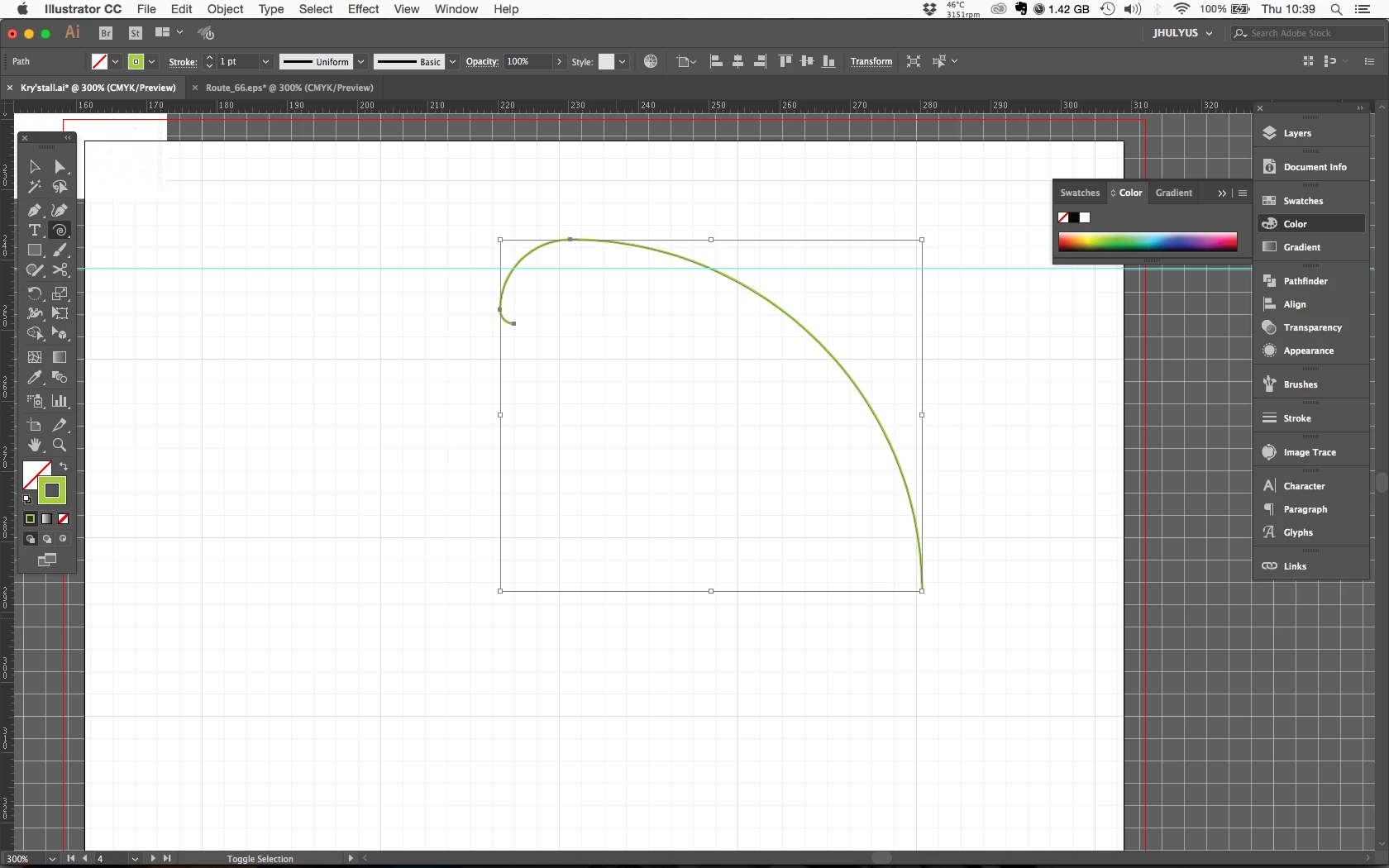
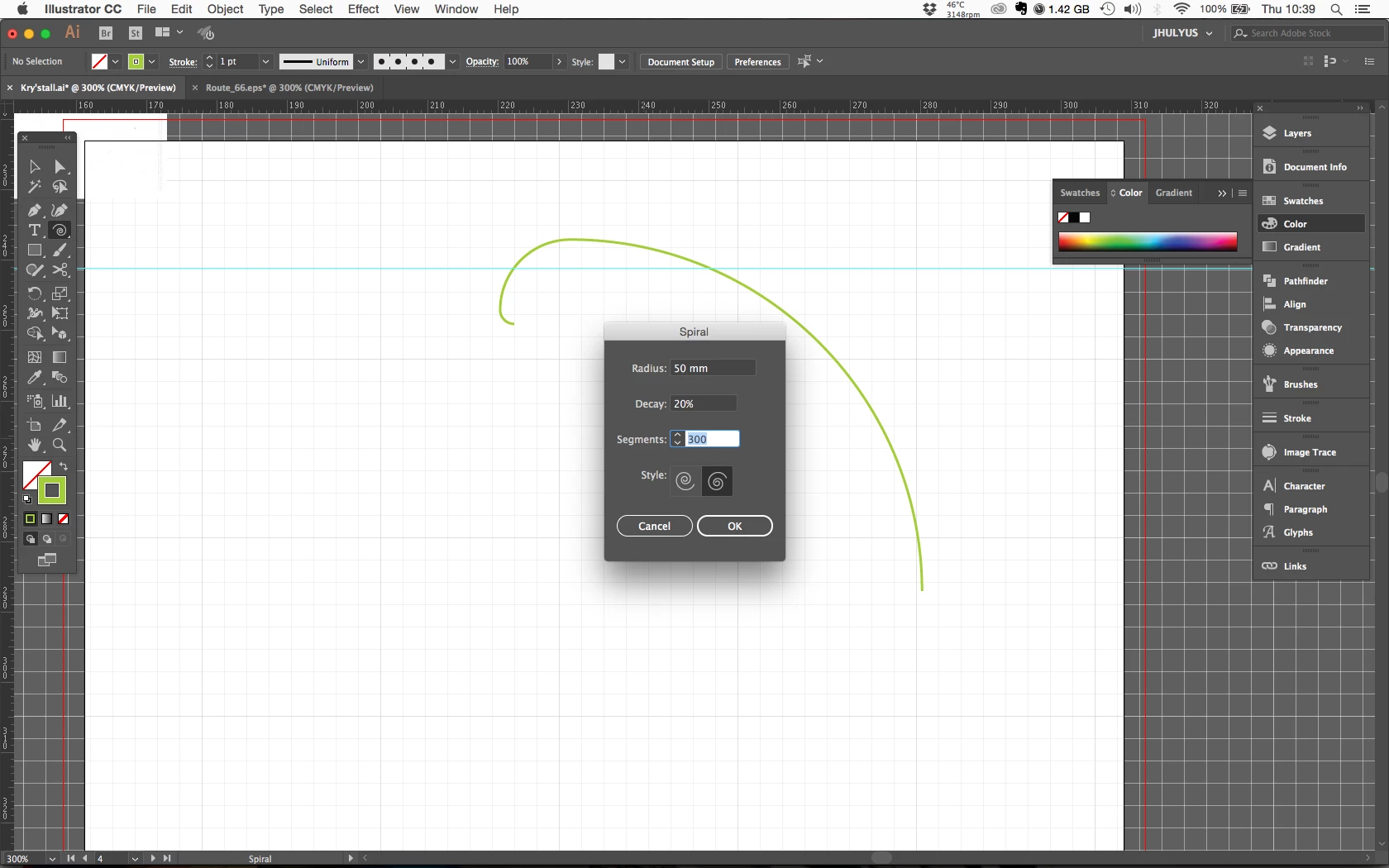
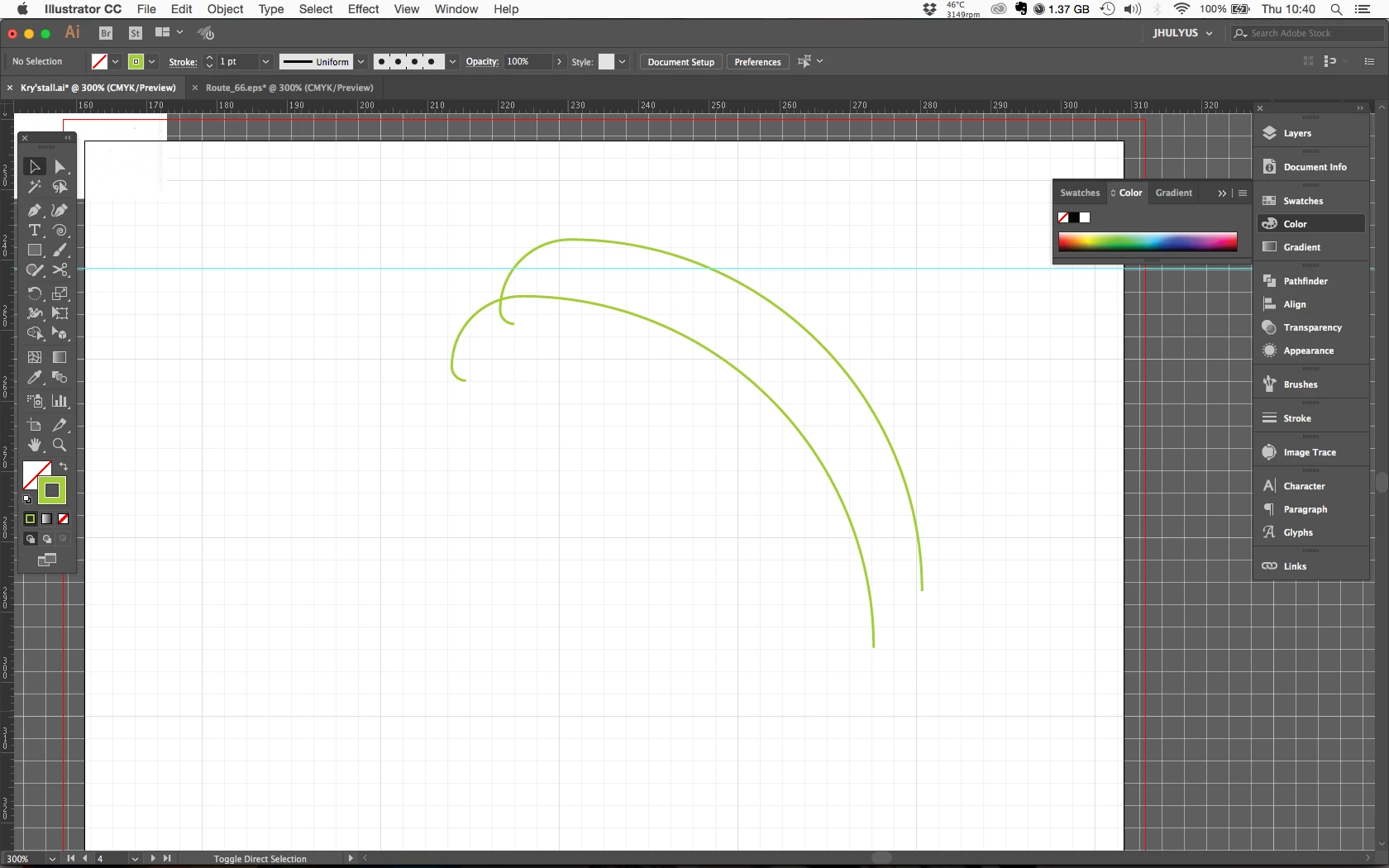
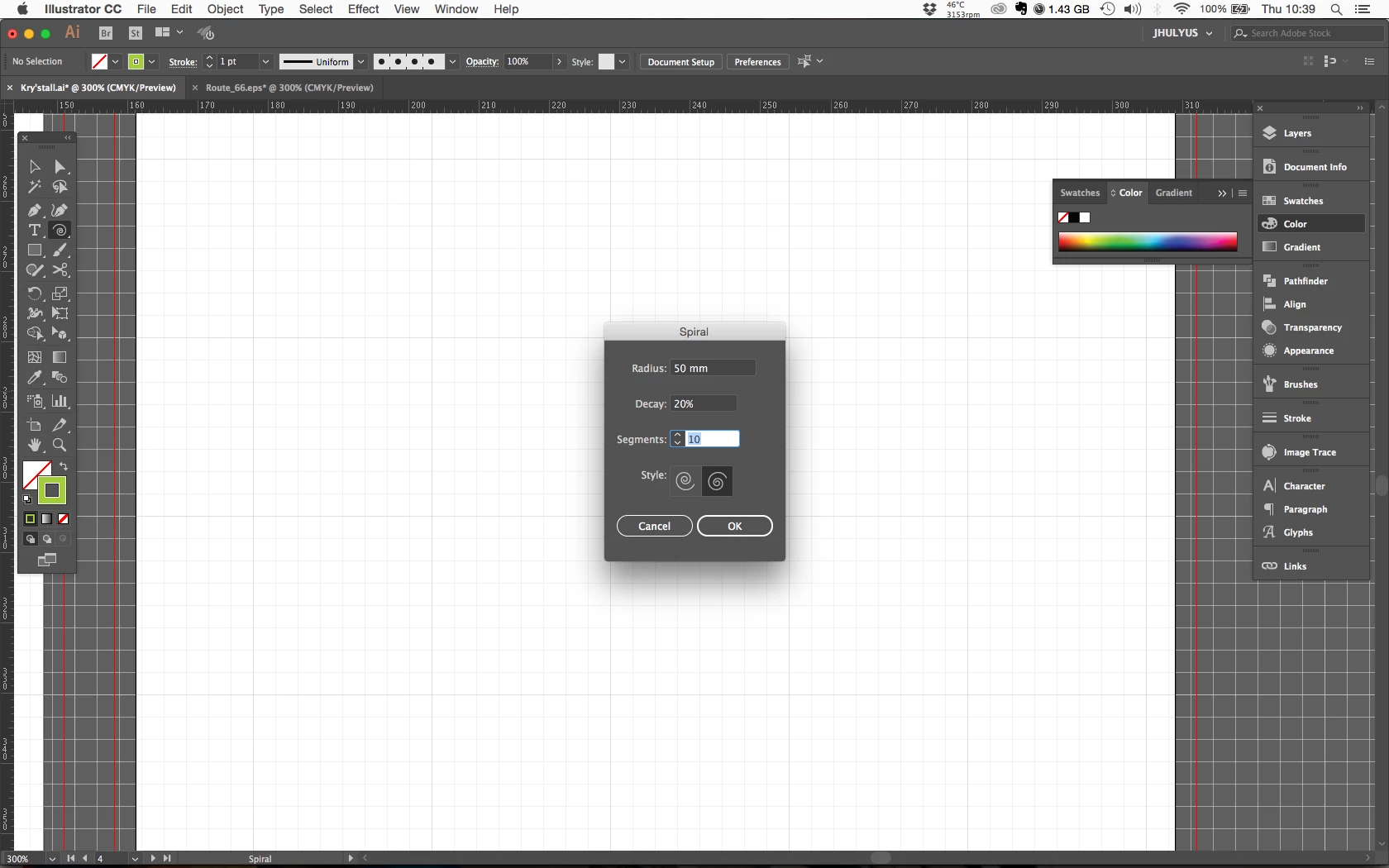
It is weird. There is some screen shot to try explain you what's happening. When I am changing manually the number of segment, it doesn't make any difference.

Screen Shot 2017-02-23 at 10.39.35.png

Screen Shot 2017-02-23 at 10.39.44.png

Screen Shot 2017-02-23 at 10.39.55.png

Screen Shot 2017-02-23 at 10.40.02.png

Translate
Report
Community guidelines
Be kind and respectful, give credit to the original source of content, and search for duplicates before posting. Learn more
community guidelines
Community Expert ,
Feb 23, 2017 Feb 23, 2017

That was kind of what I expected. The added segments are so small that they are pratically invisible.

You need to try that with a sprial that has tighter winding.

Translate
Report
Community guidelines
Be kind and respectful, give credit to the original source of content, and search for duplicates before posting. Learn more
community guidelines
Feb 28, 2017 Feb 28, 2017

Hi July,

In addition to what Monika just mentioned, please take a look here :

Capture.JPG

Regards,

Om

Translate
Report
Community guidelines
Be kind and respectful, give credit to the original source of content, and search for duplicates before posting. Learn more
community guidelines
Community Beginner ,
Mar 01, 2017 Mar 01, 2017
LATEST

Hey guys, the only difference I can see is about the zoom (does that make sens ?).

So if I understand well what you both are saying, I just should step backward in order to get a larger spiral.

Regards,

Julie

Translate
Report
Community guidelines
Be kind and respectful, give credit to the original source of content, and search for duplicates before posting. Learn more
community guidelines