
Participant
April 28, 2020
Question

spirograph/guilloche effect in text

  • April 28, 2020
  • 2 replies
  • 841 views

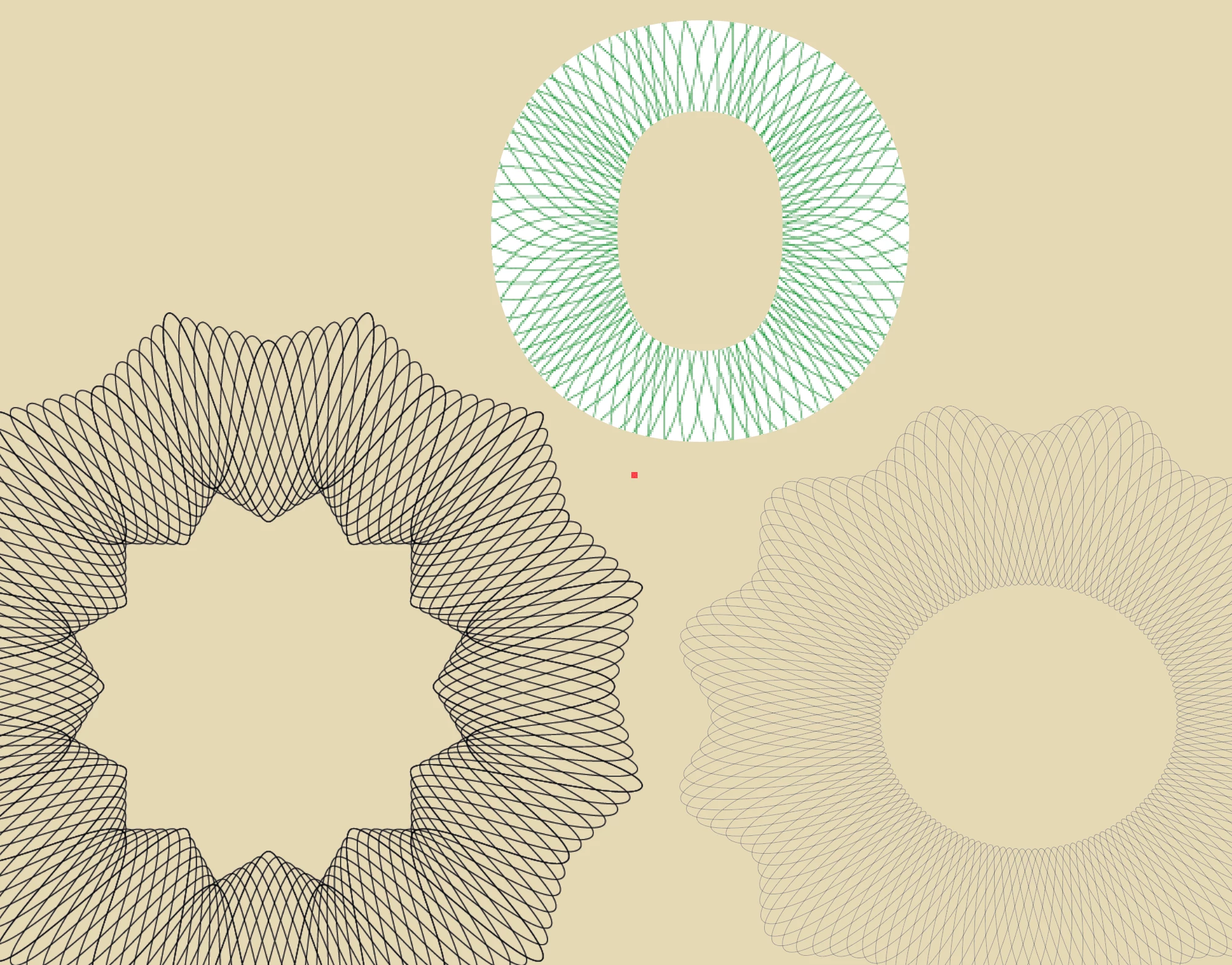
hi, I'm trying to make a spirograph/guilloche effect in a O letter, like in the image below.  What I'm trying to obtain is to keep the little curly rounded edges of the lines - like in the star shaped spirographs - with lines that follow the width and roundness of the letter margins. If anyone has any tip, please share, thank you 🙂


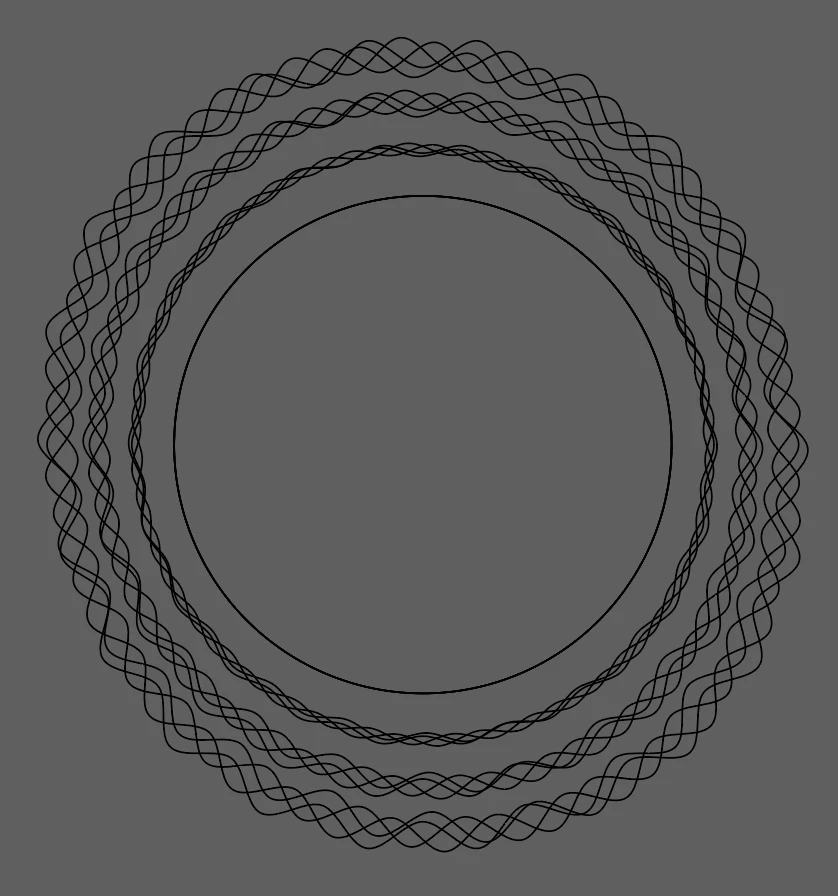
I followed a tutorial: https://community.adobe.com/t5/illustrator/how-to-recreate-this-spirograph-in-illustrator/m-p/11056989?page=1#M173275  and the effect is like in the grey image below..
 

This topic has been closed for replies.

2 replies

Kurt Gold
Community Expert
Community Expert
May 18, 2020

In case you are looking for very good and convincing results, I would recommend to use applications that can do it much better than Illustrator (well, all things can be done in Illustrator, but it may get more complicated depending on how ambitious you are).


I can recommend an application called Excentro, but there are other applications as well.

didiermazier
Community Expert
Community Expert
May 18, 2020

Try this (sorry in french):

Then press OK and then duplicate teh action with Command (mac) /crtl (PC)+D as much as you need…