

the preferences file is corrupt
Hi,
I've setup CC on a fresh install of win10 pro and every time I start illustrator I get this notification about the reset of my preferences.
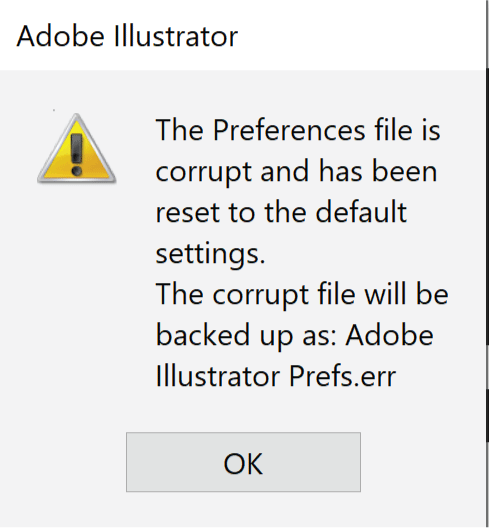
I searched for some solutions but could not solve the problem.
What I#ve tried so far:
*) Illustrator preferences get corrupted frequently | Windows-only
This one was promising since I have multilanguage setup on my devices (DE & EN) Adobe and Windows are mainly running in the english version (en_US)
*) How to set preferences in Illustrator
Wasn't actually helpful. I did delete the two prefs files, but the error still appears
*) Preferences folder read-only error | Permissions issue
Despite there were no 'deny' settings applied I added extra write permission for users. Error still appears
*) I created my own workspace and saved it. After the next start the error appear again but I could find the saved workspace, selected it once again and restarted Illustrator and the error was gone - also on my 2nd workstation I use.
The workspace I saved was not synced to the other workstation.
So I solved the problem half way without knowing how...
 AdChoices