ok, back on. here's what I did earlier:
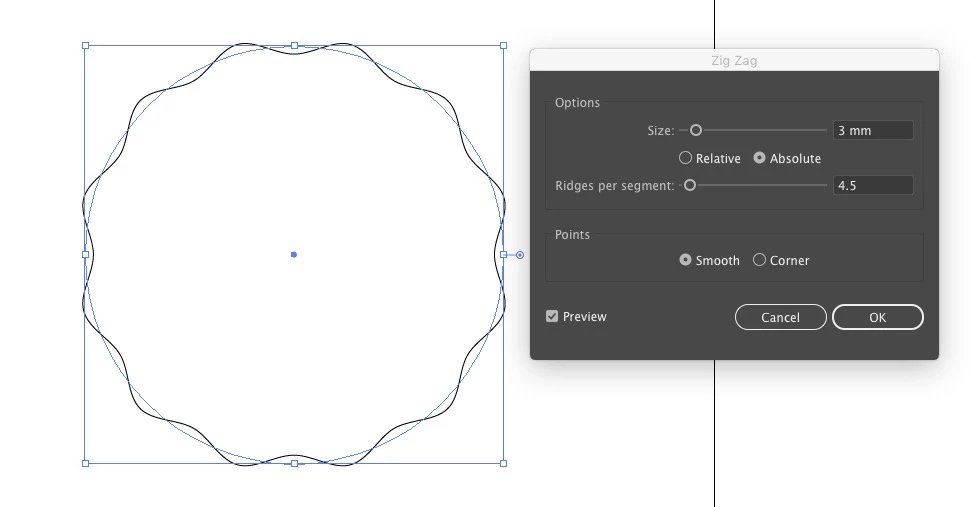
draw a circle with the ellipse tool (L). hold shift to constrain it. go to Effect > distort & Transform > Zig Zag and use these settings. you might need a different Size depending on the scale you're working though:
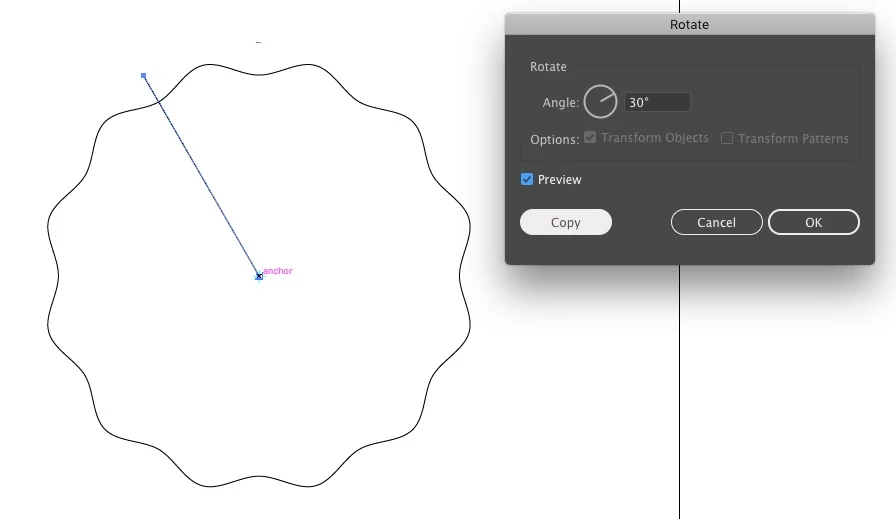
make sure smart guides are on (View > Smart Guides). draw a line from the centre of the circle to the outside, overlapping the circle's wavy path. doesn't need to be accurate since we'll get rid of it later. select it and the Rotate tool (R). define the rotation point at the centre of the circle (alt + click on the centre). set up this rotation in the dialogue box that appears and click Copy:
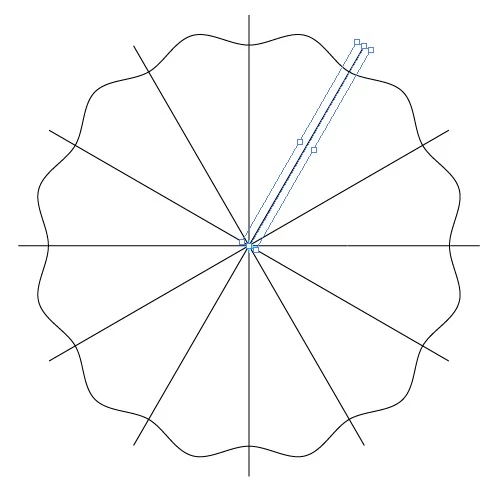
hit ctrl + D (Transform Again) to repeat the rotate & copy until you have lines going all the way round the circle:
select the circle again. copy it (ctrl + C) and Paste in front (ctrl + F). scale it -- with the scale tool or bounding box -- constrained and from the centre by holding shift + alt as you drag. position it where you need to.
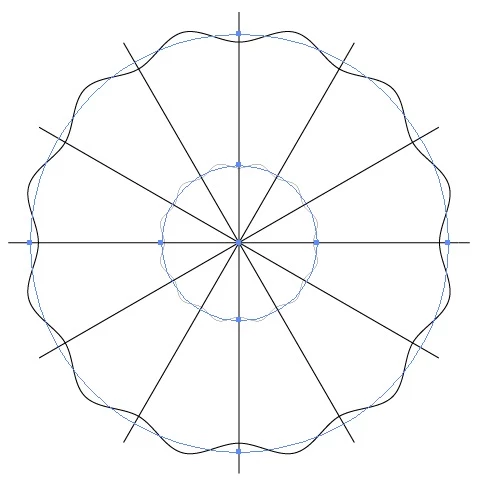
select both circles and go to Object > Expand Appearance. this makes the wavy lines 'real' vectors as opposed to effects.
select everything and in the Pathfinder panel, click Divide:
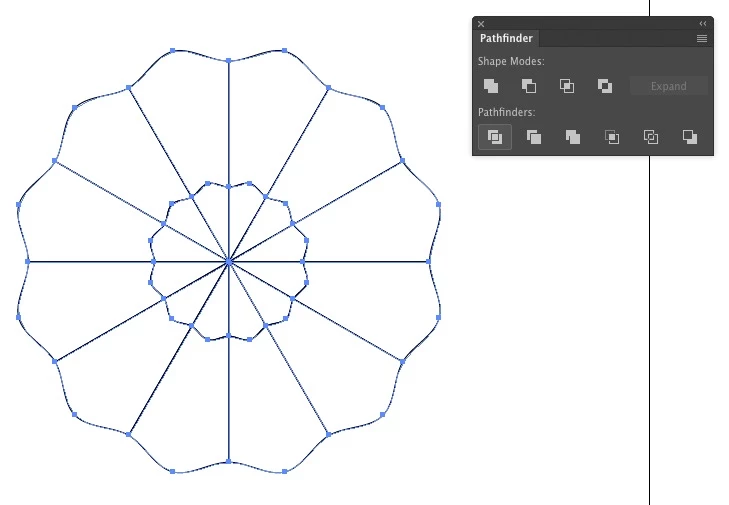
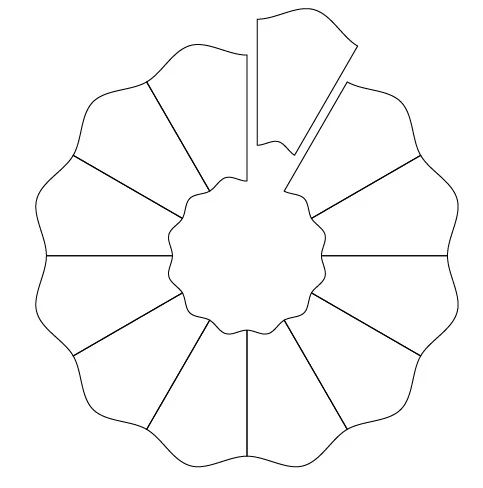
this produces closed paths based on every intersection. select the paths within the inner circle you don't need and delete them. ungroup the paths and every outer section will be an individual path:


 AdChoices