
Using work path exported from photoshop in illustrator
Hello
I've encountered an issue using a work path from photoshop in illustrator.
The situation involves large graphics for a wall. These are to be cut around the edge. As such the designer has provided a red cut line on a layer of its own on the PSD files they provided. Unfortunately I am going to need a vector line in place of this in order for the vinyl cutter to cut this. I have asked the designer to provide this and they will not.
So as a workaround I am selecting the pixels as you can see below and creating a work path. All good so far.
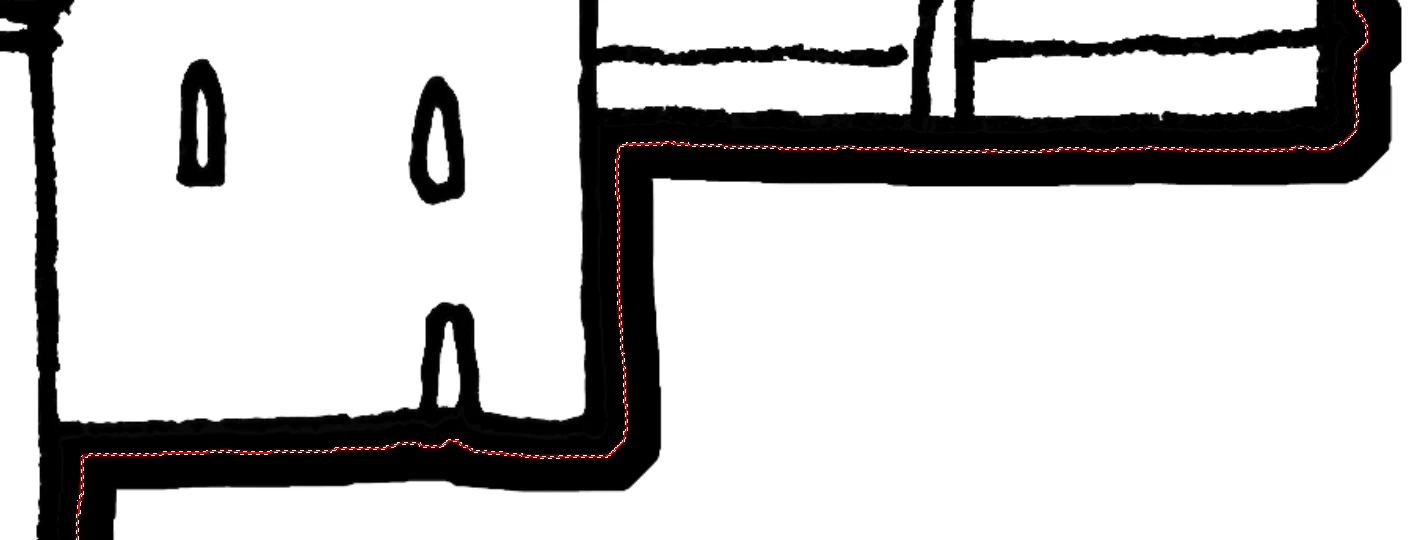
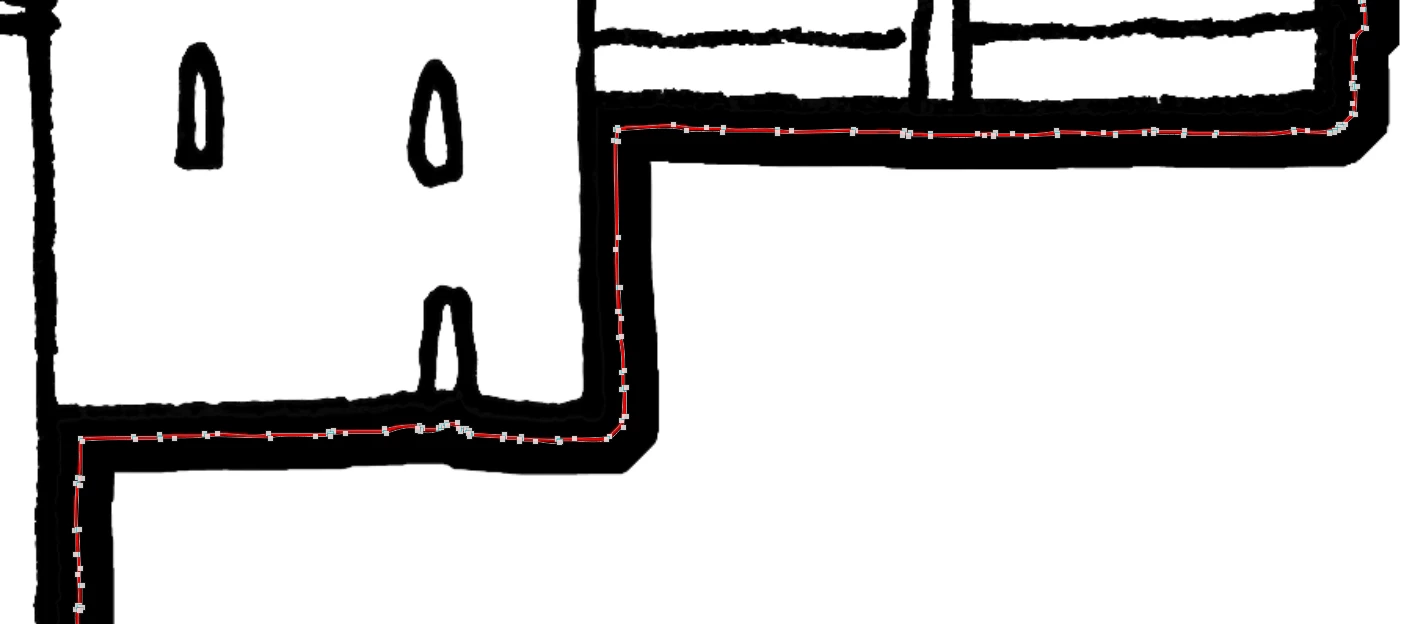
Then I export the work path to illustrator and open it. Naturally it comes in as two lines and a compound path, as the path takes either side of the pixel line in illustrator. This is where the issues begin. I thought that releasing the compound path would mean that i could delete one of the two lines and leave the other behind. This is not the case. You can see from the snap below - here I have released the compound path and selected the inner line with the direct selection tool. Weirdly, there is a line on the bottom left that seems to be vanishing away to nothing. There are no anchor points where the line ends and i can't select it.
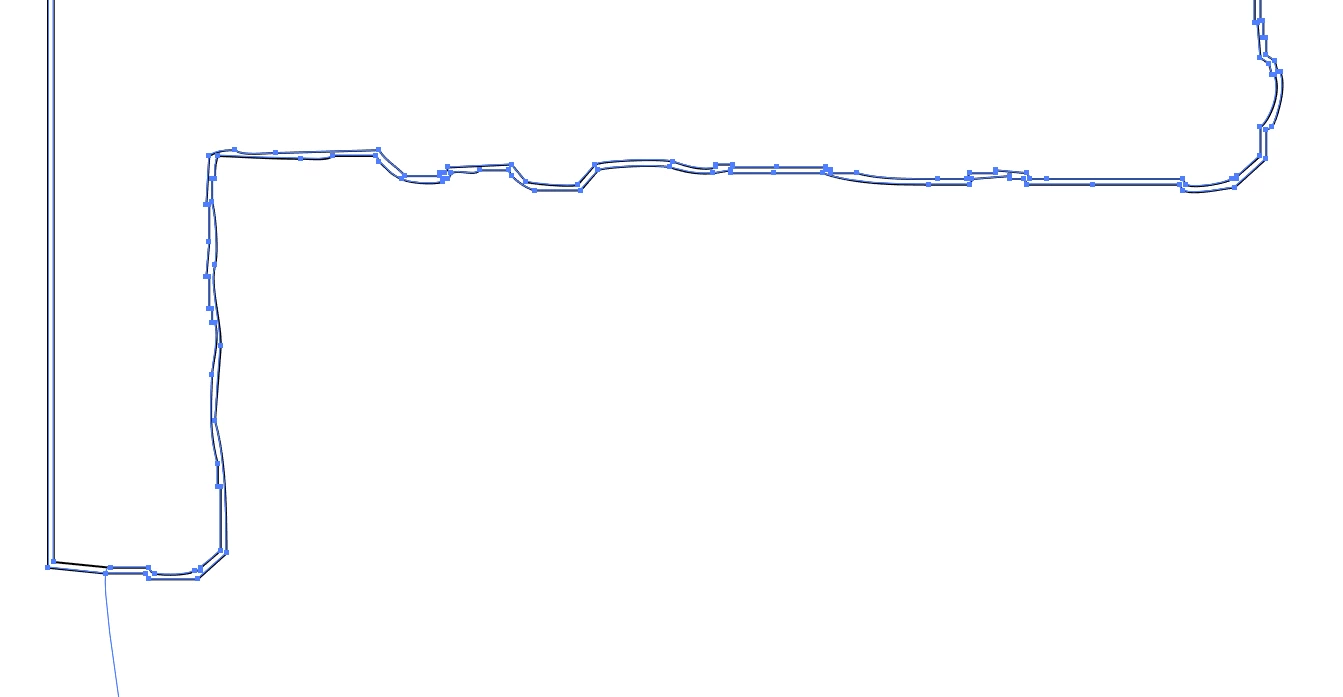
I could go round and individually delete all the anchor points but it is time consuming and there are quite a few of these files.
Appreciate any help you can give. If you would like more detail then please just ask.
PS - I think another way would be to select the extents of the layer in photoshop and create a path from that? Would that give only a single path? I'm not sure if this is possible.
Thank you.
 AdChoices