
Participant
November 7, 2019
Question

Vague sloping lines PNG file Illustrator

  • November 7, 2019
  • 1 reply
  • 319 views

Hello,


I have a design that has been created in Illustrator. The problem is when a PNG image is created, the image get pretty vague at the sloping lines of the shapes. See attachement. If I create a JPEG, this seems to be less but still there.
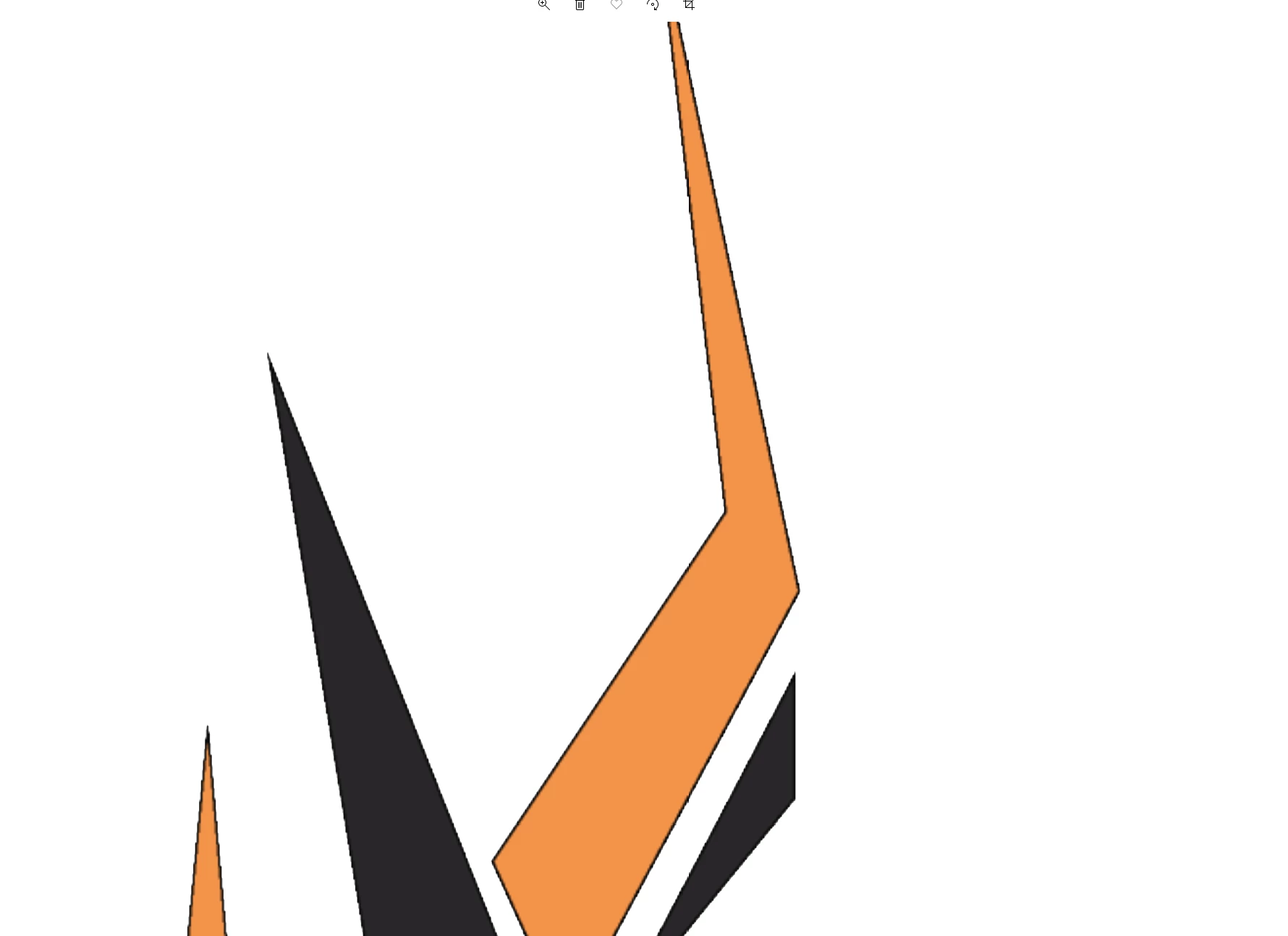


What can I do to solve this?


Thanks.

This topic has been closed for replies.

1 reply

Bill Silbert
Community Expert
Community Expert
November 7, 2019

A png file is a raster file which is resolution dependent. That means that even the slightest enlargement can start to show pixelization. The best way to maintain full fidelity is to save as an .ai file (or even an .eps or .pdf). These file formats maintain the files as vector which is not resolution dependent.

One other thing that may help is to turn off GPU Performance in Illustrator's preferences.

bg1940Author
Participant
November 17, 2019

Dear Bill,


Thank you for your reply and the information. I need to have the PNG file to use on a website as a logo. The logo on the website is to small to be able to see the effect, so problem solved.  And you are also correct about the other files you mentioned. They don't give a vague effect when zoomed in or enlarged.


Thanks for the feedback.