



Why does an object's gradient change when I select or move the object?
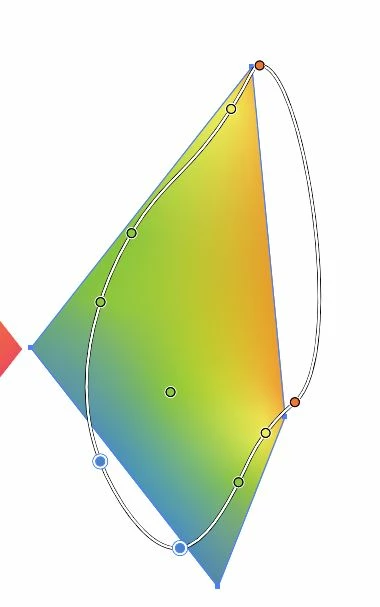
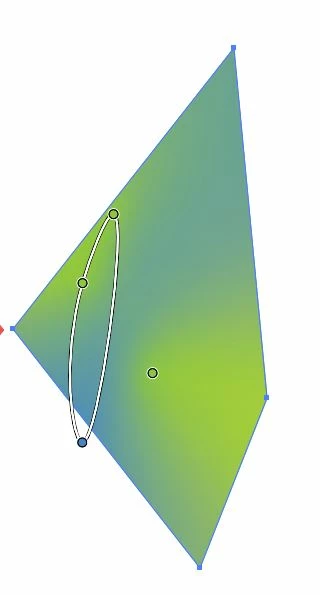
See the photos below. I selected the first object, and the instant I select the second one the yellow and purple parts of its gradient disappear (on the second object). This happens every time I select certain objects. Sometimes the gradient changes shape completely, sometimes it changes to entirely new colors, sometimes the gradient goes away....
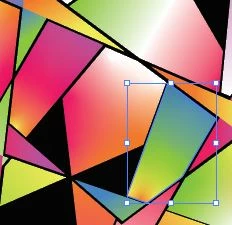
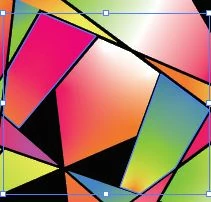
This usually happens to "freeform" gradients, but sometimes linear gradients too.
Sometimes it'll happen even if I don't touch an object - if I edit one object, sometimes an object on the opposite side of the piece changes. Sometimes I'll save my work, close out of Illustrator, and when I re-open the work the colors will be messed up. Sometimes it happens when I group objects, sometimes when I ungroup them.
This makes it very difficult to move forward on my project. I'll very much appreciate if anyone has a solution to this problem.
I am running Windows 10 and Illustrator 24.
 AdChoices