
Edgar Lehmann
Participant
November 12, 2018
Question

Width tool creates unwanted artifacts
  • November 12, 2018
  • 3 replies
  • 250 views

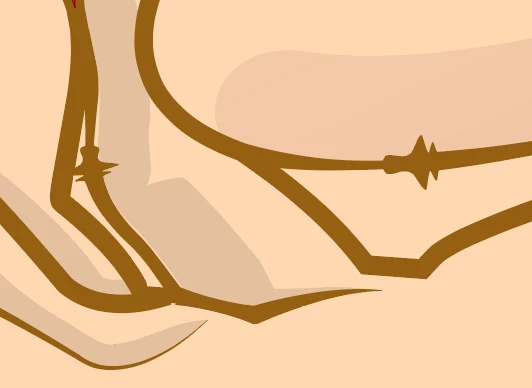
If I want to change the thickness in one place, the width tool creates unwanted artifacts that I haven't worked on. these artifacts are real, zoom in and out doesn't fix it. It's realy frustrating! Please help.

    This topic has been closed for replies.

    3 replies

    Participating Frequently
    November 12, 2018

    Here is a quick tutorial that may help:

    Using variable-width strokes

    Monika Gause
    Community Expert
    Community Expert
    November 12, 2018

    Illustrator will create automatic width points at certain locations if it can't achieve your width creations otherwise.

    Please check if there are too many anchor points, perhaps corner points.

    jane-e
    Community Expert
    Community Expert
    November 12, 2018

    Could you please show another screen shot with Width tool and the shape selected so we can see where the width points are? I’m wondering if you have two or more close together before we look for another solution. If so, double-click the one you don’t want and delete it from the pop-up menu.

    If that’s not it, we need to look further.

    What is your OS and which version of Illustrator? That’s the second place to look.