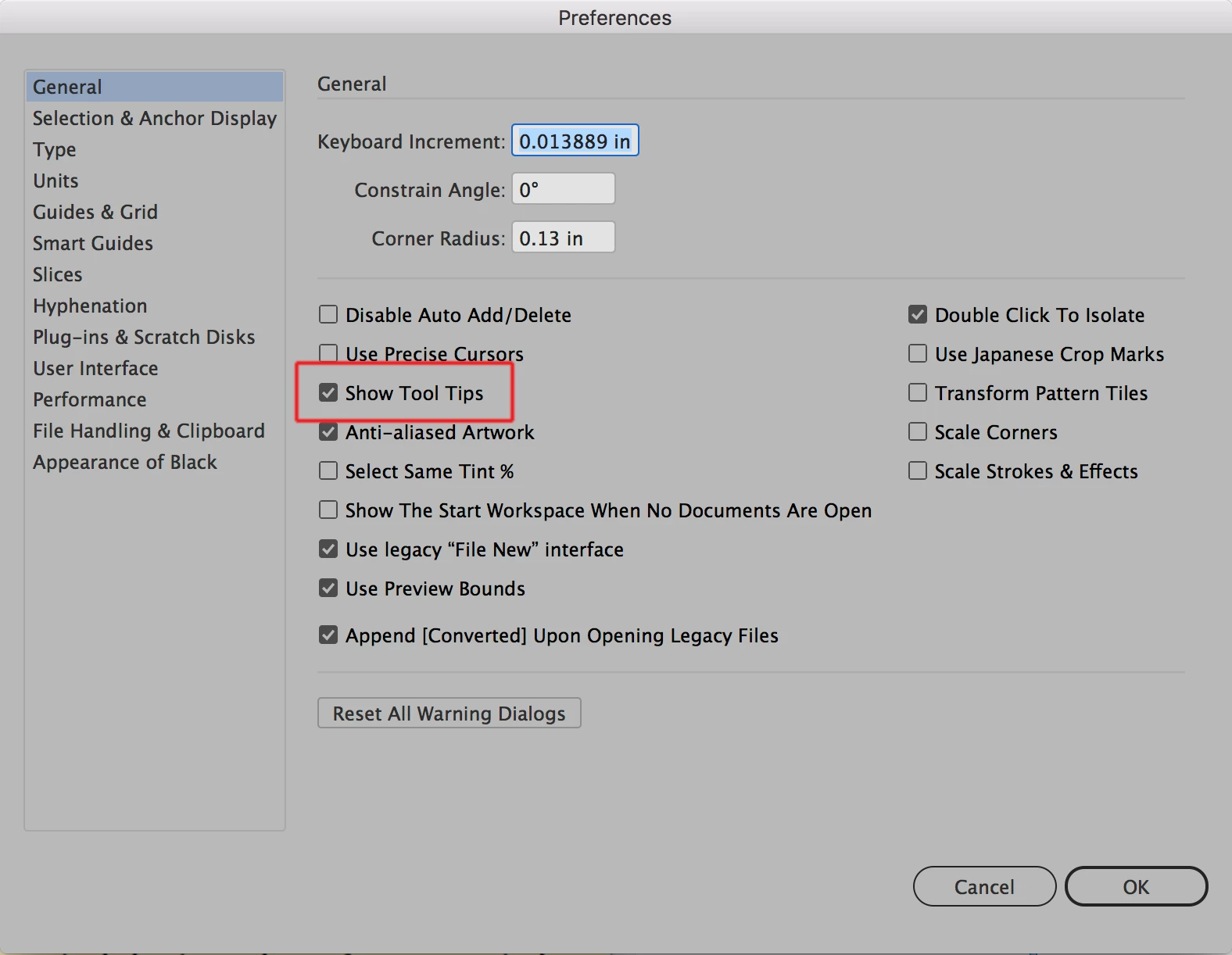
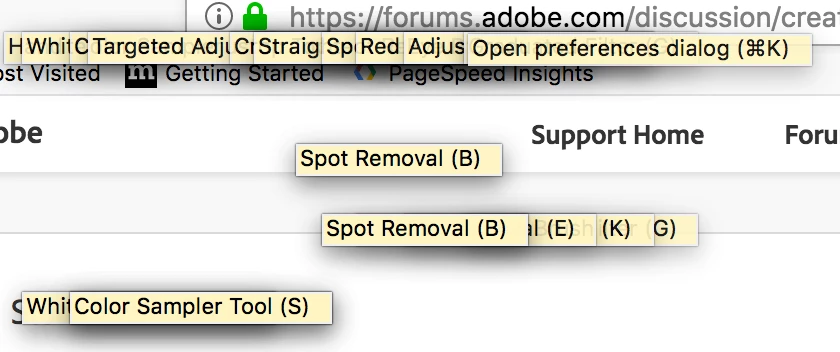
Are you saying that all of these boxes are appearing all at once or is this just a composite pastiche that you've assembled to show what the boxes look like? If they are all popping up at once then you will need to reset your Illustrator preferences (instructions below). If you just don't want them to appear you can turn them off by unchecking the option highlighted in the screen shot below from the General section of Illustrator preferences:
To reset preferences:
With Illustrator closed launch a Finder Window in column view and click on your home folder. With the Option Key pressed choose Library from the Finder Go Menu. Within the Library folder find the folder called Preferences and within it find the following two files and delete them: “Adobe Illustrator <Version #> Settings” (earlier versions of Illustrator might just say “Adobe Illustrator”) and “com.adobe.Illustrator.plist”. When Illustrator is next launched it will create new preference files and the program will be restored to its defaults.
After you’ve reset up the program (make sure that no document window is open) to your liking, it is a really good idea to create copies of your personalized “mint” preference files (make sure that you quit the program before copying them—that finalizes your customization) and use them in the future to replace any corrupt versions you may need to delete.



 AdChoices