Exit
  • Global community
    • Language:
      • Deutsch
      • English
      • Español
      • Français
      • Português
  • 日本語コミュニティ
  • 한국 커뮤니티
0

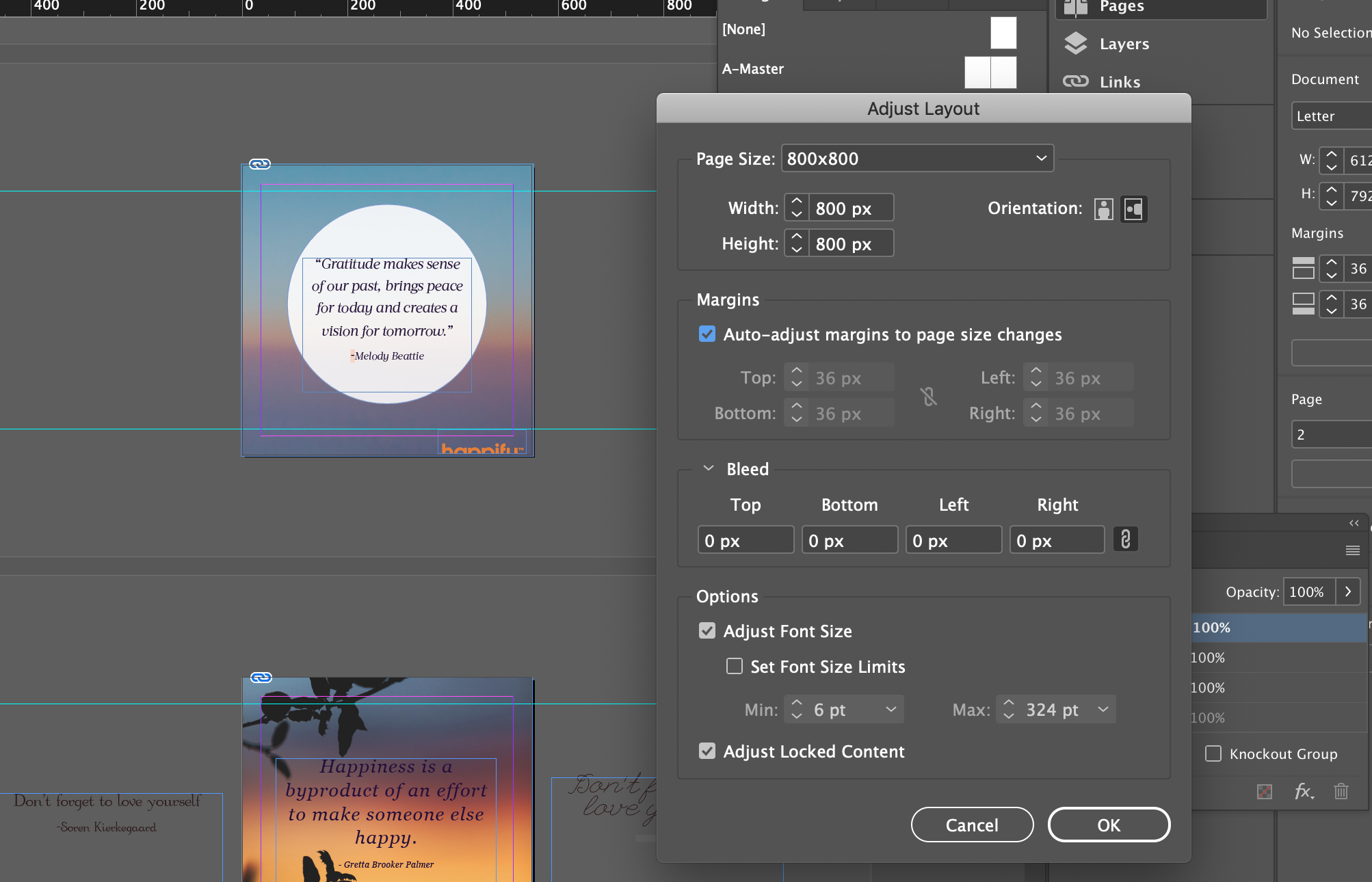
Adjust Layout on indesign changes only master pages, does not change page dimensions and elements

New Here ,
Nov 30, 2020 Nov 30, 2020

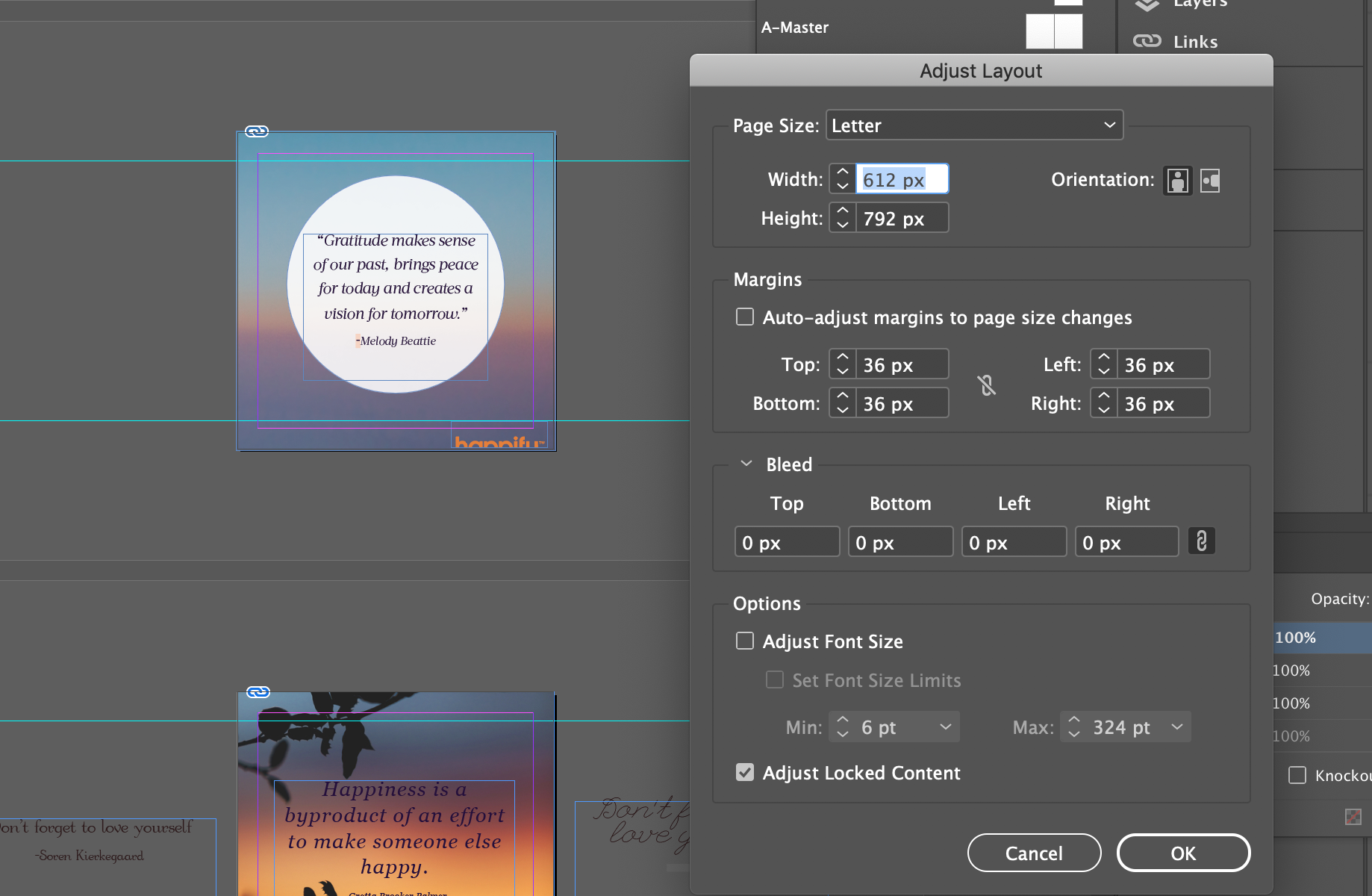
I've been handed an indesign file that I need to resize. I tried to use Adjust Layout so all the elements will resize along with the page. When I tried that, the page size did not change but the master page size did. I changed the page size manually through the Page panel but the elements don't resize along with the page. How can I batch resize these pages? I tried it with another indesign file given to me and it worked. 

TOPICS
Bug , How to
424
Translate
Report
Community guidelines
Be kind and respectful, give credit to the original source of content, and search for duplicates before posting. Learn more
community guidelines
Community Expert ,
Nov 30, 2020 Nov 30, 2020

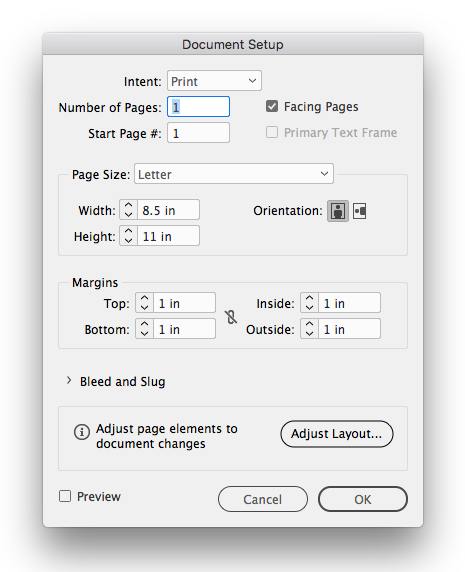
Did you try changing the document via the Document Setup’s Adjust Layout...?


Screen Shot 15.png

Translate
Report
Community guidelines
Be kind and respectful, give credit to the original source of content, and search for duplicates before posting. Learn more
community guidelines
New Here ,
Nov 30, 2020 Nov 30, 2020

Yes, I did that as well. Even adjust layout so all elements go along with it. 

Translate
Report
Community guidelines
Be kind and respectful, give credit to the original source of content, and search for duplicates before posting. Learn more
community guidelines
People's Champ ,
Nov 30, 2020 Nov 30, 2020
LATEST

InDesign's Adjust Layout feature doesn't always work as expected. If you don't manage to get it to work, my paid add-on will probably be more reliable (there's a demo version so you can try and see): https://www.id-extras.com/products/quickresize/

Translate
Report
Community guidelines
Be kind and respectful, give credit to the original source of content, and search for duplicates before posting. Learn more
community guidelines