


- Home
- InDesign
- Discussions
- Re: Background Objects Showing Through
- Re: Background Objects Showing Through

Copy link to clipboard
Copied
We have InD files from a client to which we're makging change and recently received printer instuctions. The printer's instructions include using "PDFx-1a 2001 compliant, PDF format 1.3" which does NOT support creating layers in the Acrobat file.
The page includes a background grid which is showing through some objects in the PDF.
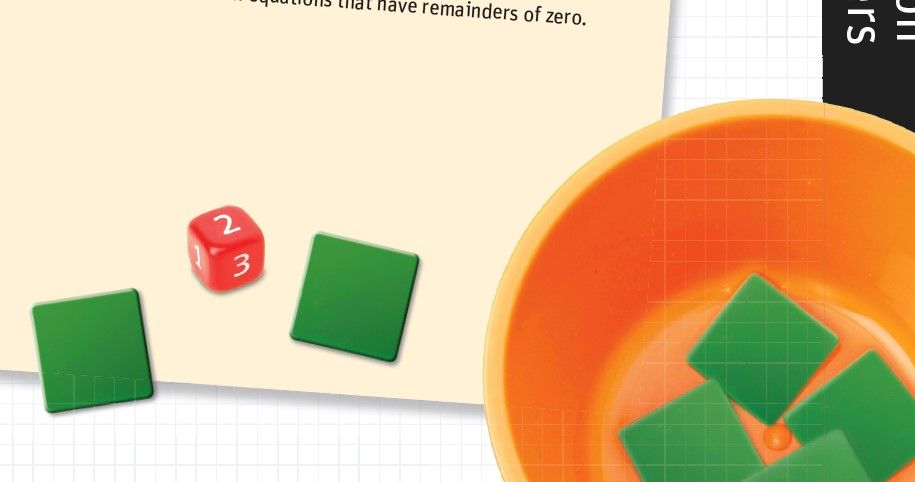
This appears to be caused by the flattening, for which we're InDesign's "[Hight Resolution]" setting. Using just one Acrobat version higher, Acrobat 5 (PDF 1.4), the problem dosesn't occur.
Short of placing objects behind all the problematic areas in InDesign, is there any way to fix this?
Is it rediculous that we've been asked to use a standard from 2001?
Thanks!
Ken


 1 Correct answer


When you flatten transparency (Acrobat 4) the page is cut up into sections, and there can be low res display artifacts along the edges of the sections. It depends how the display application handles the anti-aliasing of the edges. If the output is to a high resolution device there would be no visible artifacts because at high resolution output there is no need to anti-alias the edges.
send a test file using the next newest Acrobat version as it makes the problem go away.
The Display Preference
...
 16
Replies
16
16
Replies
16


Copy link to clipboard
Copied
Make sure those objects aren't set to overprint and that you don't have simulate overprint selected.
But yeah...time to find a new printer that's not stuck in the past.
Copy link to clipboard
Copied
Thanks a bunch for responding Bob. You mean on the grid in the background?
The background grid is a placed AI file and the strokes in those are NOT set to overprint.
The bowl and the green tile is a placed PSD. I didn't think there was any overprint setting I could set in that, correct?
Thanks again

Copy link to clipboard
Copied
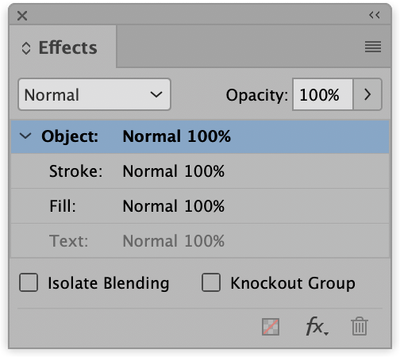
I suspect a blending mode may be applied to the objects that show the grid. Open the Effects panel and then click to select one of these objects like the orange bowl. The blending mode should be Normal. If not, there's your problem.
Copy link to clipboard
Copied
Blending mode is "Normal."
Thanks!

Copy link to clipboard
Copied
Hi Ken,
turn on Overprint Preview in InDesign.
If you can see the background like it appears in your exported PDF some of your placed objects may have transparency applied to it. Or overprint is applied like Bob assumes. All in all this still is a strange case. Do also export to PDF/X-4 and check with Acrobat Pro. Maybe we see a bug with InDesign's export to PDF (Print) feature?
Regards,
Uwe Laubender
( ACP )
Copy link to clipboard
Copied
Turning on overprint in InD does NOT look like the output PDF. The only place creating a PDF with a more recent PDF version looks like the image in the original post is if I use the "Flattener Preview" in Acrobat.
When selecting the bowl graphic in InD the "Clear All Transparency" option is grayed out, so I'm 99.9% sure there is no transparency applied.
Thanks for replying!
Copy link to clipboard
Copied
When selecting the bowl graphic in InD the "Clear All Transparency" option is grayed out, so I'm 99.9% sure there is no transparency applied.
Did you check the PSD for transparency in Photoshop? Clear All Transparency wouldn't have any affect on transparency created in Photoshop. Also what is the color mode of the PSD and the document’s Transparency Blend Space? X-1a requires all color to be converted to CMYK, so the problem might be happening on the conversion.
Copy link to clipboard
Copied
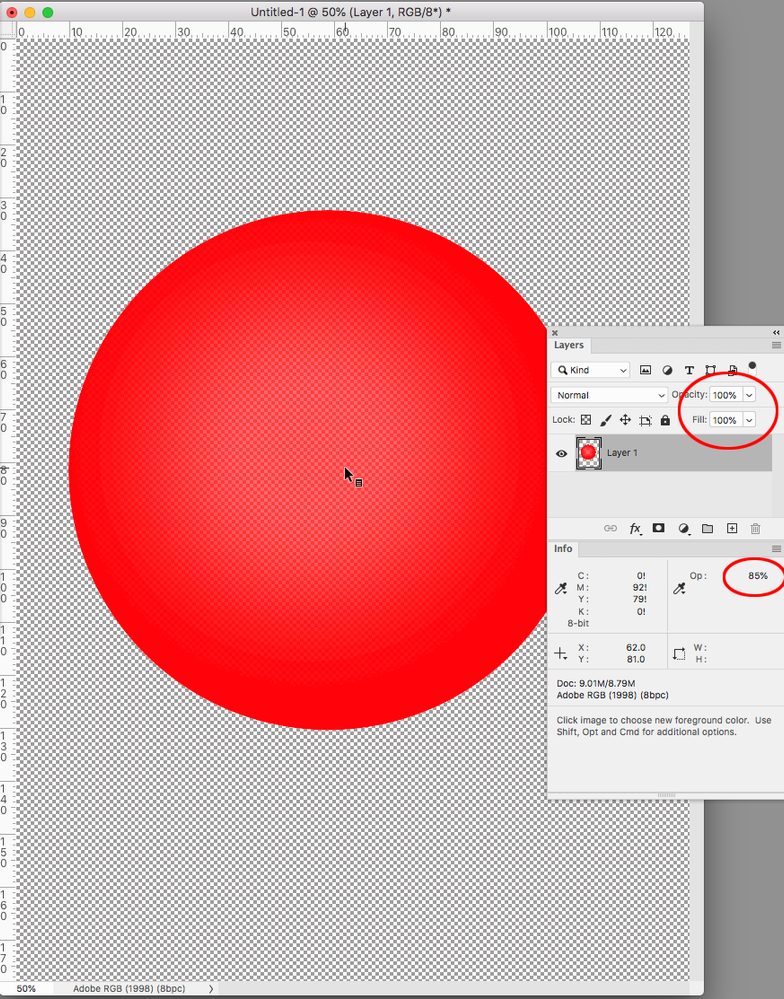
Yes, in Photoshop the layer is set to 100%, as is the tile.
Copy link to clipboard
Copied
A layer could be set to 100% Opacity and still have transparency. To be sure you have to check pixel Opacity via the Info panel like this:
Copy link to clipboard
Copied
Can you package and share the ID file and assets via your CC account or Dropbox?
Copy link to clipboard
Copied
Hmm, sorry, I'll have to check on that.

Copy link to clipboard
Copied
Let's suppose you are stuck with the PDFx1a requirement. If so, then maybe try this:
Create a Transparency Flattener Preset that completely rasterizes everything:
- Edit > Transparency Flattener Presets, click on High as a starting point, and then click New.
In the next dialog box, slide the raster/vector slider all the way to the left. Set the linework resolution to the printer’s res (maybe, 600), and set the gradient/mesh resolution to maybe 150, maybe 300. (If the shadow appearance is satisfactory at 150, fine. If not, go to 300.)
Save as a new Flattener Preset. - File > Export Adobe PDF > Advanced, and among other settings, select your custom all-raster flattener.
- View the resulting PDF to see if the problem persists.
Copy link to clipboard
Copied
Blending mode is "Normal."
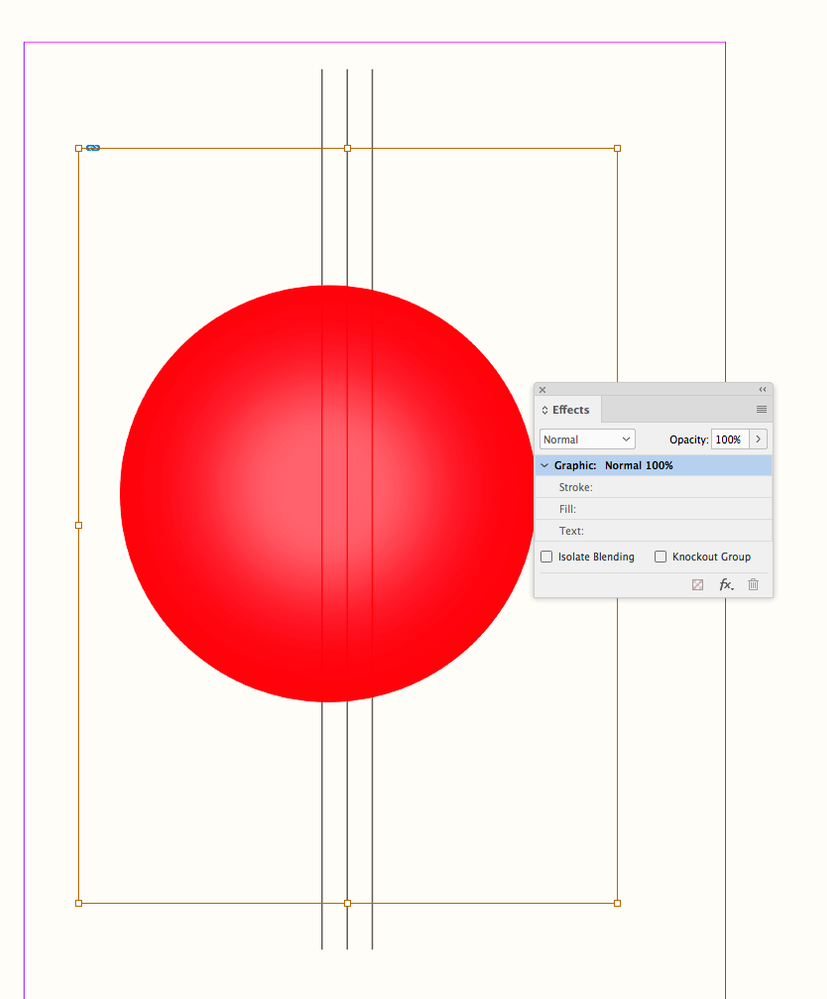
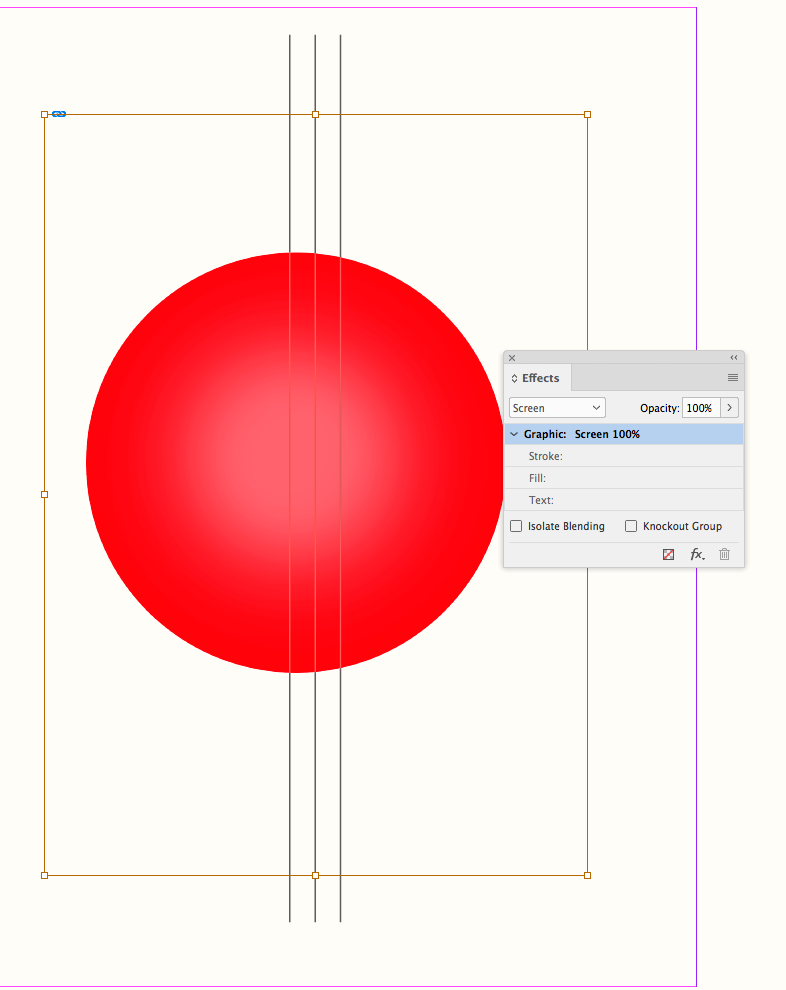
It does seem like there is a Blending Mode somewhere, because it’s more than transparency—the grid color is inverting. I think we have to get your files to know for sure. Here the Screen Blend Mode inverts the color value depending on the opacity—Normal blending wouldn’t do that:
Copy link to clipboard
Copied
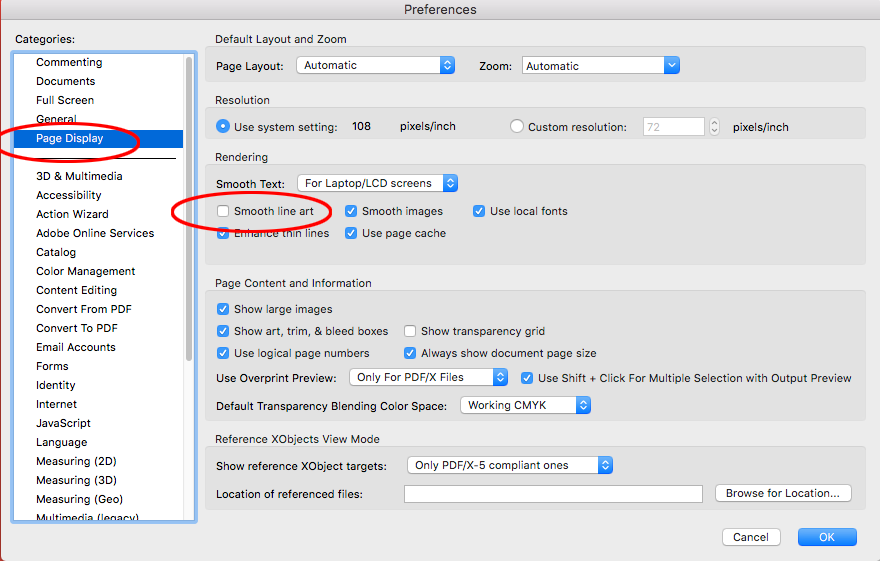
Also, if the lines are the stitching artifacts that can be associated with PDF/X-1a exports, they normally don’t show if you change your Acrobat anti-aliasing preferences. Does unchecking Smooth Line Art in Display preferences have an affect?
Copy link to clipboard
Copied
It does, turning that OFF makes them go away. What's that mean then, it's a stiching artefact?
Pixel opactiy is, indeed, 100%.
Unfortunately, my contact at the publisher is hesitant to have me send the files and has asked us to send a test file using the next newest Acrobat version as it makes the problem go away.
Copy link to clipboard
Copied
When you flatten transparency (Acrobat 4) the page is cut up into sections, and there can be low res display artifacts along the edges of the sections. It depends how the display application handles the anti-aliasing of the edges. If the output is to a high resolution device there would be no visible artifacts because at high resolution output there is no need to anti-alias the edges.
send a test file using the next newest Acrobat version as it makes the problem go away.
The Display Preference is not new, and it only affects the display and not the print output. Your Publisher will have to also uncheck Smooth Line Art in their Acrobat apps.


Get ready! An upgraded Adobe Community experience is coming in January.
Learn more
 AdChoices