

Best practice for text and images in InDesign
Hi all,
More newbie questions.
As a person who is used to MS Word, if I needed to increase paragraph spacing I would normally use carriage returns, paragraph breaks or whatever the current terminolgy is to create new paragraphs. If I needed more than one line between paragraphs I would use multiple breaks.
Enter InDesign. My current document was imported from Word and I need to insert images. The document is in A5 format, eventually to be printed as a book of around 150 pages. The text on each page is in one text frame per page.
At this stage I feel I don't need to have images surrounded by text, mainly due to the fact it is A5 and the images would be too small, so they will probably be about 2/3 to full page width.
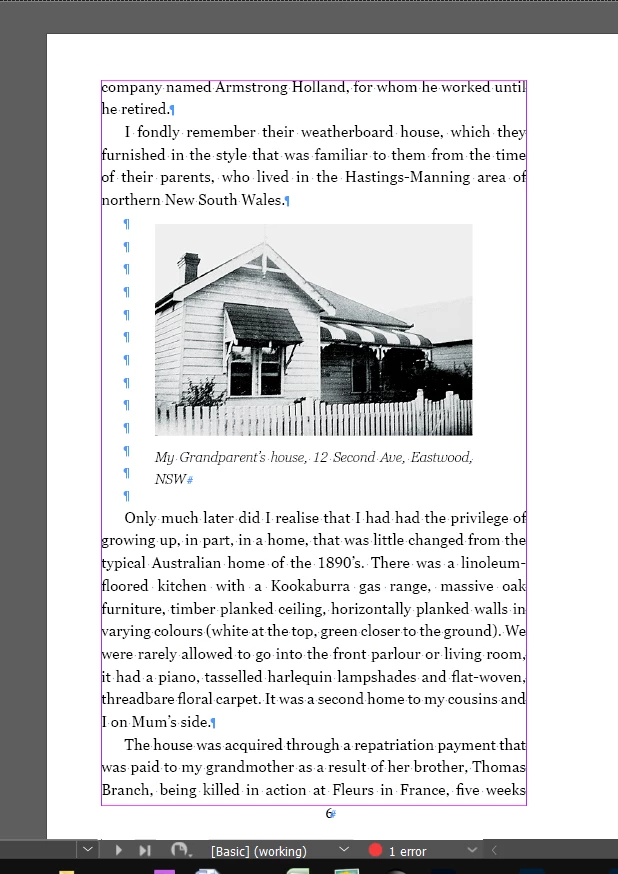
As far as I can see, to achieve this between sentences or paragraphs, I need to enter multiple paragraph breaks so I have space to insert the image, as per attached screen shot. Is this the best way?
If I do not need book text at the bottom of the image, I have used a page break which seems to work well.
Regards,
Steve


 AdChoices