


How to update InDesign (TOC) while the document is in the background and without displaying anything
I need some help troubleshooting my script.
The below script is part of a larger script that creates multiple files and adds them to a book.
Once all of the files are in the book, I need to update the Table of Contents (TOC).
Part of my goal is to not have anything display while this script is running. (Still tring to figure out how to supress the book panel...) TO achieve that, I have opened the file, with the TOC I need to update, in the background. Unfortunately, when the script reaches "story.textContainers[0].select()" it fails, telling me me there is no document window open:
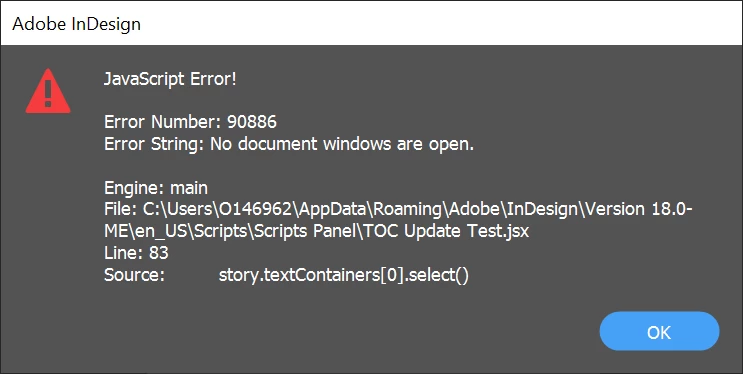
This is intentional, since I don't want any document windows open, but it is clearly causing a problem for the script. How do I get teh script to select the necessary text frame and update teh TOC while the document is in the background?
//Update TOC
var fob1_path = bookFolder + "/1" + fileNameNodes + "FOB.indd";
var fobFile1 = app.open(File(fob1_path), false);

function updateTOC(){
    var stories = app.documents[0].stories;
    for(var i=0; i < stories.length; i++) {
        var story = stories[i]
        if(story.storyType != StoryTypes.TOC_STORY)
            continue;
        story.textContainers[0].select()
        app.menuActions.item("$ID/UpdateTableOfContentsCmd").invoke();
    }
};

updateTOC();

fobFile1.save();
fobFile1.close();
<Title renamed by moderator>
 AdChoices