Exit
  • Global community
    • Language:
      • Deutsch
      • English
      • Español
      • Français
      • Português
  • 日本語コミュニティ
  • 한국 커뮤니티
0

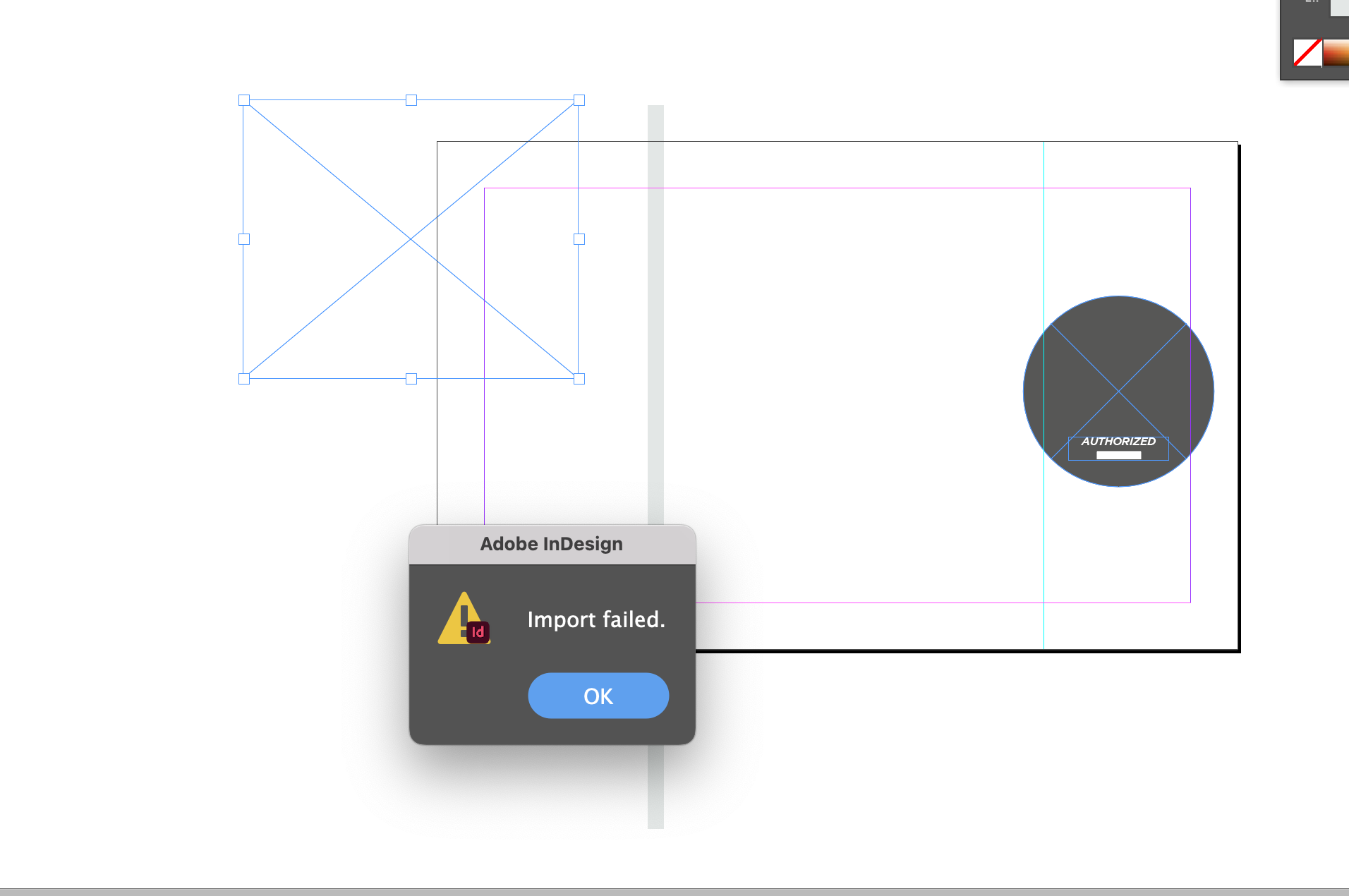
Import failed, Indesign, file is jpeg and this is normally not a problem

New Here ,
May 04, 2022 May 04, 2022

Hi all 👋
This strange problem accured yesterday. I'm working on a folder and wanted to import some images. I press Apple D like I always do. Message was Import failed! 
I'm use to working in Indesign and know what files are to import, jpg, png etc. 
Can anyone recognize this prolem or help me please ❤️

TOPICS
How to , Import and export
512
Translate
Report
Community guidelines
Be kind and respectful, give credit to the original source of content, and search for duplicates before posting. Learn more
community guidelines

correct answers 1 Correct answer

New Here , May 12, 2022 May 12, 2022

Thank you for commenting on this.
The day after the issue appeared suddenly everything was back to normal again. ut I chatted with both Dropbox and Adobe about the issue.
BR Jan 

Translate
Community Expert ,
May 04, 2022 May 04, 2022

Hi Jan,

are you able to open the image you wanted to place with PhotoShop?

And if yes, can you save it again? Does this make a difference?


Regards,
Uwe Laubender

( ACP )

Translate
Report
Community guidelines
Be kind and respectful, give credit to the original source of content, and search for duplicates before posting. Learn more
community guidelines
Community Expert ,
May 04, 2022 May 04, 2022

Is the image on DropBox?

Translate
Report
Community guidelines
Be kind and respectful, give credit to the original source of content, and search for duplicates before posting. Learn more
community guidelines
New Here ,
May 12, 2022 May 12, 2022
LATEST

Thank you for commenting on this.
The day after the issue appeared suddenly everything was back to normal again. ut I chatted with both Dropbox and Adobe about the issue.
BR Jan 

Translate
Report
Community guidelines
Be kind and respectful, give credit to the original source of content, and search for duplicates before posting. Learn more
community guidelines