Serene_observer5E99
Inspiring
August 5, 2024
Question

InDesign Adjust Layout not applied to all pages

  • August 5, 2024
  • 2 replies
  • 988 views

I received a file for a 176-page book with 6 Master Page spreads. I needed to resize the book from 5.125 x 7.625 to 5.5 x 8.25. I have always used the "Adjust Layout" function to accomplish this in the past with relatively few problems. In this file, however, I ran into an issue--The page adjustments were applied to everything except for 2 of the master pages.


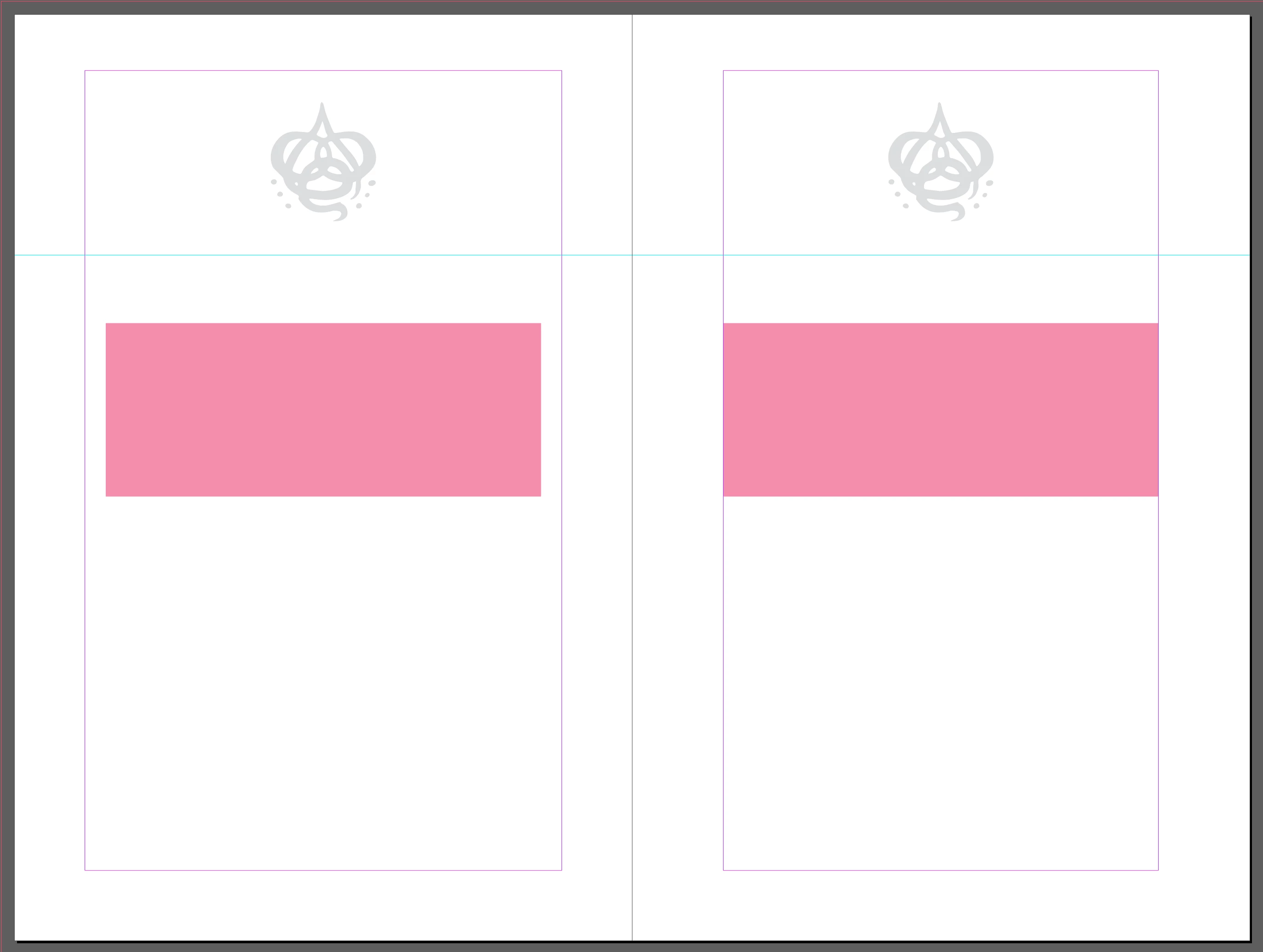
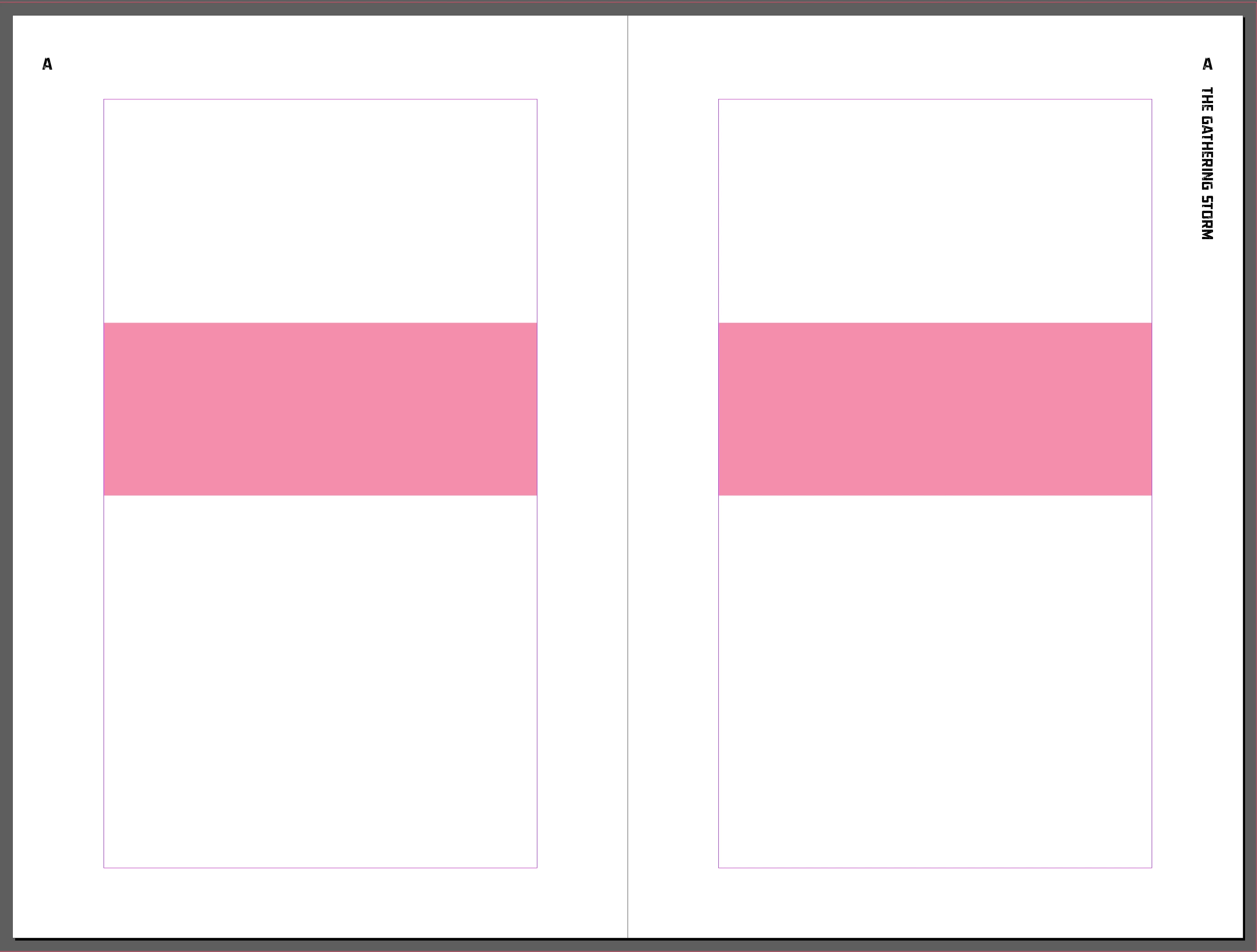
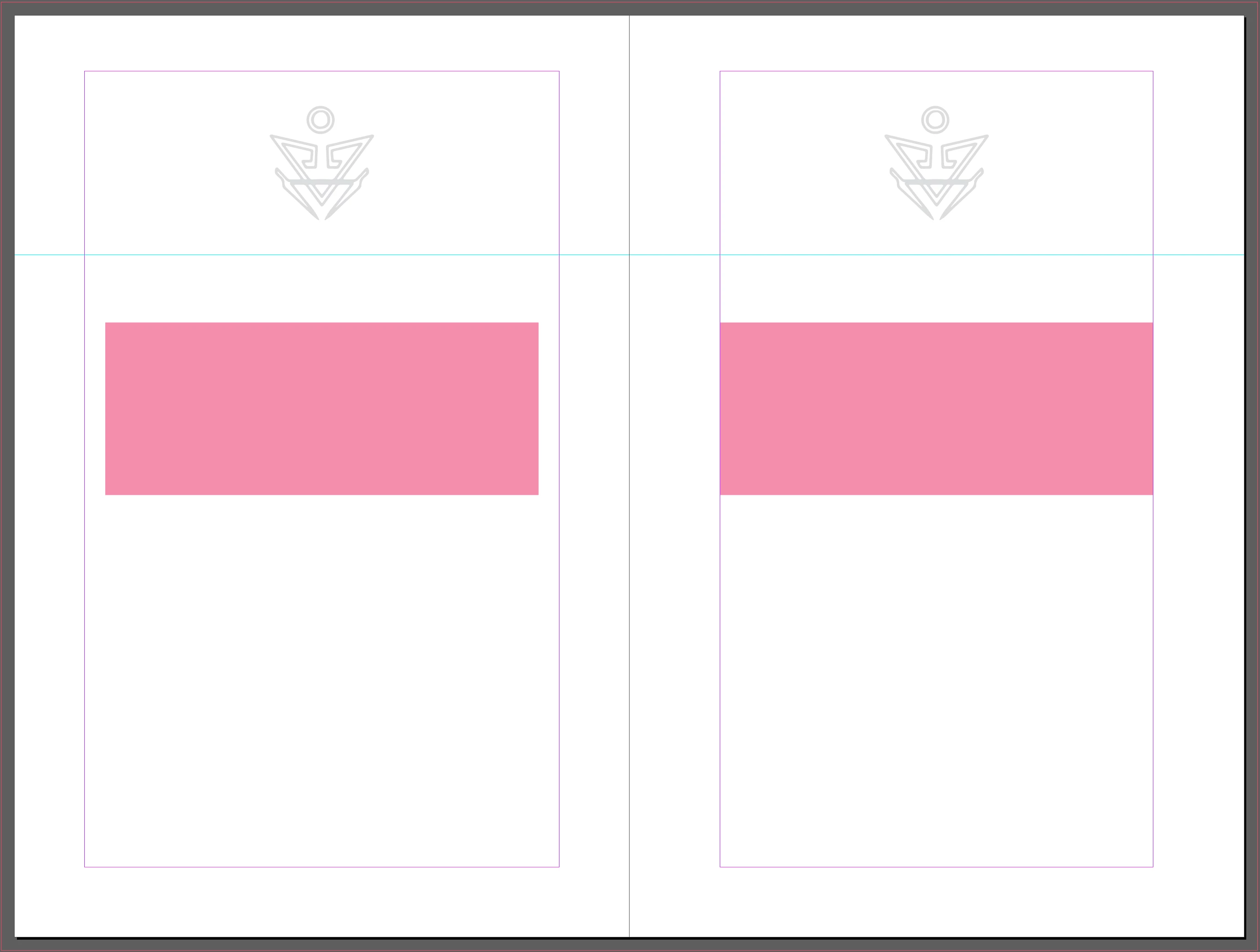
In the first screen grab, you can see that the pages were adjusted correctly. The master pages are correct in the first, second, fourth and sixth master spreads. In the third and fifth master spreads, however, the left hand page did not make the same adjkustment as everywhere else (see second and thrid screen grabs).


This has caused a huge problem for me because it was not noticed (by me or anyone else) until the book had gone to print. Why would this happen, and what can I do to make sure it never happens again? I do these kinds of projects regularly and haven't run into this problem (as far as I know) in the past.
This topic has been closed for replies.

2 replies

Robert at ID-Tasker
Legend
August 5, 2024

@Serene_observer5E99


If you work on a PC - my ID-Tasker tool - not free - can help you find those inconsistencies AND fix them.


The "preflight" part you could do using free version. 

Paid would be necessary to fix. 


https://youtu.be/v_ygJzbrEtQ?si=9fTKRkIWjzyc4Ozk


Serene_observer5E99
Inspiring
August 6, 2024

Thanks, but I'm on an iMac.

 
James Gifford—NitroPress
Legend
August 5, 2024

I believe one limitation of Layout Adjustment is that a page's existing text frame must be touching its Parent page margins. That is, if a page has its frame moved off center, so that none of the frame edges are touching a margin (crossing over doesn't count) it will be skipped by the adjustment process.


I might have that a bit mangled, but the gist is correct in that Layout Adjustment will only apply to pages that have not been modified in certain ways — the app assumes you want to keep those modifications.

Serene_observer5E99
Inspiring
August 5, 2024

Sorry, I should have explained that the pink boxes are there to show that the margins in the master pages were not adjusted to the correct measurement, which can be seen in the first screen grab. The boxes are not design elements.

James Gifford—NitroPress
Legend
August 5, 2024

I understood that. I believe  —but am not 100% certain — that if you examine the pages that did not adjust, you will find the text frame is not aligned with the page margins. It can be off by just a point or two, almost invisible unless you look closely.