Answered
Indesign Color Theme Tool bar won't go away.
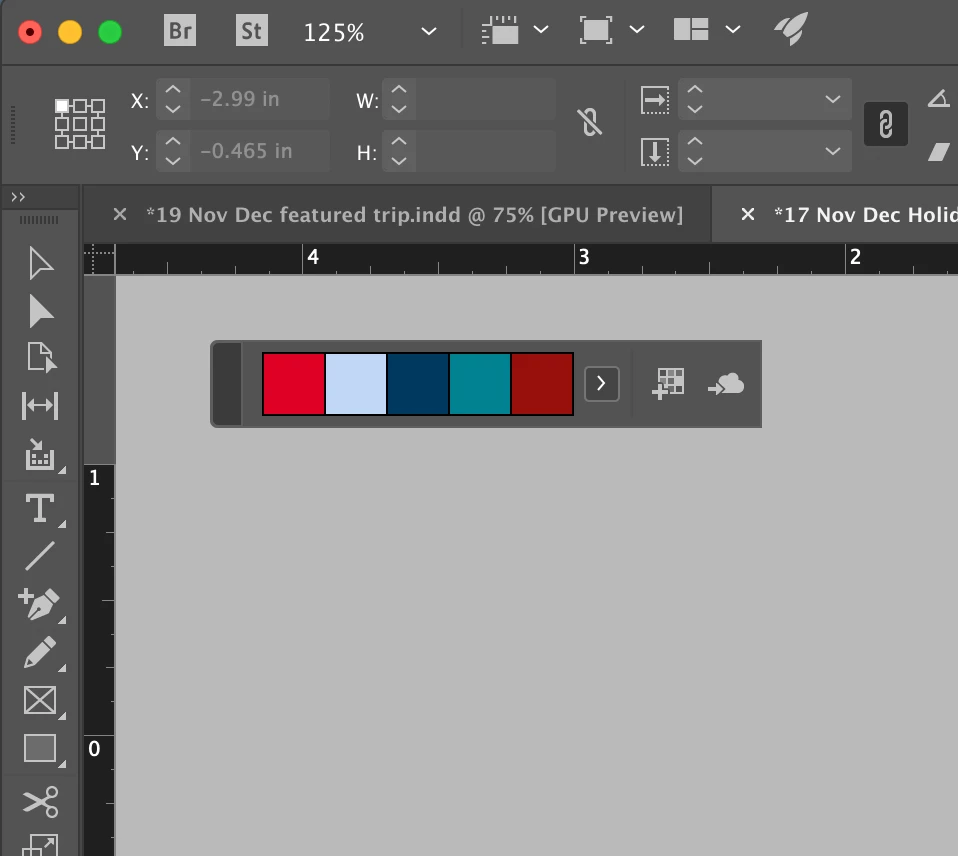
I have a quick question about the Color Theme Tool bar. I accidently clicked it and now it is on my screen forever and I can't get it off. Is there any way to get it off my screen?

I have a quick question about the Color Theme Tool bar. I accidently clicked it and now it is on my screen forever and I can't get it off. Is there any way to get it off my screen?
The two standard ways to dismiss the floating tool bar for the Color Theme tool: (1) Press the Escape tool closes it so you could choose another sample. (2) Choosing another tool (like the Selection tool) temporarily hides it but will reappear if you choose the Color Theme tool again.
If that doesn't work, I'd quit out of InDesign.
Already have an account? Login
Enter your E-mail address. We'll send you an e-mail with instructions to reset your password.
 AdChoices