


Copy link to clipboard
Copied
Hey there,
I've been having this weird glitch in inDesign where certain documents will look fine on my office computer (Mac), but when I open them on my PC at my home office, all of the spaces have been removed from most of the words. The texts blocks are left justified and the only fix is it press center justify and then left again and then I have to reformat the whole block as it causes words to jump around. There are no text wraps either so I am not sure why this is happening. Kerning and such is all set to 0 as well.
I'll format and make the text all nice and clean on my work mac but then go home, most of the words have jumped lines, I have overhung text (Red on the pre-flight), and of course most of the words have lost all of their spaces.
PLEASE HELP!
Thanks.



 1 Correct answer


I guess, you are not working with the same font version on your Windows PC compared to your Mac.
So text composition is differently.
Regards,
Uwe

 6
Replies
6
6
Replies
6

Copy link to clipboard
Copied
Hi GeoDa7 ,
please show a screenshot with frame edges showing and hidden characters showing as well.
Thanks,
Uwe
Copy link to clipboard
Copied
No problem, here you are:

Copy link to clipboard
Copied
Thank you very much,
as far as I can tell from your screenshot there are no blank spaces missing.
However text composition is very dense.
Regards,
Uwe
Copy link to clipboard
Copied
I guess, you are not working with the same font version on your Windows PC compared to your Mac.
So text composition is differently.
Regards,
Uwe

Copy link to clipboard
Copied
HI GeoDa7:
I can see from your screenshot that you jerry-rigged the hanging indents with tabs, spaces and line breaks. Did you also set the text to full justification with hyphenation off?
It could be the font, but would start by removing the bullets, leading spaces, leading tab and line breaks from the first paragraph then:
- Click in the first paragraph
- Change the alignment to Justify with Last Line Aligned Left
- Click on the bullet button to assign a basic bullet and hanging indent
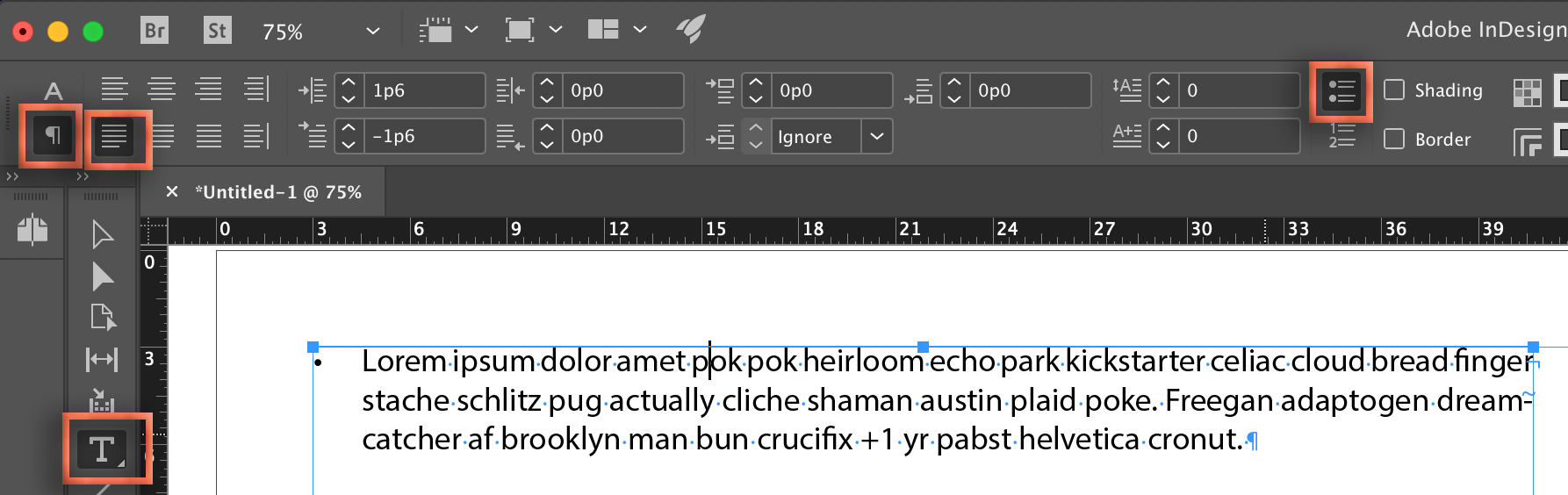
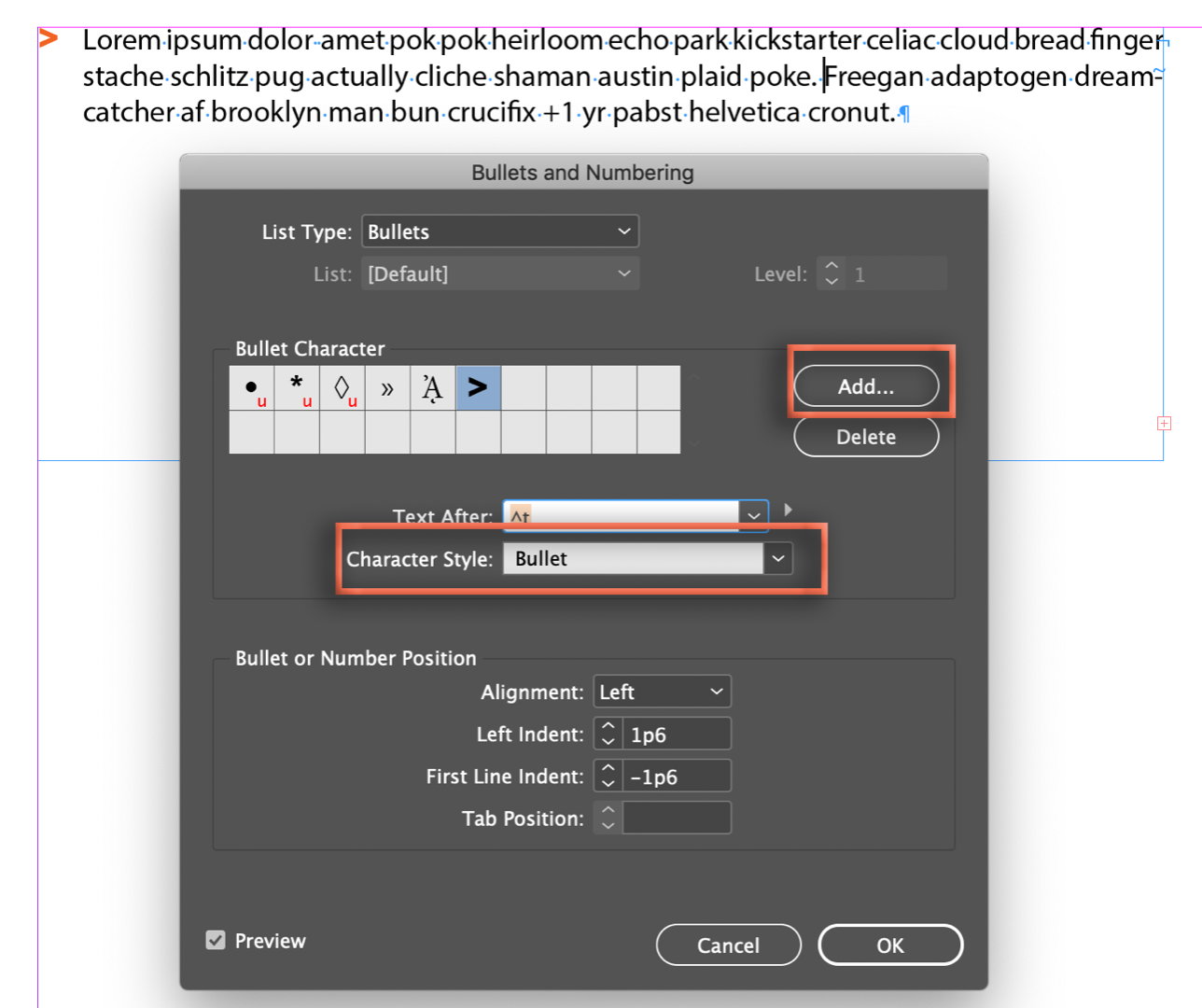
- Alt/Opt click the bullet button. Click Add to add your custom bullet character and define a character style to change the color of the bullet.
- Save as a style and assign to all of the bullet items:
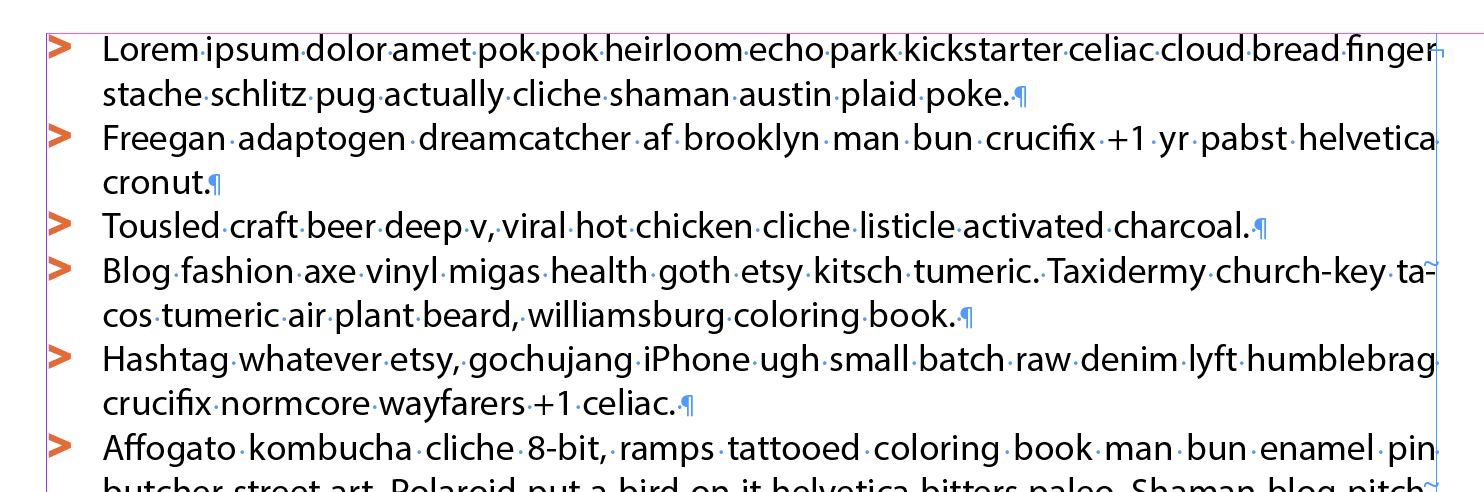
~Barb
Copy link to clipboard
Copied
It just turned out to be that I was using 2 different font versions on my 2 machines, Thanks for the tips though!


Get ready! An upgraded Adobe Community experience is coming in January.
Learn more
 AdChoices