


- Home
- Lightroom Classic
- Discussions
- Re: catalog corrupted, repair fails
- Re: catalog corrupted, repair fails
catalog corrupted, repair fails

Copy link to clipboard
Copied
Hello
My catalog became corrupt and I don't have a backup (I'll surely select to do backups after this incident)
Repair fails during the updating catalog step.
Any Help would be appreciated. If I could send my catalog file to be fixed that would be excellent.
Adobe Lightroom CC 2015.12 Camera Raw 9.12
Windows 10
-Stephen Nguyen


 10
Replies
10
10
Replies
10


Copy link to clipboard
Copied
help?


Copy link to clipboard
Copied
Hi Stephen,
I've sent you a private message, could you please check and response.
Regards,
Sahil

Copy link to clipboard
Copied
I do keep backups with my LR6 on my Mac but I've had three corrupt catalogs in the past two months. About 4 months ago I had a new hard drive put into my iMac so I don't think it's hardware related. Any suggestions? Also when I back up my catalog, I have 165,000 images, it takes almost 10 minutes to check the integrity and compress the info? Is this normal?


Copy link to clipboard
Copied
Probably, especially if you are backing up to an external drive that is likely much slower than the drive you catalog is on.
Copy link to clipboard
Copied
Thank you for replying. So a ten-15 minute backup to an external drive with 165,000 files doesn't seem unusual?
Copy link to clipboard
Copied
Not at all unusual especially if you are on a hard drive as opposed to an SSD.

Copy link to clipboard
Copied
clpvt wrote
I do keep backups with my LR6 on my Mac but I've had three corrupt catalogs in the past two months. About 4 months ago I had a new hard drive put into my iMac so I don't think it's hardware related. Any suggestions? Also when I back up my catalog, I have 165,000 images, it takes almost 10 minutes to check the integrity and compress the info? Is this normal?
If it keeps happening, this is almost always due to some hard disk malfunction, perhaps a bad sector, perhaps something else.
New hard disks can be faulty.
10 minutes to check the integrity of a 165,000 image catalog seems reasonable to me.

Copy link to clipboard
Copied
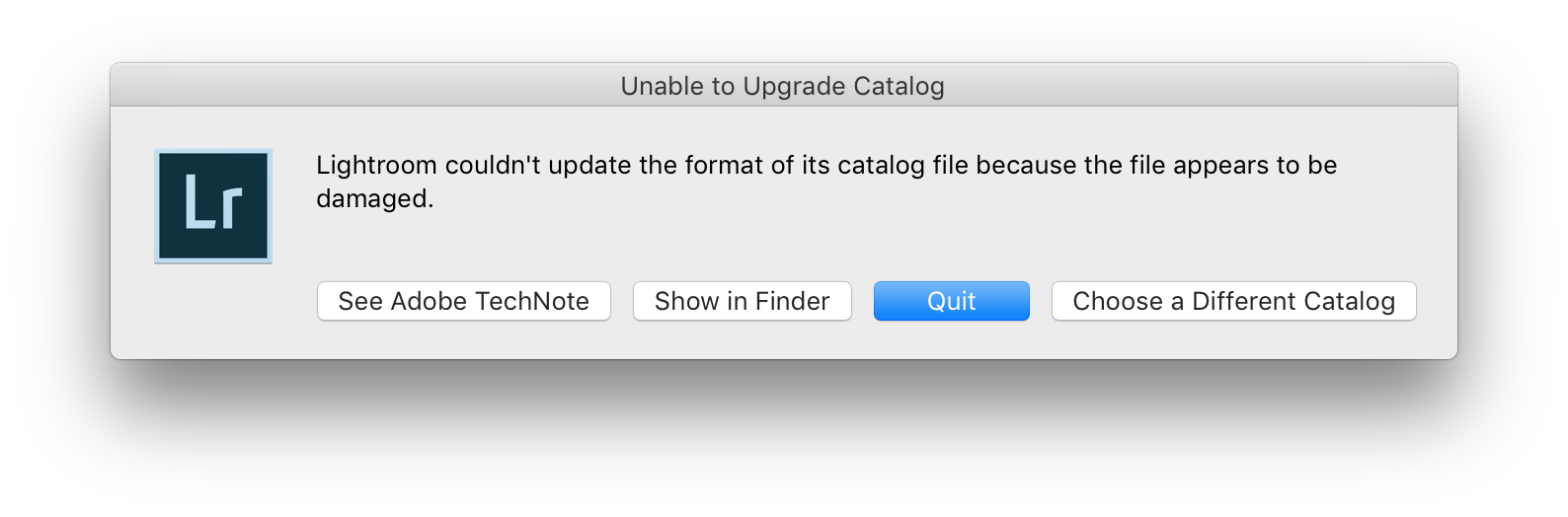
Hello, I have a similar problem... I am trying to upgrade to Classic but it cannot upgrade the catalog and when I open with the previous version of LR it CAN open the catalog but cannot repair or optimize or export as catalog. Apparently LR says the catalog is corrupt and cannot be repaired. Is there any way to repair a corrupt catalog even if LR cannot do it?
I am stuck and my catalog has almost 150.000 images... all my backups have the same problem. Could you please help me?
Thanks,
Simone

Copy link to clipboard
Copied
Hi Sahil,
I can't seem to open my catalog and was prompted the following: 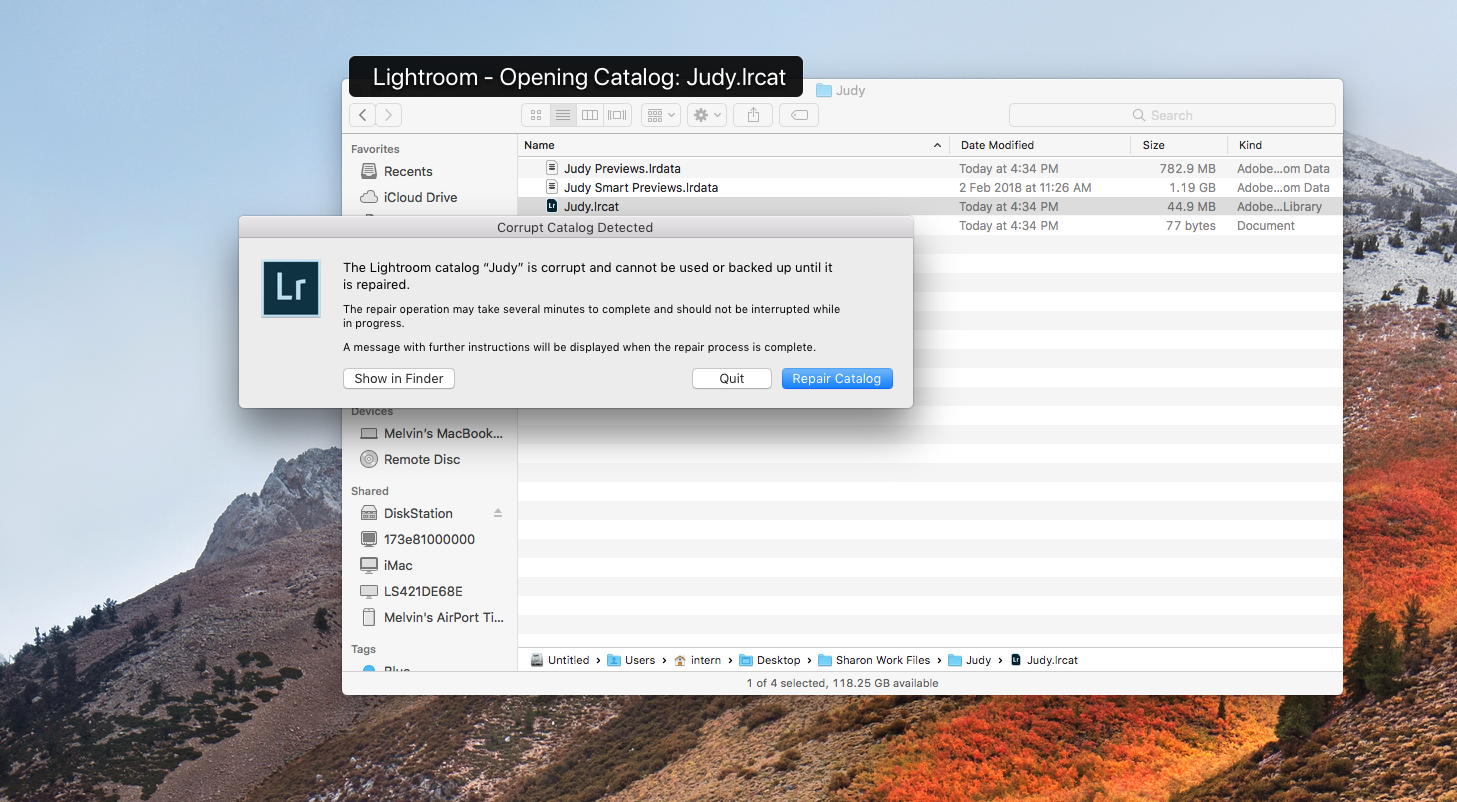
It seems like I cannot repair or back up the catalog, and I have tried resetting the preferences and restarting Lightroom but was unable to fix any of the errors.
Kindly assist and advice on the procedure to fixing this issue. Appreciate if you could revert back to me as soon as possible as I have to rush out the work.
Regards,
Sharon

Copy link to clipboard
Copied
I also am having this issue. My computer tries to repair the catalog but gets stuck in the “Updating file format” step and never fully repairs. Please help ASAP


Get ready! An upgraded Adobe Community experience is coming in January.
Learn more
 AdChoices