



Colors very different between Lightroom and Photoshop
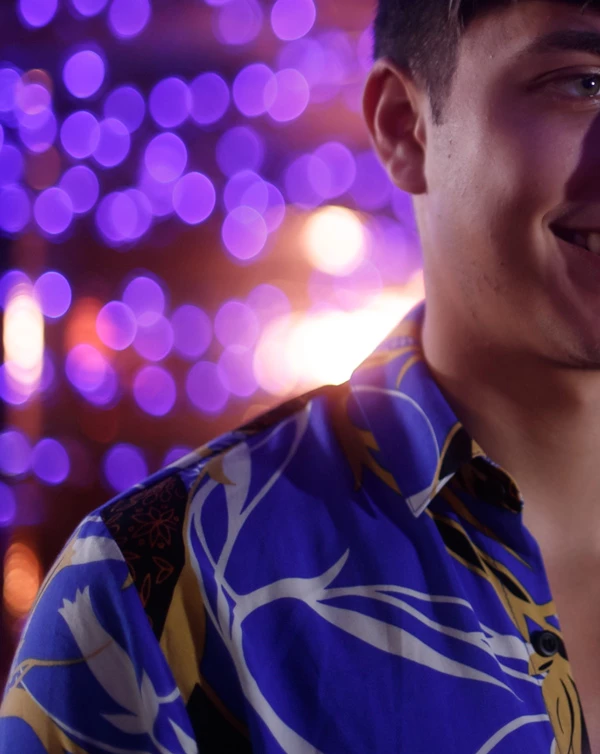

Posted above are screen shots taken from my iMac. The first image is how the color looks in Lightroom, the second is what it looks like when edited in Photoshop from Lightroom. My color profile for RGB is set to ProPhotoRGB. I've done a lot of searching for answers, but I can't seem to find any sort of agreement as to how I should set up color in Photoshop. I've also tried to go through my Mac's color settings, but the options are pretty overwhelming.
EDIT - Additional Info: Opening the raw image in Mac Preview or viewing it in the OS preview, the image looks as it does in Lightroom. Viewing the raw image preview in Bridge, the colors look like they do in Photoshop, as does opening the raw image in Photoshop Raw.
EDIT 2: Photoshop is definitely making color changes. If I simply select Edit In Photoshop, and then save the image without making ANY changes at all in Photoshop, the edited tif takes on the color difference anyway.
I'm really hoping to get some help. Thank you in advance!
 AdChoices