Copy link to clipboard
Copied
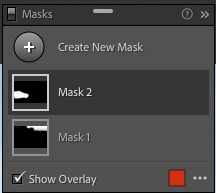
Lightroom Classic Develop Module UI is missing the Masks - Add & Subtract buttons ?? 😱
Anyone know how to re-activate them ? Adobe ??
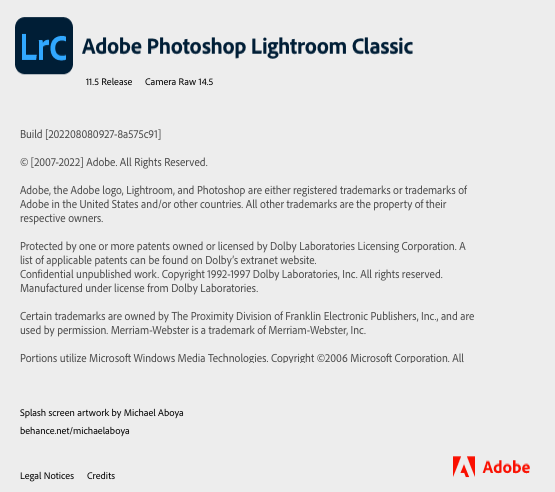
I'm running a Mac Pro, macOS Monterey, Adobe Photoshop Lightroom Classic build 11.5 (latest)..
Please see screen shots below 👇🏼

Oh! silly me....
I'll answer my own question for the benefit of any other numpty who finds themself searching here...
Be sure to click and activate the actual layer mask. Clicking the layer only will not activate Add/Subtract buttons... 🤪
Copy link to clipboard
Copied
Oh! silly me....
I'll answer my own question for the benefit of any other numpty who finds themself searching here...
Be sure to click and activate the actual layer mask. Clicking the layer only will not activate Add/Subtract buttons... 🤪
Copy link to clipboard
Copied
I had the same issue, but sometimes I wonder if Adobe could just do better....
Copy link to clipboard
Copied
Glad you figured it out. The other attribute to look for in such cases is the Process Version.
Copy link to clipboard
Copied
Thank you so much! I was going crazy trying to find it.
Copy link to clipboard
Copied
Thank you for this! this was driving me nuts...
Sara
Copy link to clipboard
Copied
Thank you. This worked!
Get ready! An upgraded Adobe Community experience is coming in January.
Learn more