coustoulin
Inspiring
January 13, 2026

Recurring synchronization issues that cannot be diagnosed

  • January 13, 2026
  • 2 replies
  • 137 views

Bonjour,


bonen années à tous !!!

J'ai depuis longtemps des problèmes avec LRC et la synchronisation de collections. certaines photos qui étaient synchronisées deviennent tout à coup problématiques. par exemple ici, j'ai des photos que j'ai modifiées et elles sont depuis plusieurs jours en attente de sync. Je n'ai que l'information d'un probleme qualifié "image". Parfois on a "métadonnées".

Je ne sais pas comment interpréter ces informations et en core moins comment corriger.

si quelqu'un peut m'aider ... ce problème d'incohérence me pourrit la vie depuis très longtemps et jamais personne n'est arrivé à m'aider !

merci d'avance
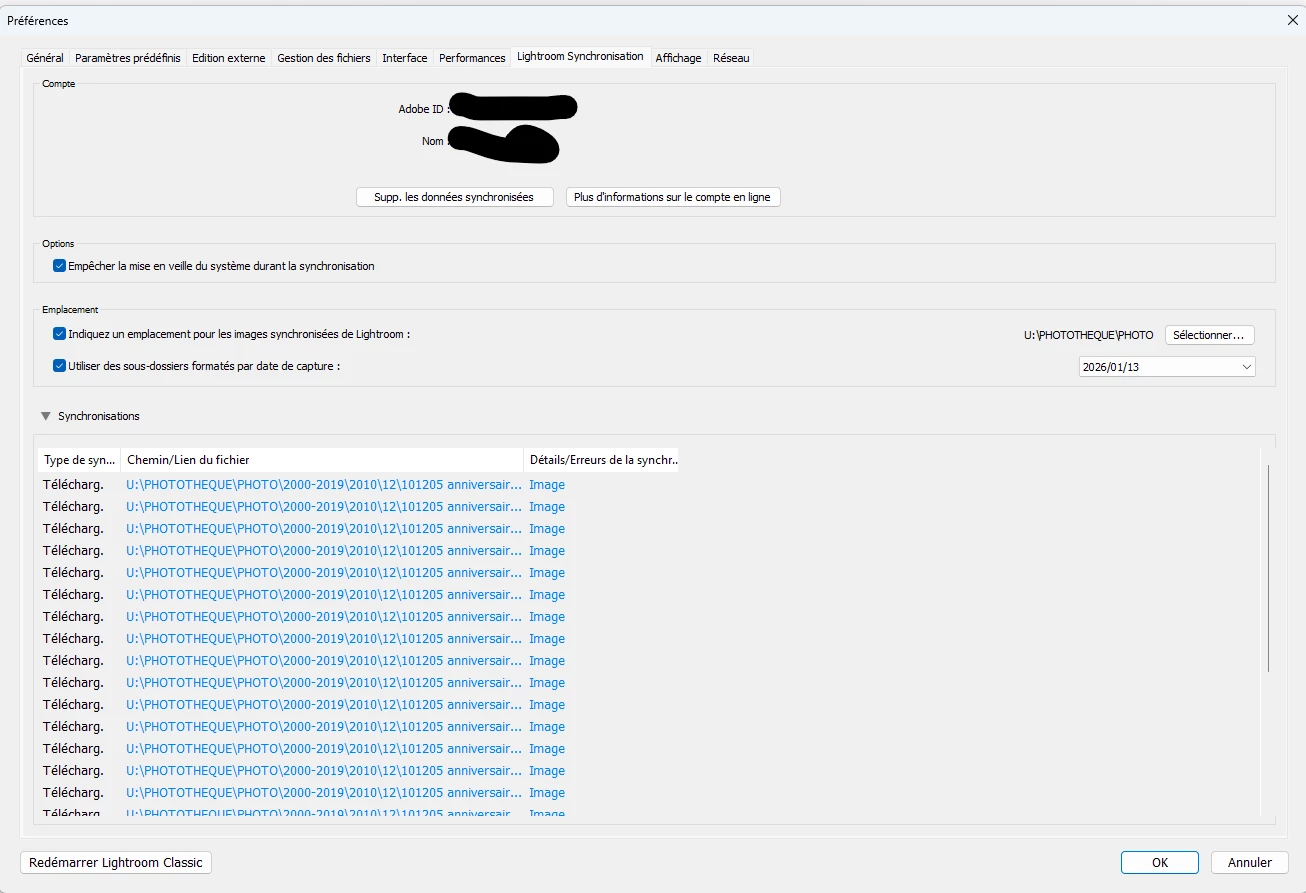
 

coustoulin_0-1768298115756.png

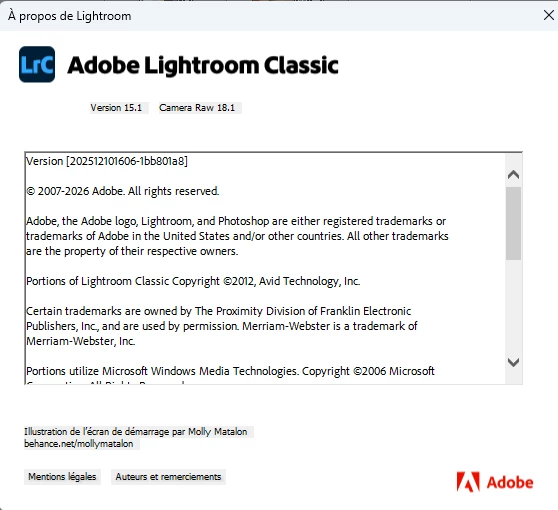
about LRC :

coustoulin_0-1768299498186.png


2 replies

coustoulin
Inspiring
January 27, 2026

Hello Anshul_Saini


do you have any answer for my problem ?

regards


Anshul_Saini
Community Manager
Community Manager
January 13, 2026

Hi @coustoulin,


Thank you for the screenshots and details. Happy New Year to you, too.


I understand how exhausting long-standing sync issues can be, especially when Lightroom only shows vague messages. Let’s go through a few structured checks to narrow this down.

• Sign out of Lightroom Classic, quit the app, relaunch it, and sign back in. After signing back in, let sync run for a few minutes and see if the same photos remain stuck.

• Check Lightroom Web. Sign in at https://adobe.ly/49uUY7n
– Look for the same photos that are stuck in Classic
– Clear the Deleted folder, remove any photos inside it from the web interface

• Inspect problematic photos
In Lightroom Classic, go to All Synced Photographs and identify the images that won’t sync.
Try selecting one affected photo and changing Metadata > Edit Capture Time and set it to anything, eg, 12:00:00 PM.
This often forces Lightroom to re-evaluate metadata and can unblock stuck sync items.


If none of the above helps:
– Go to Preferences > Lightroom Sync
– Hold down the Alt key
– Click Generate Diagnostic Report

Please attach the report to your reply so we can review it further.

Also, please confirm whether you are currently using or have used any third-party plugins, and whether this catalog has been synced continuously for a long time, or if the sync was re-enabled later.


We’ll take this step by step and work toward stabilizing your sync.


Best regards,
Anshul Saini

coustoulin
Inspiring
January 13, 2026

Tha,k you Anshul,


I tried everything, see in red my actions ... I cannot send to you the report because it's a zip file ,ot allowed by this interface.

looking for your advices

quote

• Sign out of Lightroom Classic, quit the app, relaunch it, and sign back in. After signing back in, let sync run for a few minutes and see if the same photos remain stuck. (same problem remains)

• Check Lightroom Web. Sign in at https://adobe.ly/49uUY7n (OK)
– Look for the same photos that are stuck in Classic (was not in LR web)
– Clear the Deleted folder, remove any photos inside it from the web interface  (OK)

• Inspect problematic photos
In Lightroom Classic, go to All Synced Photographs and identify the images that won’t sync.
Try selecting one affected photo and changing Metadata > Edit Capture Time and set it to anything, eg, 12:00:00 PM.  (OK done)
This often forces Lightroom to re-evaluate metadata and can unblock stuck sync items.  (but not here nothing changes)


If none of the above helps:
– Go to Preferences > Lightroom Sync
– Hold down the Alt key
– Click Generate Diagnostic Report

Please attach the report to your reply so we can review it further.  (PROBLEM : THE  FILE IS A ZIP call 'LrSyncDiagnostic.zip')

Also, please confirm whether you are currently using or have used any third-party plugins (no plugins), and whether this catalog has been synced continuously for a long time, or if the sync was re-enabled later. (photos are in two catalog, one old and another some weeks ago I tried to desync and resync, but problem remains) 


Anshul_Saini
Community Manager
Community Manager
January 15, 2026

Hello,

I sent to you by private message a link for a wetransfer file (830MB)

Looking forward to your answer.

have a good day


@coustoulin, thank you for sharing the WeTransfer link. I’ve received it. I’m now coordinating with the Lightroom engineering team to review the sync diagnostic data and identify the root cause of the recurring “Image” and “Metadata” sync states you’re seeing.


In the meantime, please continue to avoid:

  • Deleting the affected photos

  • Turning sync off and back on

  • Moving these photos between catalogs

I’ll follow up here with clear next steps based on the findings or if they need more info.


Thank you for your patience and for providing the detailed information.


Best regards,

Anshul Saini