
When importing RAW ARW file photos, LRc modifies the picture rendering it almost unusable
Hi!
I'm trying to import RAW photos to LR Classic. All looks good on the import window, pictures look desaturated as they should with the RAW + log color profile. But when I move to Develop, the photos get automatically modified, they get darker and with a lot of contrast; I'm not able to recover a lot of them actually.
I use a Sony a6400. I use it primarily for video but also get stills from time to time for my clients. Files are RAW and I use the same config I use for video: S-Log2 S-Gamut 2.
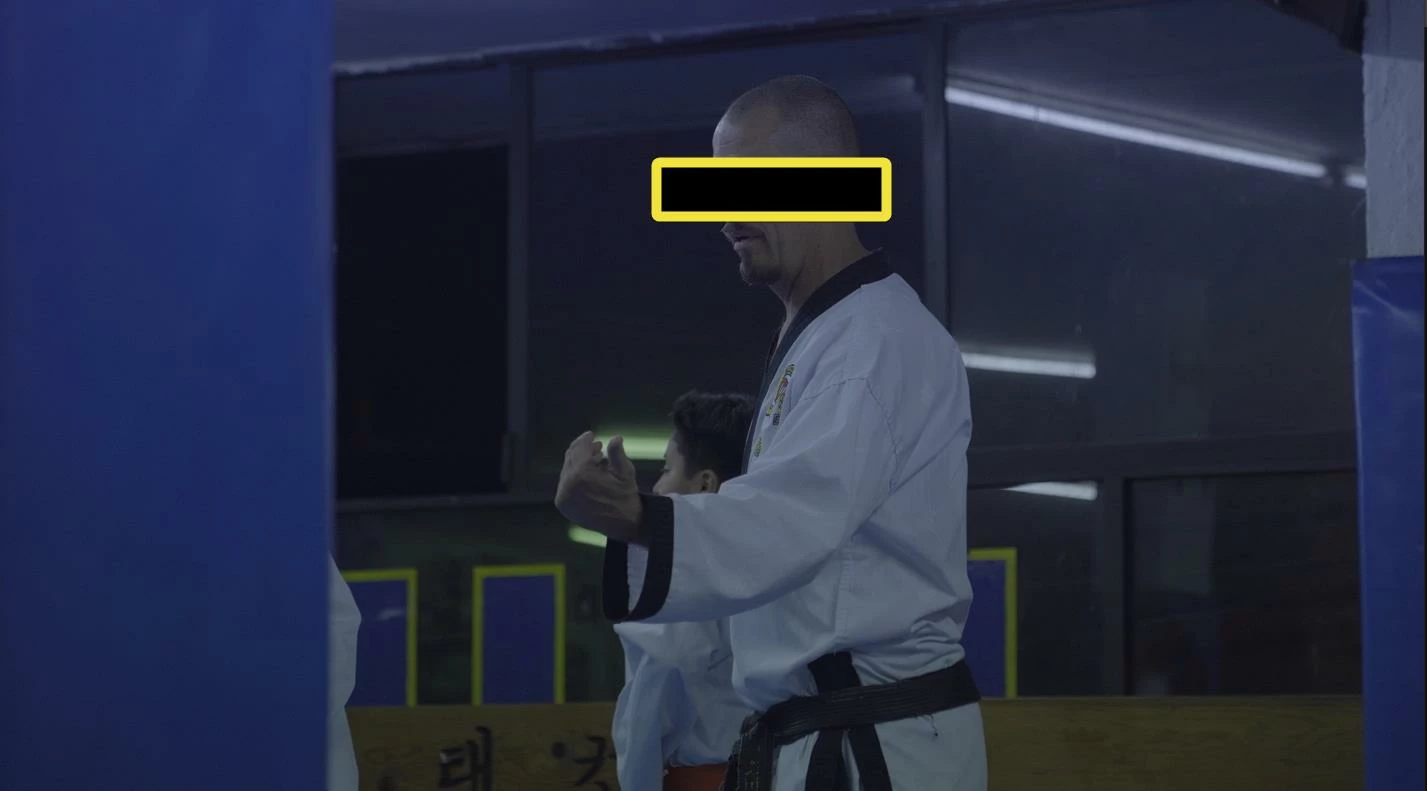
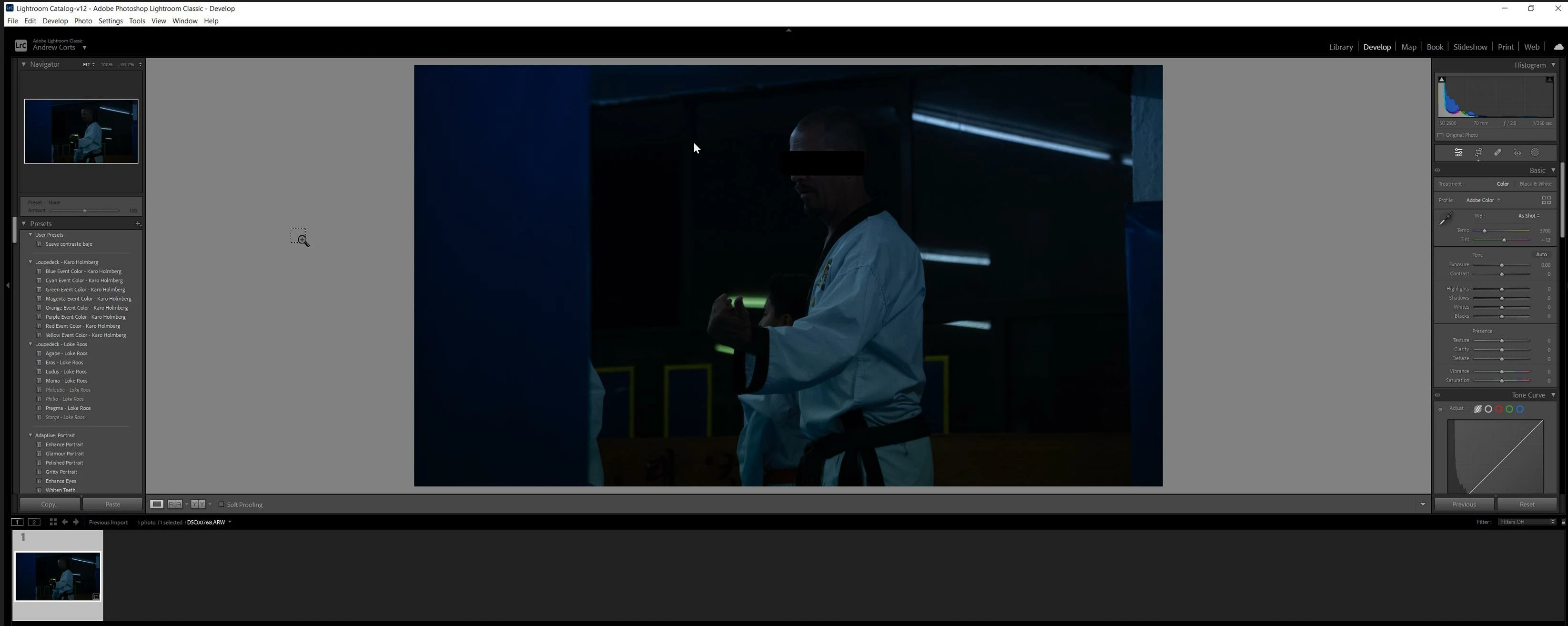
Here is an example of the RAW file vs. how it gets modified aggressively by Lightroom. Does anybody know how to fix this? I would like to work on the pictures from scratch myself instead of having Lightroom do any unsolicited modifications first.
RAW file, all good:
Modified on Develop:
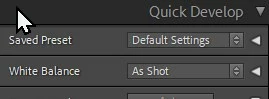
I do have the import preset settings as Default
Thank you for your time
 AdChoices