/t5/lightroom-ecosystem-cloud-based-discussions/lock-file/td-p/11560058Nov 01, 2020
Nov 01, 2020
Copy link to clipboard
Copied
Since the last upgrade, if I close Lighroom and then attempt to reopen, I get the error message that my catalog file is in use . The removal of the .lock file resolves the issue, but why should I have to do that in the first place?
/t5/lightroom-ecosystem-cloud-based-discussions/lock-file/m-p/11560148#M33882Nov 01, 2020
Nov 01, 2020
Copy link to clipboard
Copied
If this is happening repeatedly then it would seem to me that there might be a problem with permissions settings on the folder containing your catalog. That folder needs to have both read and write permissions. If everything is running properly that lock file should always be deleted automatically if Lightroom shuts down normally. Another thing to consider would be to reset Preferences in Lightroom itself.
/t5/lightroom-ecosystem-cloud-based-discussions/lock-file/m-p/11563431#M33946Nov 02, 2020
Nov 02, 2020
Copy link to clipboard
Copied
LATEST
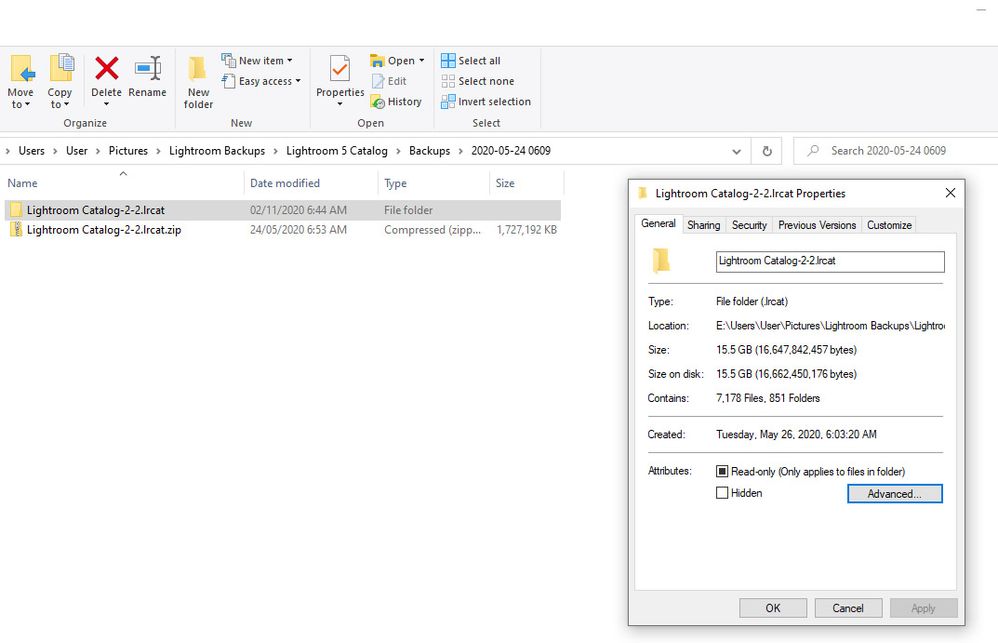
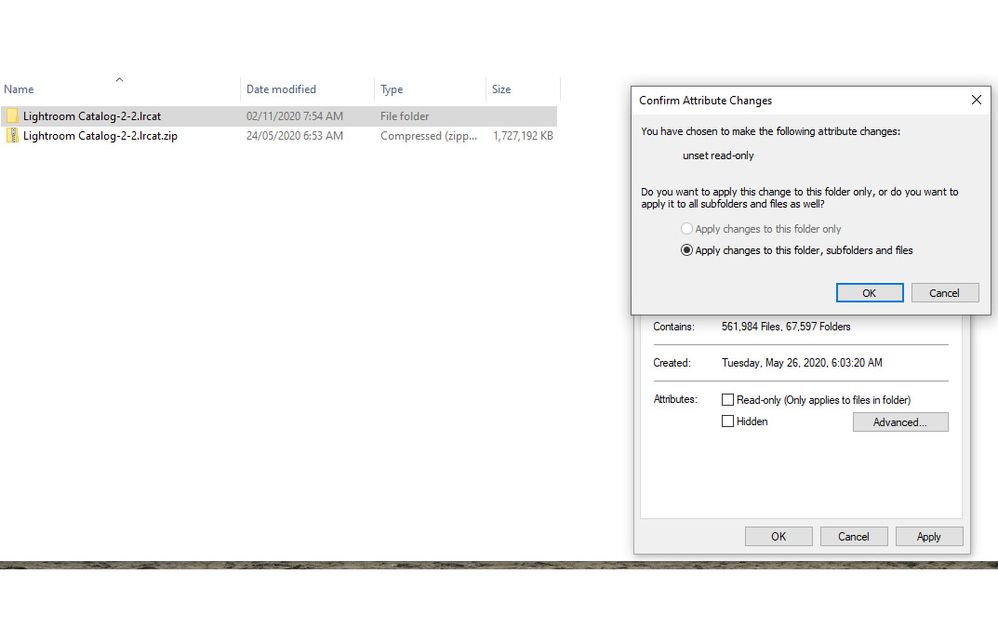
The screenshots that you are showing are in your backup folder. Why? Where is your working folder? What version of Lightroom are you working with? You mentioned the "last upgrade". If you are using LrC 10 the catalog should have a 10 appended to the end of its name. The date on the catalog file is clear back in February. It seems to me that you aren't showing your current working catalog in these screenshots. Or, maybe I'm not understanding what you're doing.




 3
Replies
3
Replies





 AdChoices