(Please ignore, follow up post)
Hi,
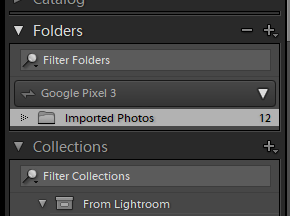
Apologies for another post on syncing. I'm a new creative cloud user. I've added some photos on the Android app, which were eventually visible in Lightroom Classic (after some fiddling with settings to make sure the view was right) but how do I see the photos in Lightroom and Lightroom Web please?
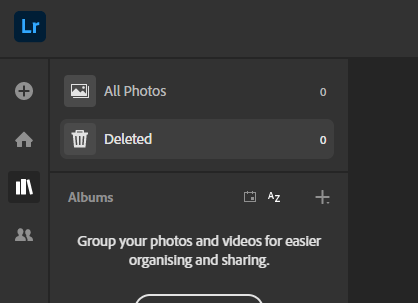
I can see in Lightroom Web (when clicking the cloud icon) that 104mb has been used of my cloud storage but where do I go to view those images as 'All Photos' shows 0. Equally in https://assets.adobe.com/files there are no files visible, I presume these are linked issues.
Snips attached from Lightroom classic, Lightroom cloud status and Lightroom library status.
Many thanks in advance,
Chris









 AdChoices